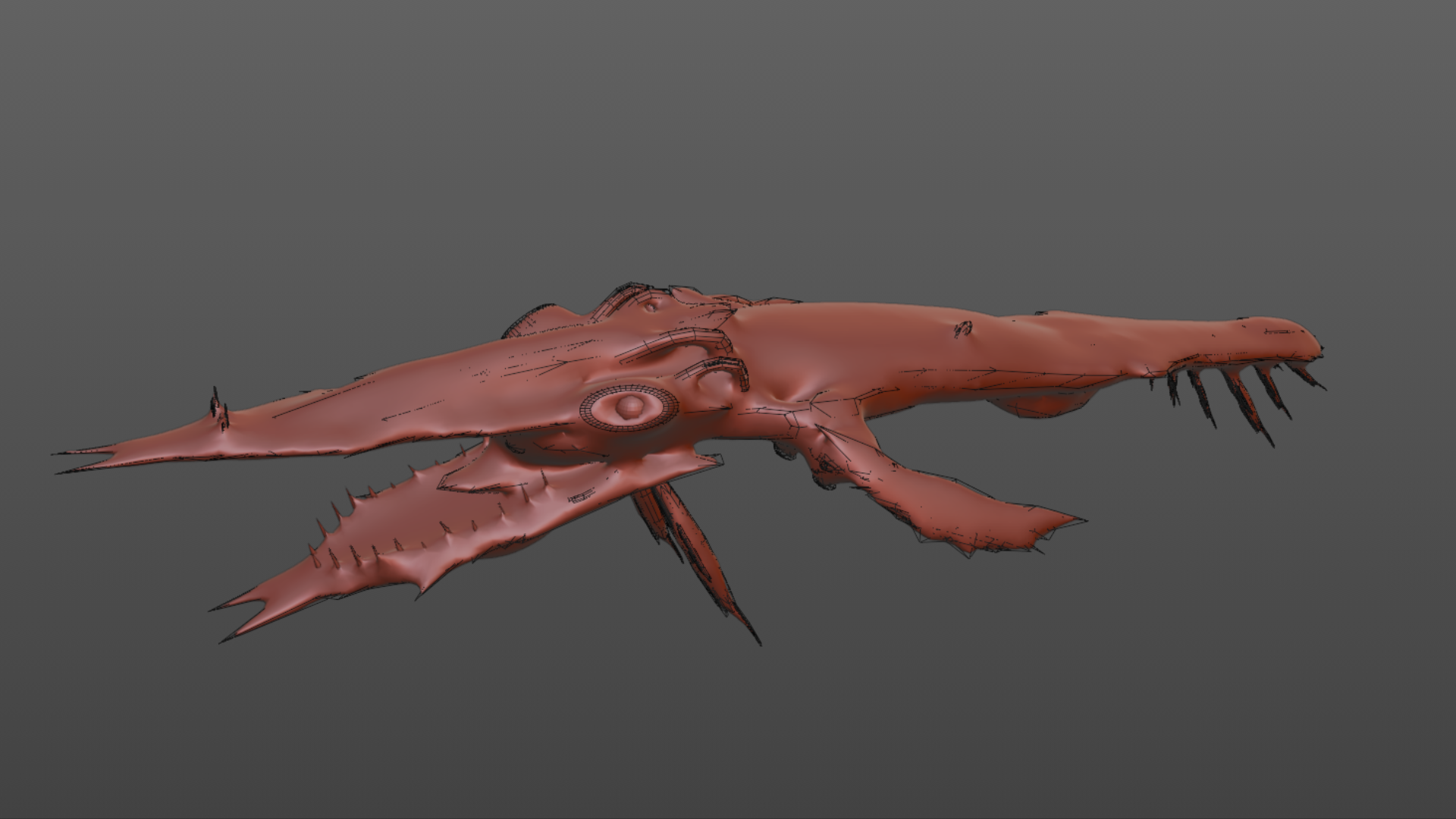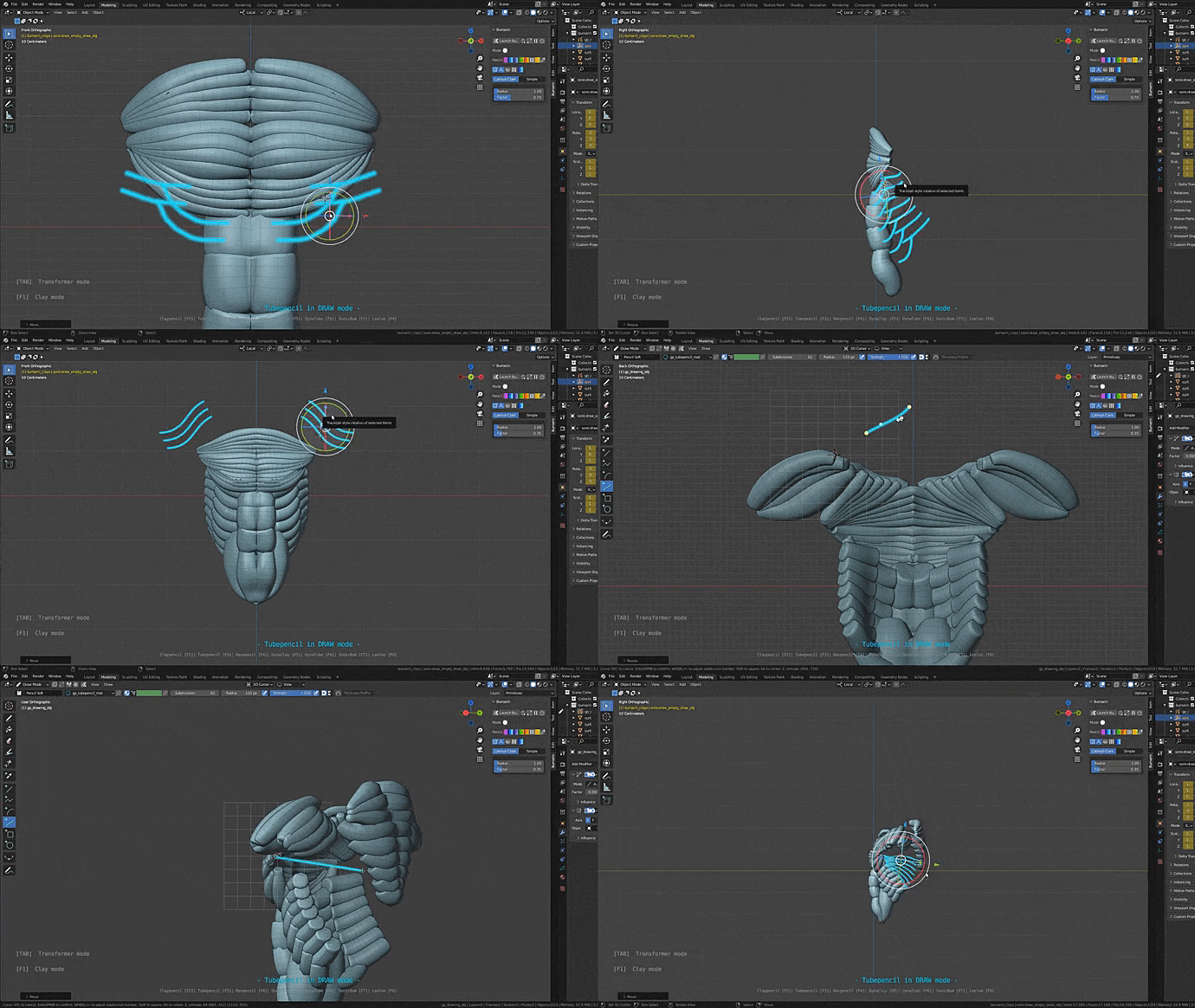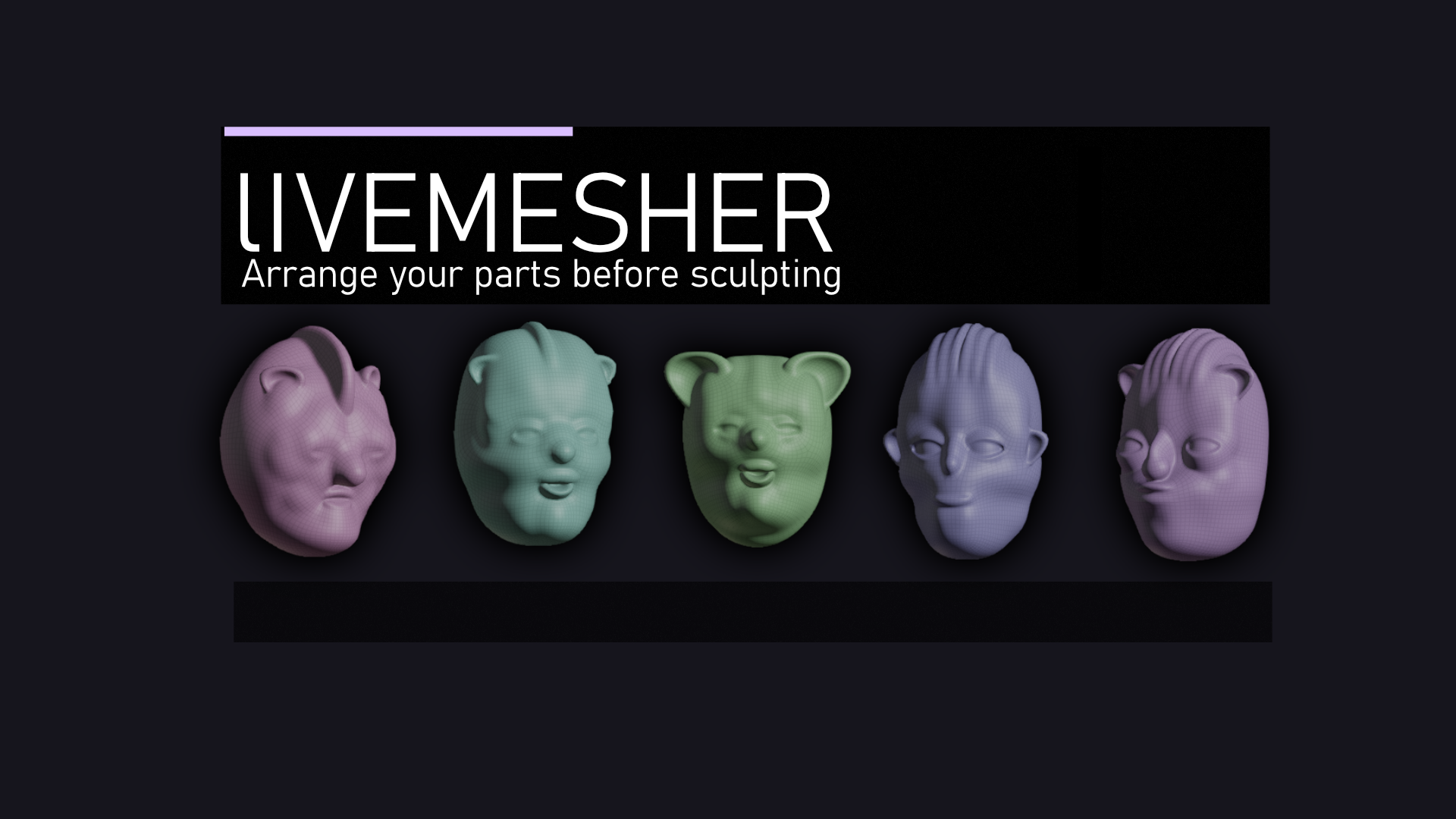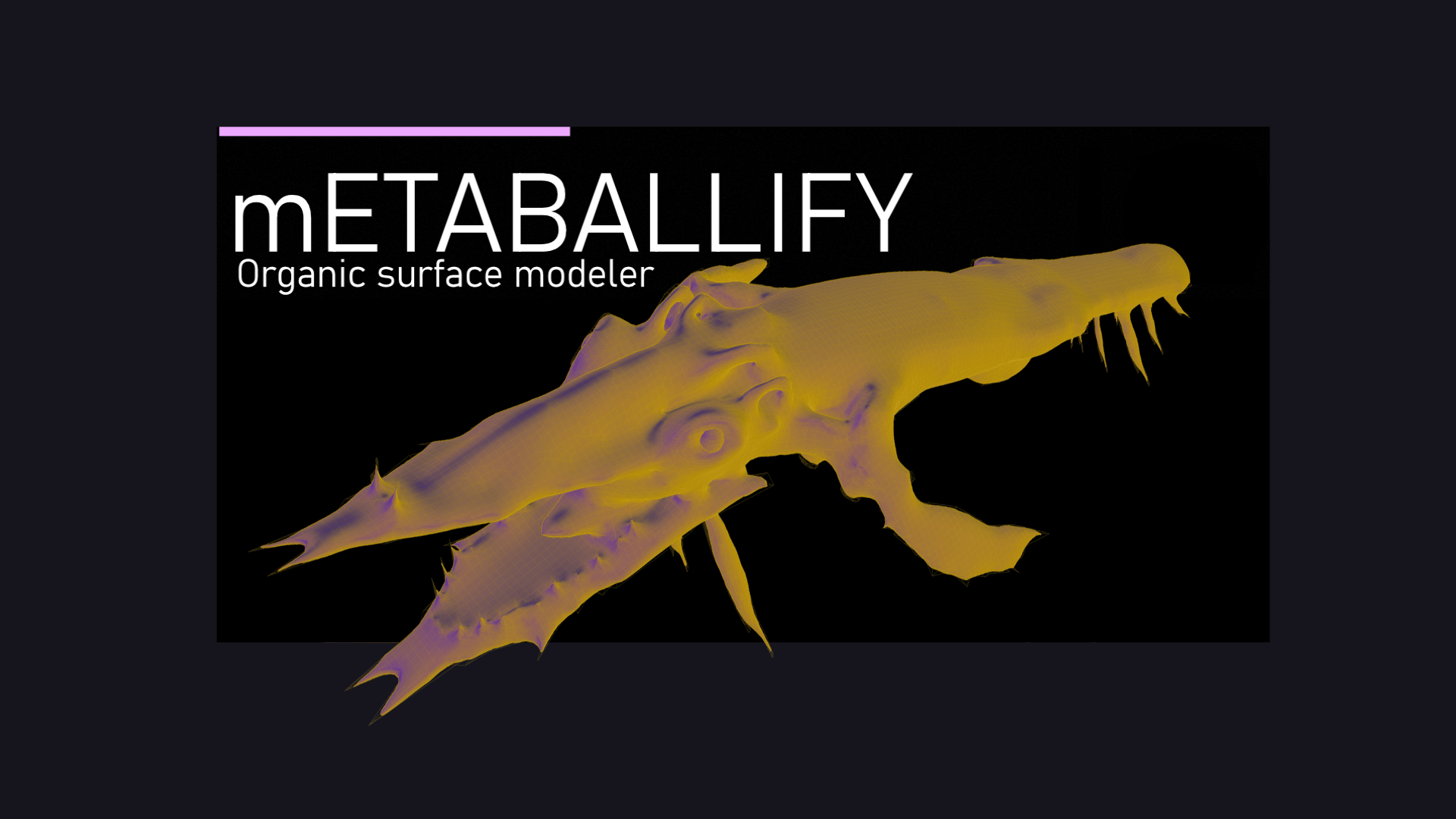
Metaballify - Organic Modeler is a Blender add-on for quickly sketching organic forms from selected meshes. It converts them into parts called M-Objects that react like metaballs. You can adjust those parts in Object mode, shape the combined form, then convert it to a mesh for sculpting or further editing.
How the Metaballify workflow works
- In Blender, open Edit > Preferences > Add-ons, choose Install, select the add-on ZIP, then activate Metaballify.
- Open the Metaballify panel in the 3D Viewport's Object mode and press Launch. Select the meshes you want to use, then choose Convert to M-Objects. You can add another mesh during a session, but the documentation says to convert again to apply it.
- Adjust the parts and global shape. Metaballify includes M-Egg, M-Cone and M-Flex objects, along with presets, viewport options, a Mirror button and smoothing settings. The documentation suggests starting around 20 for the density setting. Lower density may improve fluidity, but can also leave holes, so inspect the shape as you adjust it.
- Choose Convert to mesh when you are ready to continue with a regular mesh. Use Clean to delete loose parts. You can then sculpt or deform the result in Blender.
The add-on includes two .blend files for exploring how object size and settings affect the converted shape. The Metaballify documentation describes the installation and workflow in more detail.
What version 1.6 adds
Version 1.6 introduces a new interface, Inflate and Deflate controls, Cut and Deform shortcuts, a Randomizator slider, and Suzanne Mode. Suzanne Mode has four buttons intended for use with Blender's Suzanne mesh. Suzanne Mode can produce unusual results, so use it carefully.
Who it may suit
Metaballify is suited to Blender users who want to explore organic forms, make low-poly 3D sketches for concept art, or create a starting basemesh for retopology or sculpting. Synthomesh's FAQ recommends enough subdivision for sculpting; a modifier or remeshing can help.
Version and license details
The product is listed as version 1.6 and GPL licensed. Its compatibility range differs across the supplied listings: Superhive lists Blender 3.0 through 5.1, while AnyPlugins lists 3.0 through 5.2. Check Synthomesh's current product listing for compatibility with your Blender release before installing. See the product FAQ for the creator's notes on uses and sculpting.