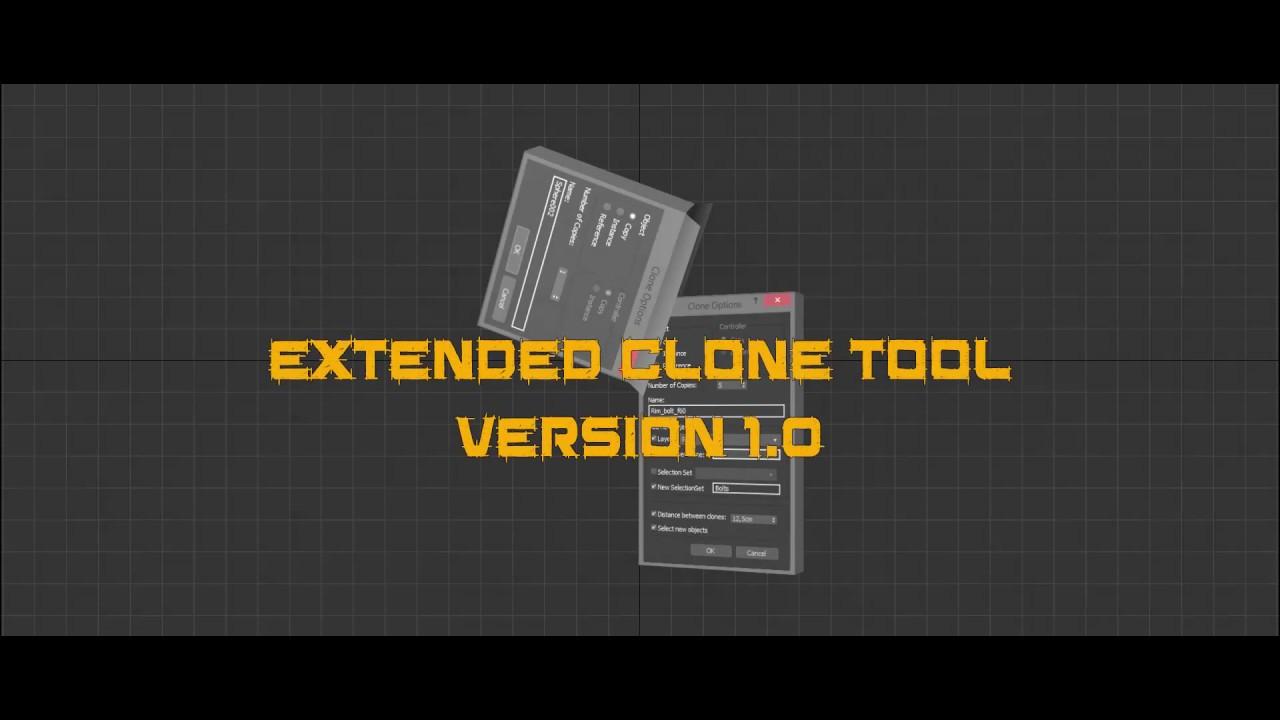
When you copy objects in 3ds Max with Shift+Drag, miauu's Extended Clone Tool adds controls to the standard Clone Options dialog. You can manage where new objects go, how they are spaced, whether they are selected after creation, and how they are named.
Clone options for layers, spacing, and names
- Move created objects to a new layer or an existing layer.
- Select all new objects after they are created.
- Set a total or incremental distance between created objects.
- Place clones at even intervals between the original object and the first clone.
- Give new objects the same names as the objects they came from.
Limits to check before using it
The even-interval option works with Select and Move. The developer says it does not work with Select and Rotate or Select and Scale. The developer also notes that matching clone names works properly only when objects are copied with Shift+Drag. Check that these limits fit your workflow before choosing the tool.
Version support and price
This catalog entry identifies version 1.5.06 and lists compatibility with 3ds Max and 3ds Max Design 2014 through 2026. The developer's page lists system requirements through 2027 and its changelog says version 1.5.07 added 3ds Max 2027 support. Check which release is available for your installation.
The developer lists the script at €5.00. The purchase information says buyers can receive installers for two existing 3ds Max versions and for the next major 3ds Max update they choose to switch to. Check the developer's product page for current availability and price, and read the license terms before purchasing.