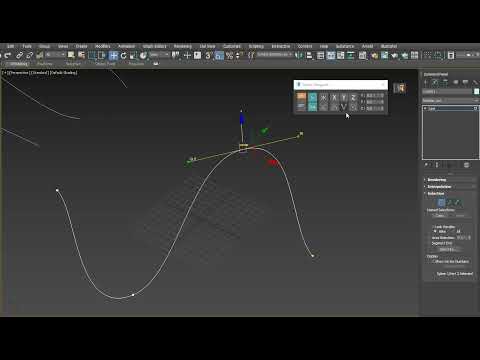
miauu's Work Plane is a script for Autodesk 3ds Max that creates a work plane and automatically adjusts it to the two major axes most closely aligned with the screen axis. In automatic mode, rotating the Perspective viewport changes the dominant plane among XY, XZ, and YZ.
Automatic orientation and a fixed plane
Automatic mode follows the Perspective viewport. When a task needs a steady orientation, the plane can be locked and used as a construction plane. The commands also let you set a specific center and axis, or lock the plane to a chosen major axis and position.
Position the plane from scene geometry
You can snap the work plane to selected geometry or to the polygon directly under the mouse. These options let you set its position from the model instead of relying only on the principal XY, XZ, or YZ planes. The tool can also force a manual alignment through its commands.
Access commands while modeling
The Work Plane menu is in 3ds Max's main menu bar. For quicker access, assign hotkeys to the commands you use most: open Customize, choose Customize User Interface, and select the "miauu's Work Plane" category. This setup supports a workflow centered on the Perspective viewport, where the plane can follow the view or remain locked while you work.
Autodesk's Marketplace listing describes the tool and its documented interaction behavior.