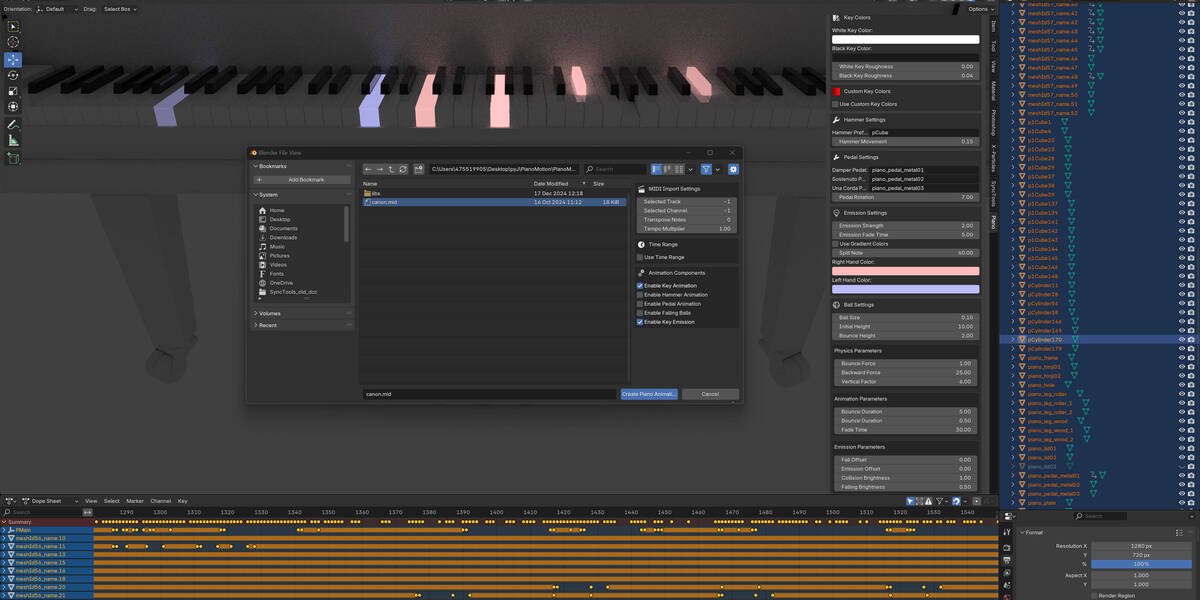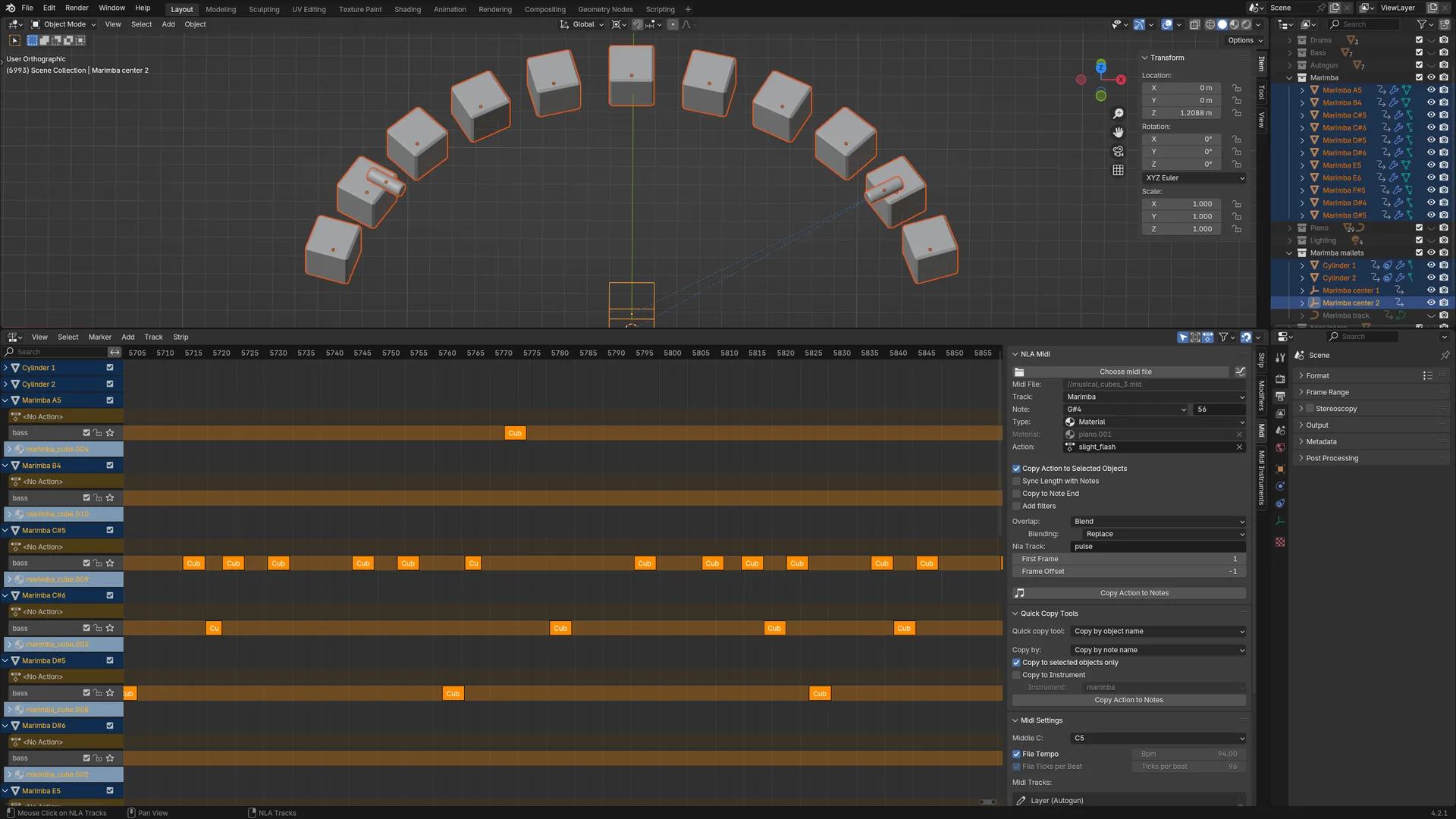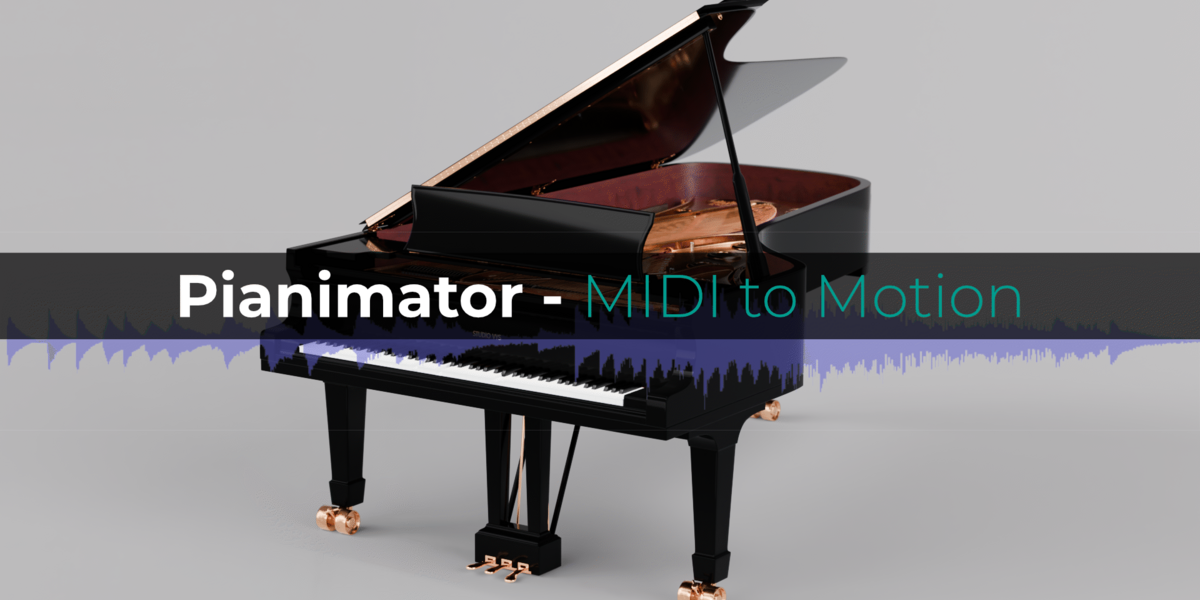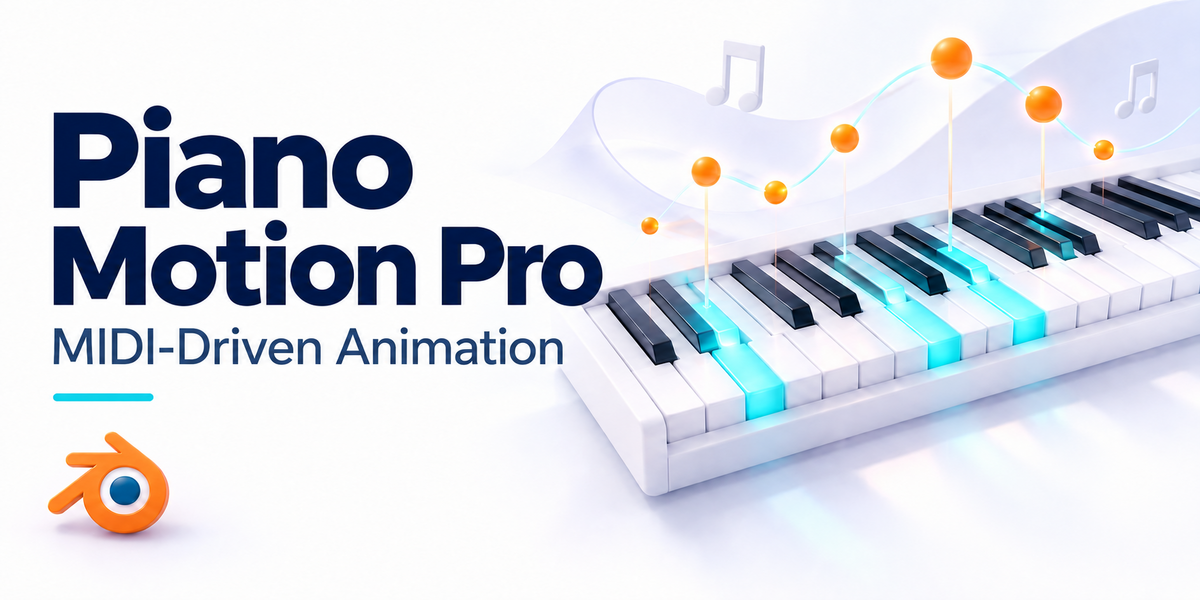
Midi Piano Motion Tools Pro is a Blender add-on that turns a Standard MIDI (.mid) file into an animated piano performance. It can animate mapped keys, hammers and pedals, with optional key lighting and falling-ball effects. You need to supply a compatible piano model; the Pro edition does not include one.
Map MIDI to your piano
Before generating a long animation, connect the add-on’s key, hammer and supported pedal controls to objects in your piano model, then test the mappings. You can choose MIDI tracks, channels and a time range to import. The MIDI information view shows BPM, duration, note counts and channel details, which helps you check the selected material before creating keyframes.
Timing, velocity sensitivity, frame offsets and animation-duration settings let you adjust how notes appear on the timeline. The toolset also includes pitch bend, modulation and transposition controls. Modulation effects require actual modulation data in the MIDI file.
Customize the performance visuals
For illuminated keys, set colours by hand or by key, adjust emission strength, or use a gradient. Falling balls provide a second way to show note timing above the keyboard. Their size, trajectory, bounce, timing and glow can be adjusted alongside the piano animation.
Blender compatibility, MIDI and piano model requirements
The product description lists Blender 4.2 or newer, a compatible piano model and a Standard MIDI file as requirements. The same listing’s Blender Version field shows 3.6–5.2, so the version information conflicts. Check the current product listing before installing. The listing points to Pro Max if you need the separate bundled piano/audio package.
A first-pass workflow
- Open a scene with your compatible piano model and check its key, hammer and pedal mappings.
- Load a MIDI file and select the tracks, channels and time range for the animation.
- Set timing and velocity response, then choose key colours and any falling-ball effects.
- Generate the animation and play through it to inspect how the mapped parts and visual effects follow the performance.
For control details and setup guidance, see the PianoMotion Pro manual.