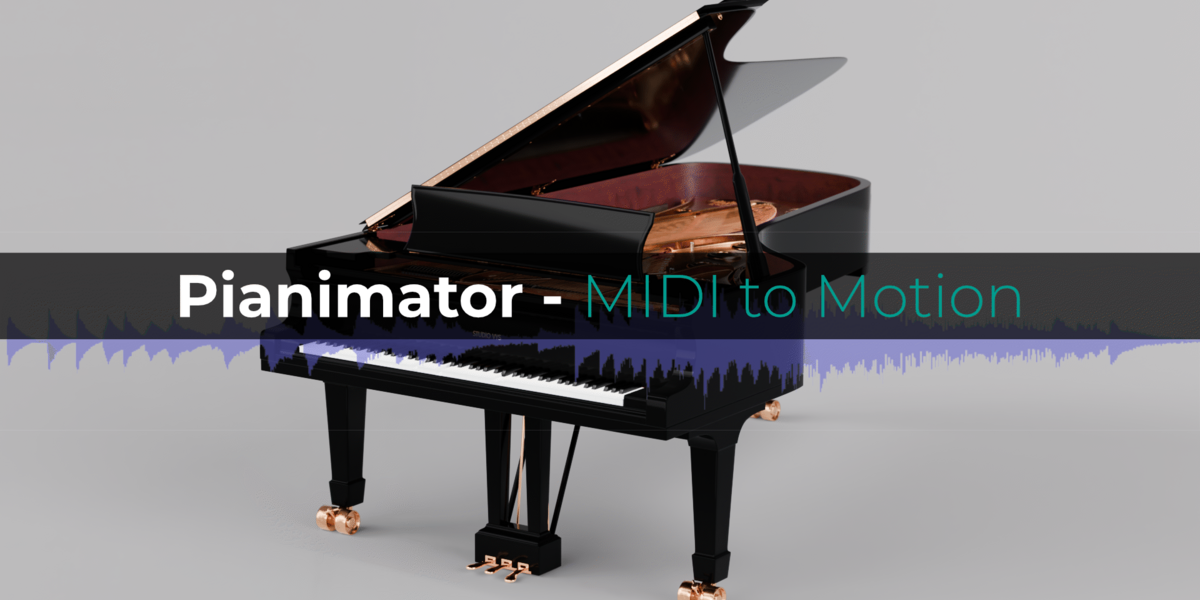
Pianimator - Midi To Motion is a Blender add-on by Studio VYS that turns MIDI note data into animated piano keys and pedals. The product listing specifies Blender 4.2 through 5.2. It can also render a WAV file from the MIDI and place it in Blender's Video Sequence Editor (VSE) for synced playback. See the Pianimator product page and quick start guide for the current details.
From a MIDI file to piano animation
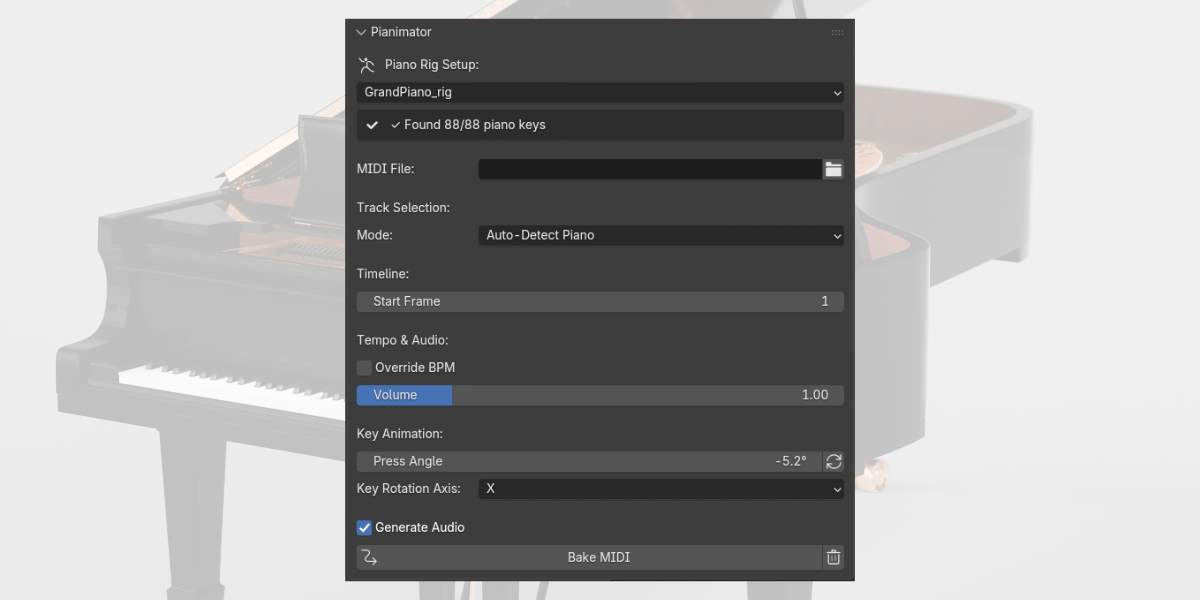
Import the piano rig into the scene and select it in the Piano Rig control before loading a MIDI file in the Pianimator panel; the add-on then detects piano tracks automatically. If the file contains multiple instruments, choose the piano track manually. Set the start frame, then use the tempo embedded in the MIDI or enter a BPM override. After confirming that the selected rig follows the naming convention below, choose Bake MIDI to generate keyframes for the keys and pedals.
Adjust key movement with the rotation settings in the panel. For best results, the documentation recommends using a MIDI file with piano on its own track.
Rig requirements
Pianimator can drive a piano rig that follows its expected bone names. The naming runs from Note.A0 through Note.C8; the sharp note Note.A0# is one example. The Pedal.sustain and Pedal.sostenuto bones are optional.
The add-on is separate from the piano model and rig shown in demonstrations. You need to supply or build a rig that follows the naming convention. If keys do not move after baking, the product FAQ suggests checking the selected rig and its bone names, then enabling Debug Mode and checking Blender's console. Pianimator can show a live count of recognized piano keys.
FluidSynth is only needed for audio rendering
MIDI import, key animation, and baking work without FluidSynth. The audio engine is required only when generating the WAV track. FluidSynth is bundled with the add-on on Windows. On macOS and Linux, use Install FluidSynth in the add-on preferences; it runs Homebrew or the system package manager. Installing a system package on Linux requires administrator rights and opens the standard polkit authentication dialog.
The product documentation says Pianimator does not contact the internet on its own. Network access is used when you choose Install FluidSynth, and the add-on respects Blender's global Allow Online Access setting. See the product FAQ for setup and troubleshooting details.
Who it suits
Pianimator is for Blender artists who need a piano performance synchronized to a scene, such as a music video or cinematic short. Its main requirements are a MIDI file and a correctly named piano rig. FluidSynth is an additional setup step only if you want the add-on to render audio.