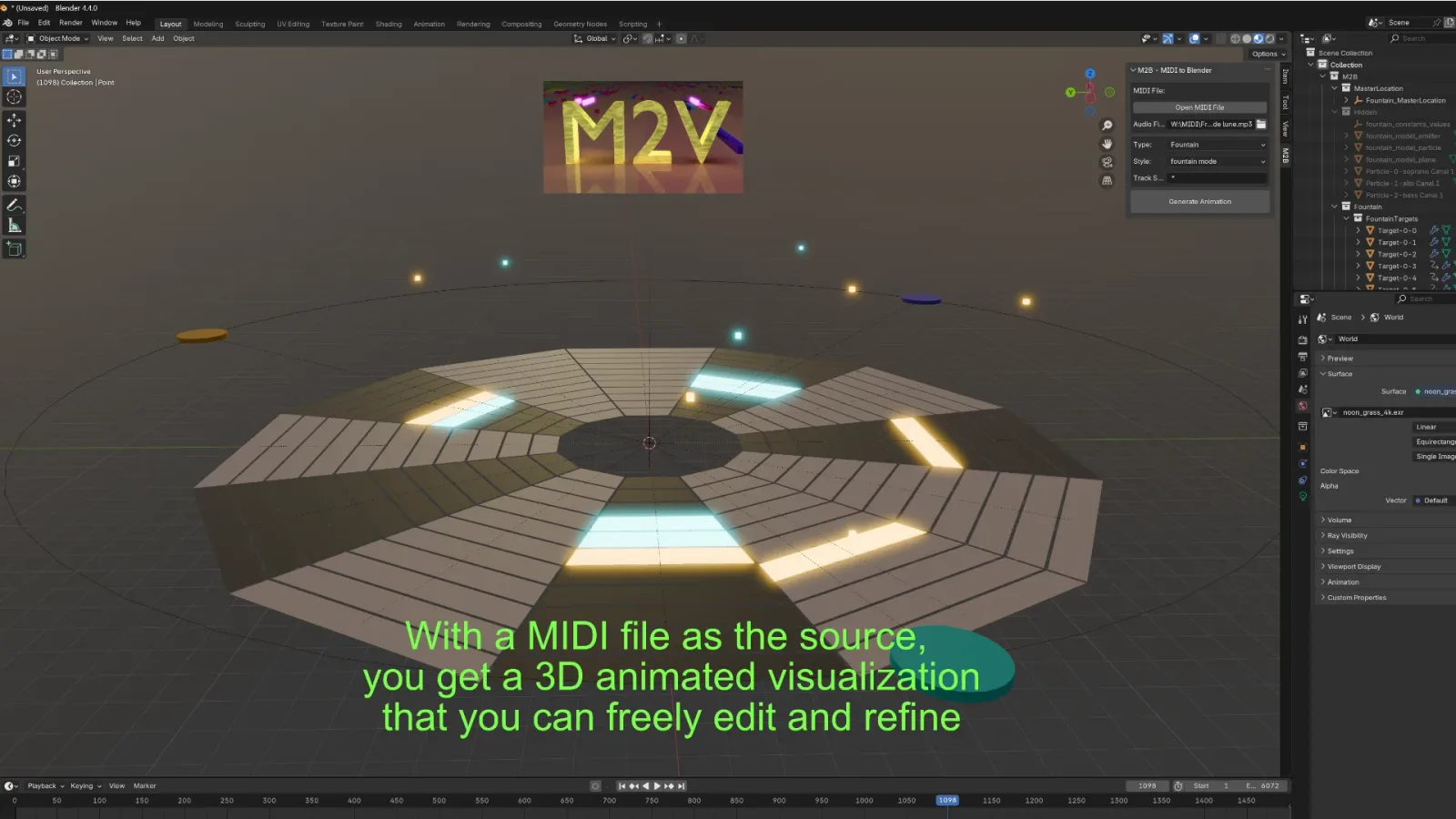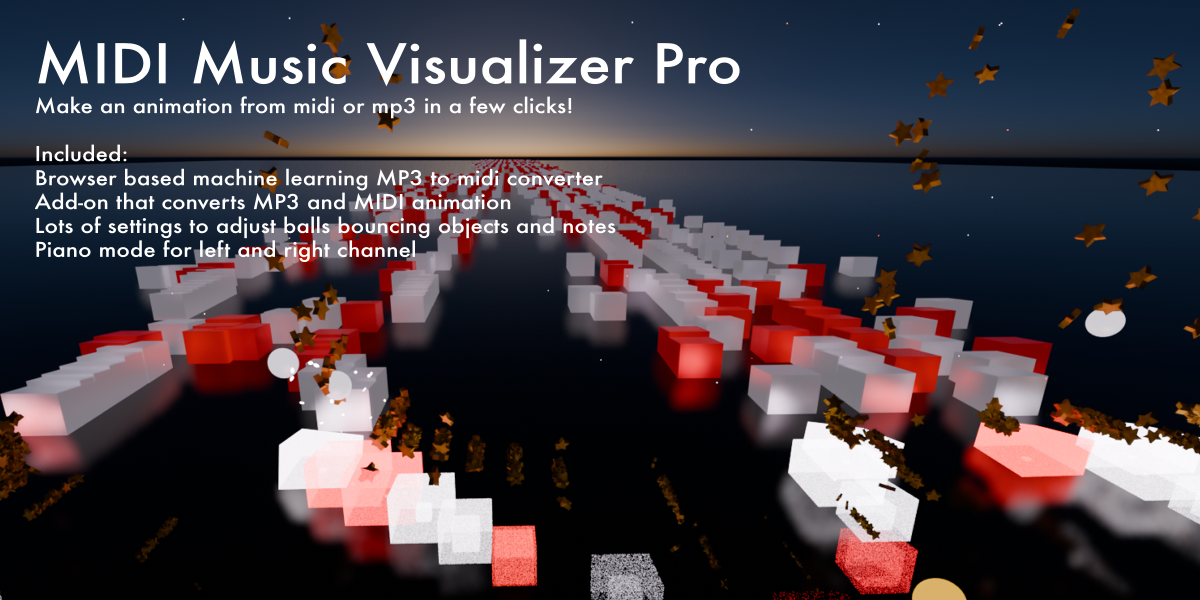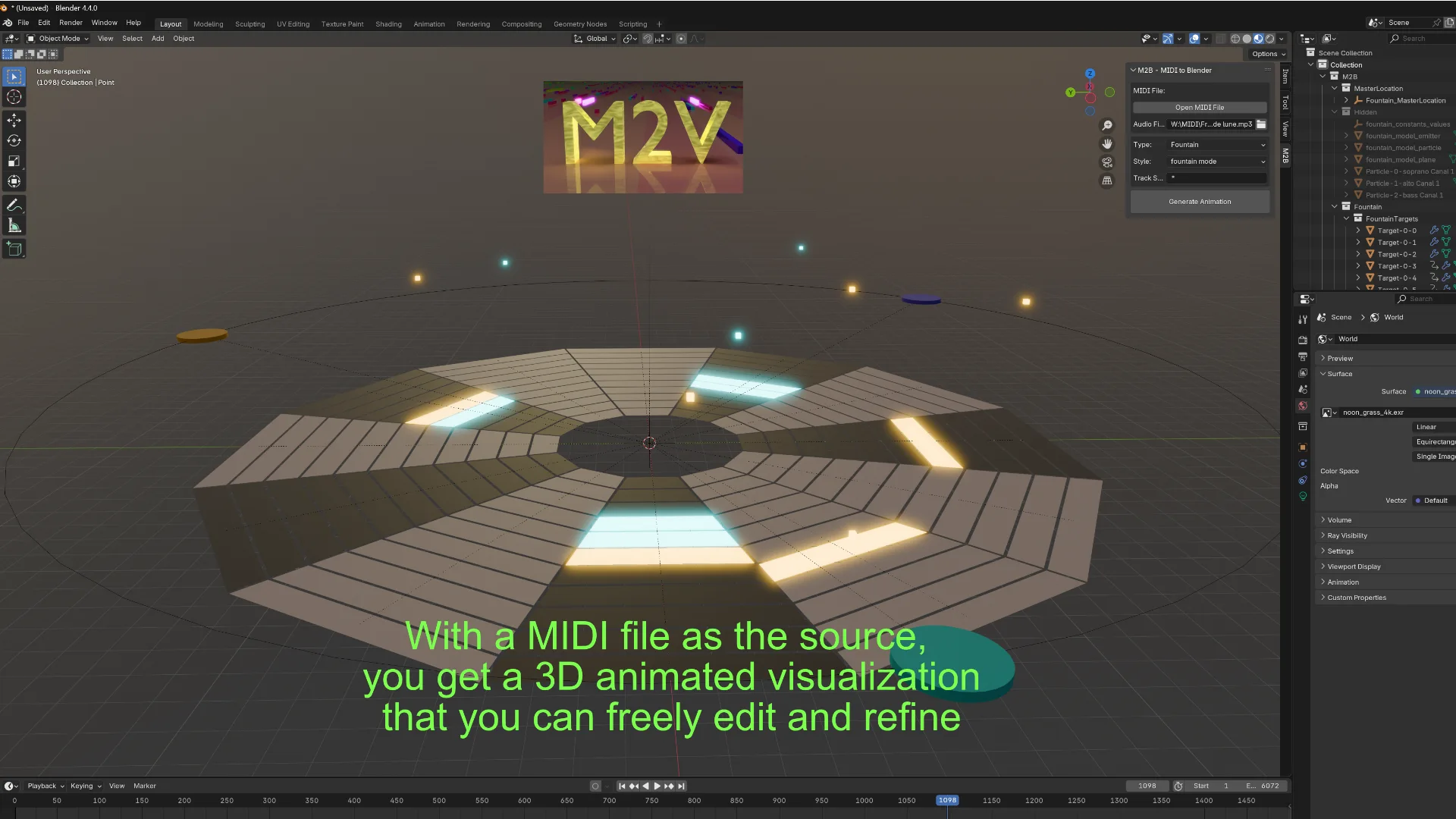
MIDI To Visuals (M2V) is a Blender add-on by Patochun that turns MIDI music data into animated 3D visualizations. Its styles range from note-by-note displays to particle effects and animated lights. The Blender Extensions listing specifies support for Blender 5.0 and newer.
View MIDI To Visuals on Blender Extensions.
Visualization styles
- BarGraph creates one animated cube per note.
- Notes Strip presents notes in a piano-roll style.
- Waterfall adds an animated waterfall effect over note strips.
- Fireworks creates particle-based effects.
- Fountain creates a fountain particle simulation.
- Lightshow animates lights.
For a view where individual notes are easy to follow, try BarGraph or Notes Strip. Waterfall, Fireworks, Fountain and Lightshow offer more spatial or particle-based treatments.
MIDI input and synchronization
MIDI To Visuals synchronizes animation with note on and off events, note velocity, track colors and MIDI timing. It supports Format 0 for single-track files, and Formats 1 and 2 for multiple-track files. Blender integration also includes MP3 audio sync, compositing effects, custom node materials, particle systems and geometry nodes.
The Quick Start Tutorial is available for a walkthrough. The listing describes the supported features, while the tutorial can help with the setup details.
Version, installation and license
The Blender Extensions listing shows version 1.3.0 in a What's New entry dated November 20, 2026, which describes code refactoring and Blender compatibility updates. It lists Blender 5.0 and newer as supported. Check the current listing before installing if your Blender version is outside that range.
The listing provides drag-and-drop installation and an option to download the add-on and install it from disk. Blender's extension installation instructions cover the latter route. MIDI To Visuals is released under the GNU General Public License v3.0 or later.