Mike Udin Flash Buffer Pro is a Cinema 4D plugin for creating and managing Object Buffer passes before rendering. Name a pass instead of keeping track of its number: the plugin checks which Object Buffer numbers the scene already uses, finds the first unused one, and applies it to a new or existing Compositing tag.
Create and manage passes by name
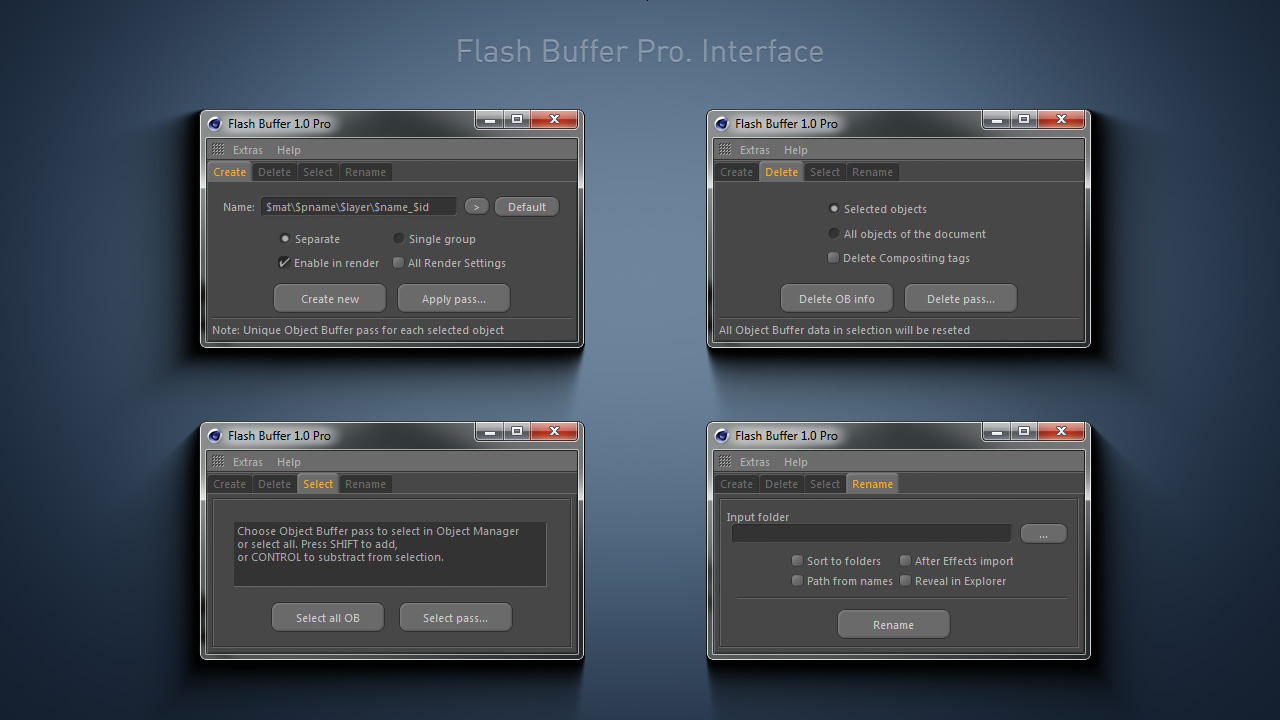
Enter a name or a template using name variables, then create the pass. The named buffer appears in Render Settings. In Separate mode, each selected object gets its own pass. Single group mode puts the selected objects into one pass. You can also apply an existing pass to selected objects, remove passes for the scene or individual objects, and clear Compositing tags that are not used for other purposes.
Read the Flash Buffer Pro feature description for details on these controls.
Find objects and sort rendered sequences
The Select tab finds objects by their Object Buffer pass, which helps when you need to return to the objects behind a particular render pass. After rendering, Rename sorts image sequences into subfolders. It runs in a separate thread, so Cinema 4D remains usable while it processes large numbers of files. Rename can also process other passes in the specified directory.
With Path from Names enabled, forward slashes or backslashes in a pass name become folder separators. A naming structure such as characters/hero can therefore guide the folder structure used for the rendered files.
Import sequences into After Effects
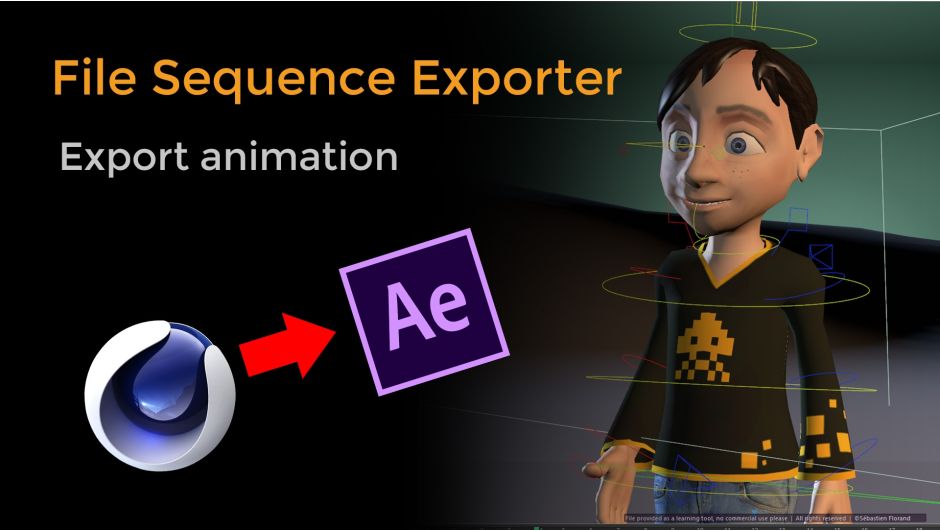
The Pro edition includes an After Effects script for importing sequences after renaming. The script supports Unicode characters in file paths, and the folder structure created through Path from Names is reflected in the After Effects project. This workflow may suit artists who render Object Buffer passes in Cinema 4D and organize them for compositing in After Effects.
Check compatibility and price
The seller's compatibility section lists Cinema 4D 2025, 2024, 2023, S26, R25, S24, R23, S22, R21, R20, R19, R18 and R17. Its version history identifies version 1.2.7.1, dated September 28, 2021, as compatible up to R25; ask the developer which version the compatibility list's later entries cover before installing. The aescripts listing displays $24.99. Its Floating Server License requires a Floating License Server; if you neither own a server nor have one in your cart, the listing offers the server for $99.99. Check the seller's page for current pricing and license terms.