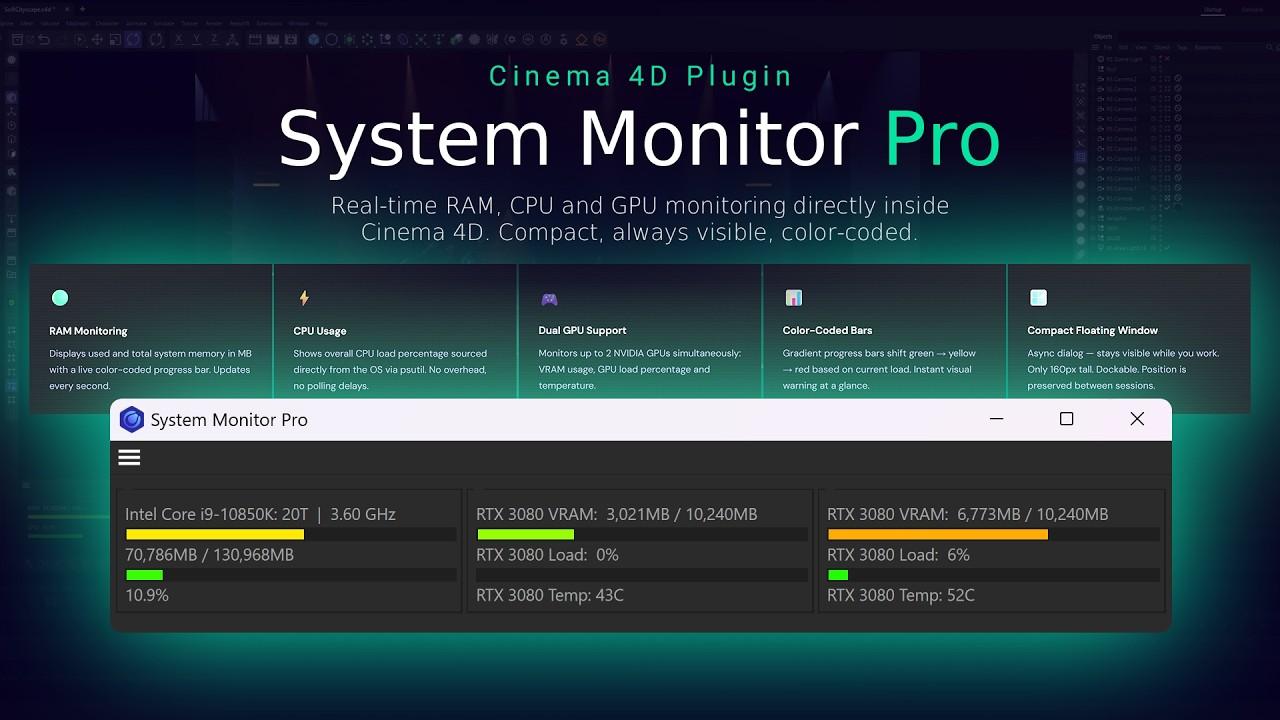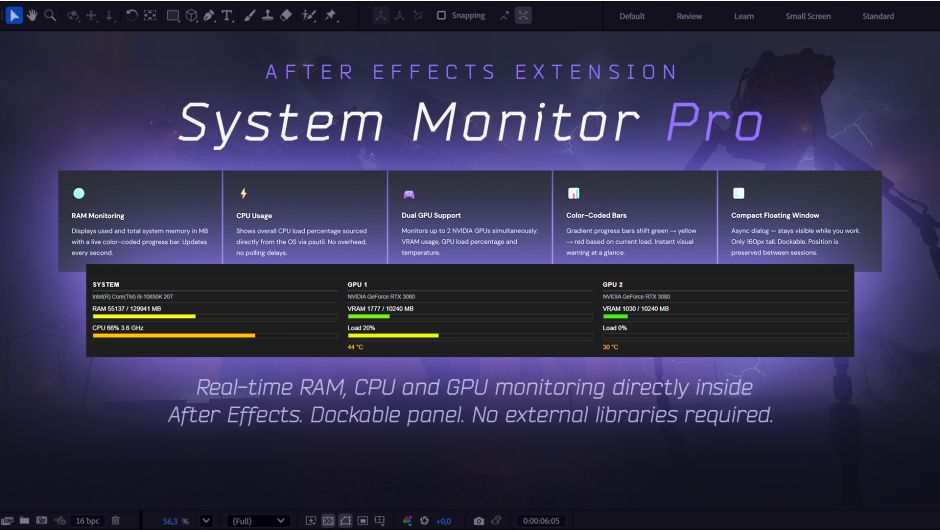
Power Robot System Monitor Pro is a Windows plugin for viewing system readings inside Cinema 4D. Its compact floating panel shows RAM, CPU and GPU statistics and can stay visible while you work. That makes it useful for artists who want to check machine usage without leaving their Cinema 4D layout.
What the panel monitors
The RAM section shows used and total memory in megabytes. Those readings refresh every 500 milliseconds through the Windows API. CPU usage appears as overall load, calculated with a delta-based GetSystemTimes method. A separate header reads the processor model name, thread count and base clock speed from the Windows registry at startup.
For GPU monitoring, the plugin detects NVIDIA cards and displays a separate column for each one, including in multi-GPU systems. Progress bars change from green to yellow to red as load rises. An NVIDIA GPU is required for these GPU readings.
Windows and Cinema 4D compatibility
The plugin is listed for Windows only. CPU and RAM readings use Windows APIs and Python’s built-in ctypes, so no pip installation or external Python packages are required. Its asynchronous floating dialog is described as staying visible during work and integrating into Cinema 4D layouts.
The supplied Cinema 4D compatibility information spans releases from R20 through 2026. Check the exact supported release names below and confirm your host application edition on the product listing before downloading.
Who it suits
This plugin fits a Windows Cinema 4D workflow where seeing current CPU, memory or NVIDIA GPU usage in the application is useful. The CPU figure is overall load; the supplied product details do not describe a per-core view. After Effects is also listed as a compatible app, but the detailed feature and version information here is for Cinema 4D, so verify the After Effects edition before relying on it.