Mirror Machine Tools 2025 🙂⃤🙂⃤ is a Blender add-on for mirroring geometry from the side you point to. In Edit Mode, press SHIFT + ALT + Q, hover over the side to copy from, then confirm. This cursor-side workflow avoids choosing a mirror axis manually.
Mirror from the side under your cursor
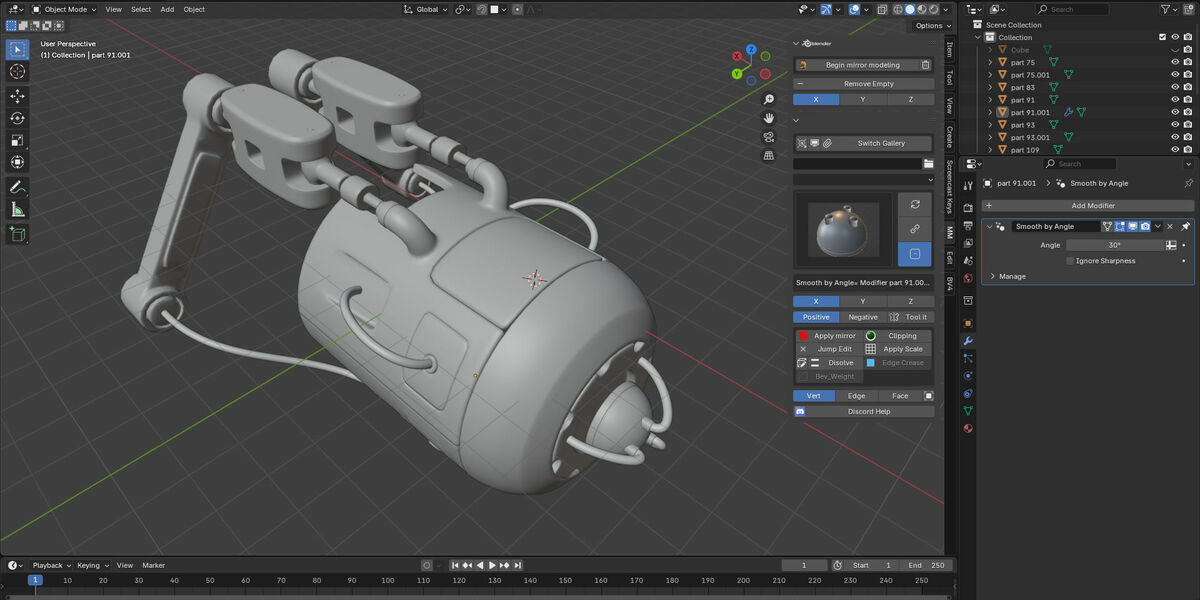
The add-on's auto-symmetrize tool uses the side you hover over as the source. Its dedicated toolset is at the top of the Mirror Machine panel in Blender's N-panel, where you can access the other custom mirror tools.
Hard-surface assets
Mirror Machine includes more than 120 hard-surface demo assets. You can work with those assets or import your own models for the add-on's modeling workflow.
Installation and compatibility
- In Blender, open Edit > Preferences > Extensions and choose Install from Zip.
- After installation, find Mirror Machine in the N-panel.
The Superhive product listing identifies version 1.0.2, a GPL license, and support for Windows, macOS, and Linux. Its Blender compatibility details conflict: the overview says 3.6 to 4.5, while the Details section says 3.3 to 4.2. Confirm the supported range with the creator before installing for a specific Blender version.