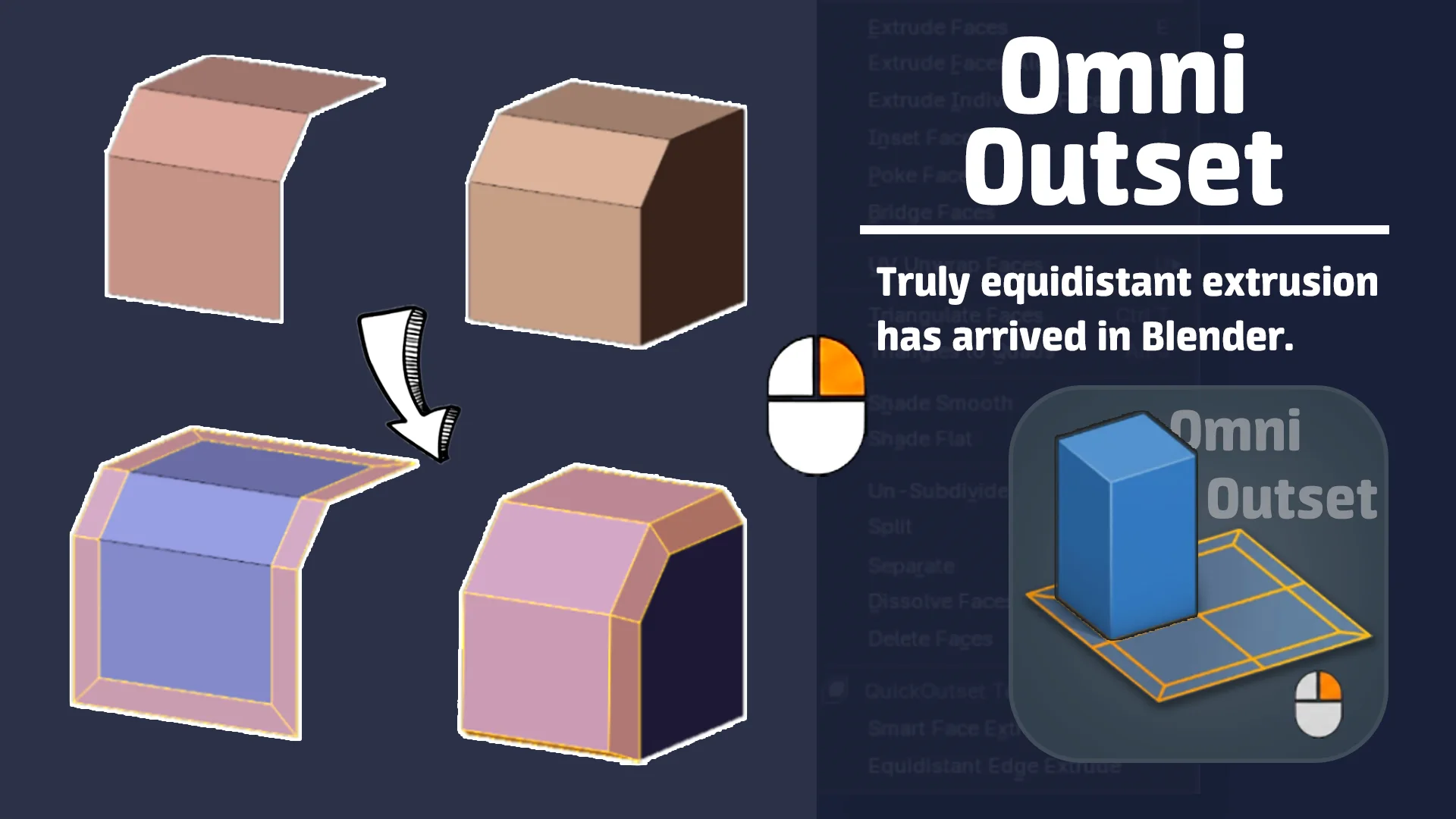
OmniOutset is a Blender add-on for mesh editing that combines equidistant edge outset with smart face extrusion. It uses an interactive, mouse-driven workflow: select boundary edges or faces in Edit Mode, start the matching tool, adjust the operation in the viewport, then confirm it.
Face extrusion and edge outset
The edge tool applies an equidistant outset to a selected boundary, with separate Extrude and Offset controls. Version 1.2.0 added Divisions and Keep Faces Together to edge extrusion, plus a Keep Faces Together option for connected-region or individual-face extrusion. Face extrusion follows individual face normals and maintains uniform side-wall spacing at corners. Version 1.2.1 improved edge offsets on angled, concave, and irregular outlines. A single shortcut detects whether Blender is in Face or Edge selection mode and routes to the matching operation.
Adjust the operation as you work
Version 1.2.0 unified face and edge dragging: moving right or up increases a value, while moving left or down decreases it. Hold Ctrl to adjust the offset and Shift to slow movement; drag sensitivity adapts to selection size. A viewport HUD displays live values and whether Ctrl or Shift is active. Left-click to confirm. The v1.1.1 README gives Shift + Alt + E as the default shortcut and explains how to rebind it; version 1.2.0 also added OmniOutset tools to Blender's native Alt + E Extrude menu.
How it handles face topology
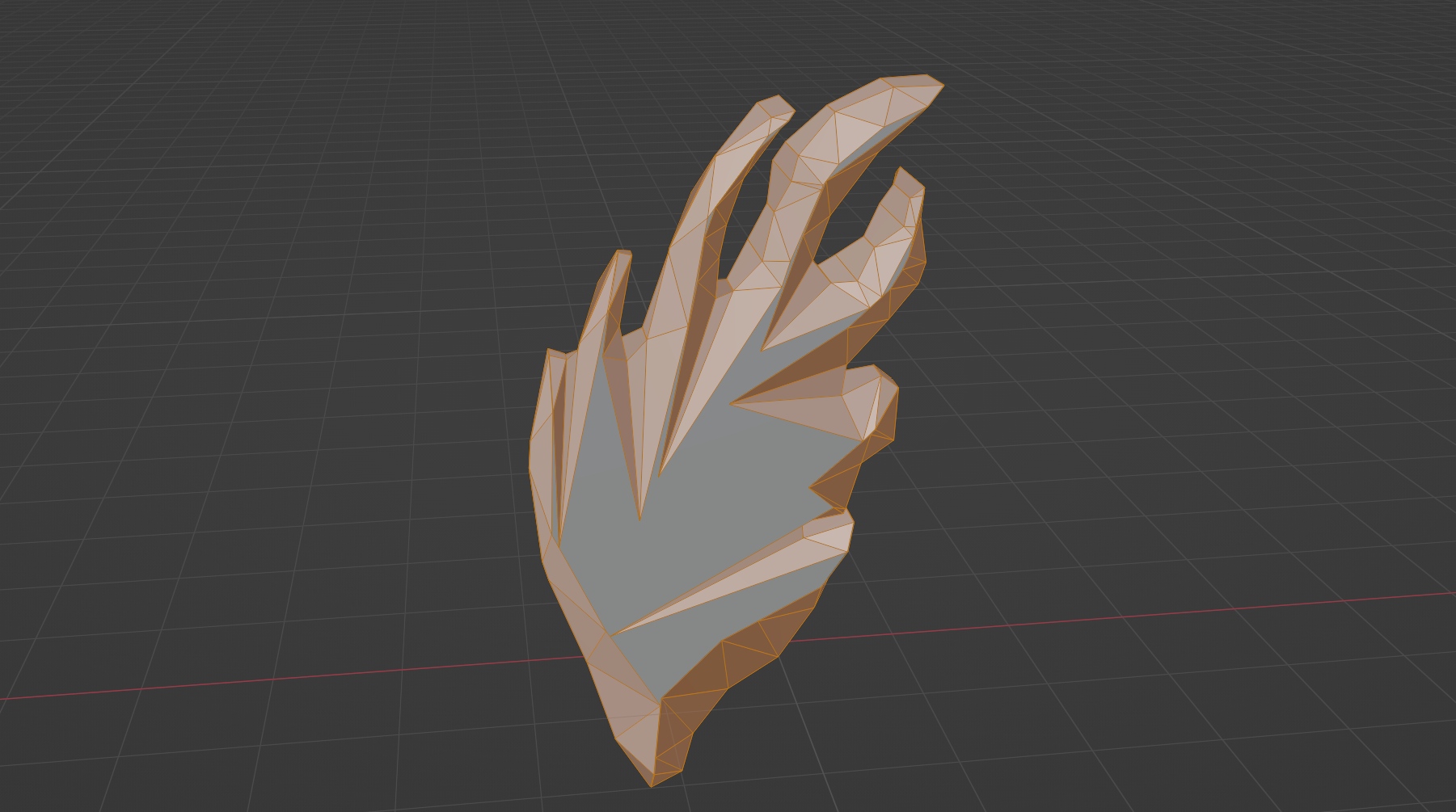
The developer's v1.1.1 README describes different results for connected and isolated faces: connected selections lose their bottom faces to create a cavity, while isolated faces retain them and flip their normals to form a closed shell. The v1.2.1 maintenance update improved connected-face extrusion on bent surfaces and corrected the normal orientation of original faces, extruded caps, and side walls for both positive and negative extrusion.
Compatibility and setup
The Blender Extensions catalogue lists version 1.2.1 for Blender 4.2 LTS and newer (minimum 4.2.0) under GPL-3.0-or-later. The developer's v1.1.1 README describes installing the downloaded add-on ZIP through Blender's Preferences under Get Extensions, using Install from Disk, and lists ten interface languages: English, Simplified and Traditional Chinese, Japanese, Korean, Spanish, French, German, Russian, and Portuguese.
See the developer's README for its usage and shortcut notes, and the Blender Extensions listing for the catalogue record and compatibility details.