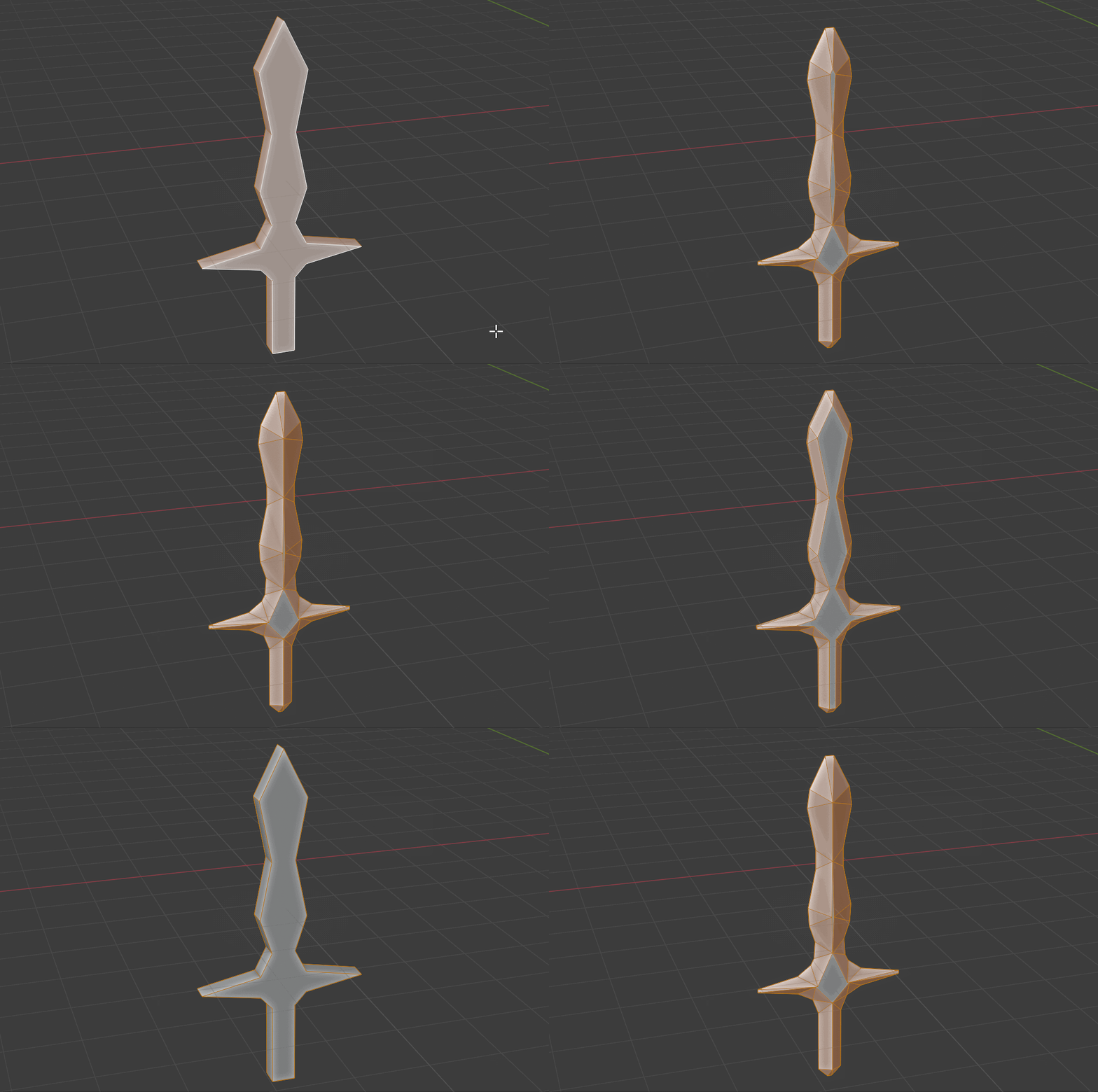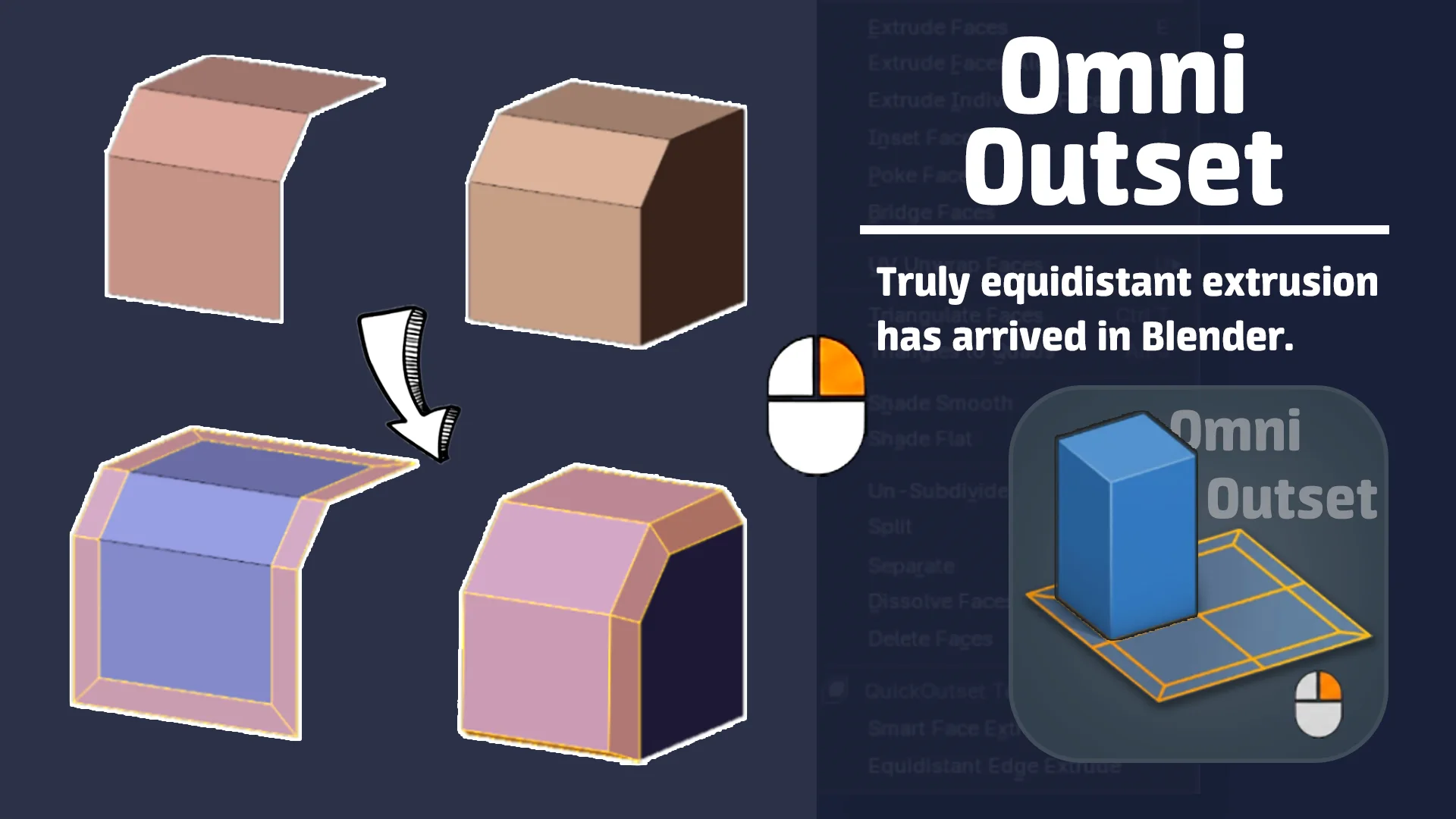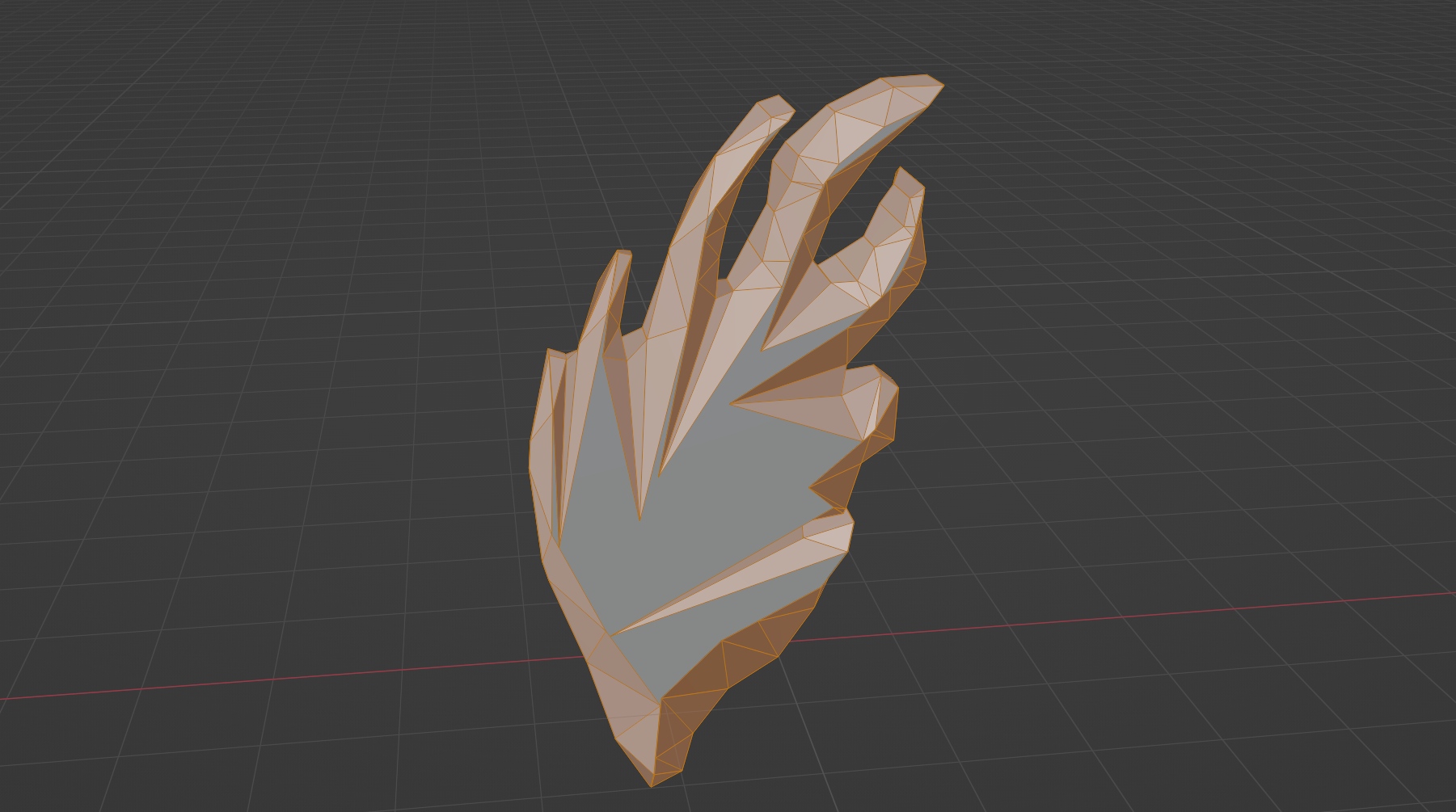
Hard Bevel is a Blender add-on for beveling selected mesh faces or edges when Blender's built-in Bevel can create overlaps around sharp faces. KushiroCG describes Hard Bevel as a way to bevel those areas smoothly, with particular support for n-gon shapes such as stylized fire and crystals.
Where Hard Bevel fits
The tool is intended for a range of modeling work, including hard-surface models and game assets such as weapons and rocks. It can also help with shapes that are difficult to bevel cleanly, including n-gons. Multiple bevel cuts let you create a smoother profile along the beveled edges.
Because Hard Bevel works on selected faces and edges, you can choose the mesh area to bevel before running it.
Run it from Blender's Edit Mode
- Switch to Edit Mode and select the faces or edges you want to bevel.
- Right-click in the 3D Viewport to open Blender's context menu.
- Choose Hard Bevel near the bottom of the menu.
- Adjust the result in the panel at the lower left of the viewport.
Settings for the bevel
- Bevel size sets the amount of bevel.
- Threshold helps prevent nearby edges from overlapping. The product documentation says this tolerance is needed because of floating-point error in Python.
- Merge Result merges result vertices that are very close together; Merge Distance sets how close they must be.
- Fillet Engine selects between two engine types. The listing does not name the two types.
- Number of Cuts sets the number of bevel cuts and lets you shape a smoother profile.
Hard Bevel and Soft Bevel
KushiroCG also offers Soft Bevel as a separate free beveling tool. The developer says Hard Bevel uses a different algorithm and does not use Soft Bevel's tracing method, which they associate with a shaking problem. KushiroCG also reports no overlaps across their test meshes; that is the developer's account of their tests, not a published comparative benchmark.
Version and license
The Superhive listing for Hard Bevel identifies version 2.1.3, Blender compatibility from 2.83 through 5.2, Blender Extension compatibility, and a GPL license. Check the listing for current details before installing, since compatibility information can change.