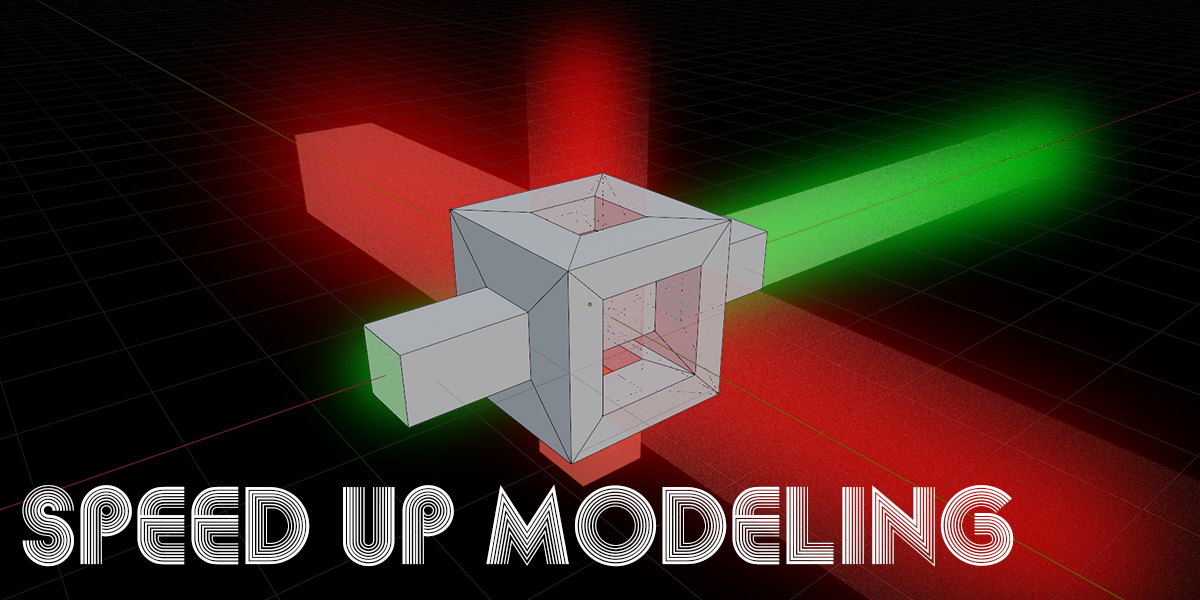
Smart Extrude is a Blender add-on by BlendR6 with extrusion workflows for manifold surfaces, open or non-manifold boundaries, disconnected mesh islands, mixed face normals, edges and vertices. It may help when a selection’s topology leads to extra connecting or cleanup steps with a standard extrusion workflow. The Superhive listing names Blender 4.3 to 5.2 as supported and lists a GPL license. Check the current seller listing for compatibility details before installing.
Choose topology handling and extrusion behavior
The add-on separates how it processes the selected geometry from how it moves that geometry:
- Manifold Extrude is for connected, regular surfaces. Non-Manifold Extrude handles open boundaries, holes and loose edges.
- Super Extrude extrudes without relying on existing face-normal directions, which is useful when normals are mixed or reversed.
- Multi-Island Extrude processes disconnected mesh islands in one operation. Edge and vertex selections have dedicated support.
For extrusion behavior, Smart Extrude selects Along Normal or Group Normal based on the selection. Version 3.0 notes say it switches to Along Normal if the group normal is 0 or the extrusion direction would cause an error. Along Normal supports overlapping regions, Individual extrudes selected faces or elements separately, and Along Axis constrains movement to a global axis. This gives Blender modelers options for clean surfaces, open geometry and selections with mixed normals in one toolset.
Controls and preview behavior
Smart Extrude follows Blender-style interaction with mouse movement, numeric input, axis constraints and snapping with the B key. Point-to-point placement is available when extruding along an axis. The product FAQ lists Ctrl+Shift+E for activation, Alt+E for the mode menu and F9 for the adjustment panel during an extrusion.
The product overview lists Default and X-Ray preview options. Its version notes say that for Blender 4.5 and later, X-Ray preview has better performance but cannot preview or inspect effects. Check the notes for the Blender release you use if that preview behavior matters to your workflow.
Modeling and repair tasks
BlendR6 describes Smart Extrude as useful for rebuilding open boundaries and extending damaged areas as well as creating forms. The FAQ also documents additive and subtractive extrusion, with move, scale and alignment adjustments using pivot points. It notes that additive extrusion can help connect complex recesses and may be paired with Limited Dissolve.
These extra controls are most relevant when topology or selection behavior interrupts a modeling task. For simple extrusions on regular surfaces, the additional modes may matter less. Since preview calculations can differ from the final result, inspect the completed geometry before continuing with dependent edits.