Modeler Pro 1.9 is a Blender add-on for 3D modeling, with tools for bevel weights, modifiers, collections, primitives and exporting. Its pie menus put several common operations within reach, and the developer’s documentation explains setup and feature requirements. The product changelog says version 1.9 adds Blender 5.1 support, while the listing’s separate Blender Version field says 3.5–5.0.
Bevel weight and modifier tools
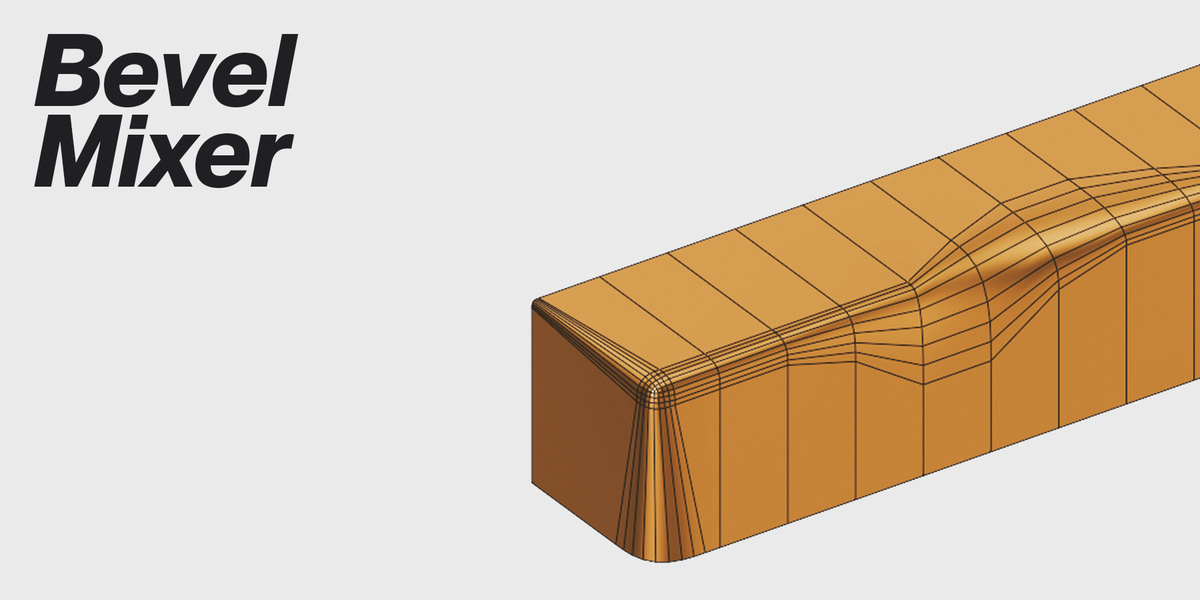
Bevel weight gradients apply a curve across selected edges. They require a bevel modifier set to limit method: Weight, enough edge loops or subdivisions, and an active edge. The last-selected edge sets the gradient’s starting point. Curve options include smoothstep, which has a sharpness setting, and noisy curves with adjustable noise intensity. If the result is not visible, the documentation suggests checking the bevel amount and whether clamp overlap is restricting the bevel.
The bevel weight pie can set specific values, read a value already assigned to selected edges and save affected edges for later reselection. A separate bevel modifier pie adds or adjusts bevel modifiers across selected meshes. It supports mouse-driven size changes, scroll-wheel control of the number of sides and a clamp-overlap toggle. The listing says bevels are placed below the weighted normal modifier. Its crease-based bevel option is available in Blender 4.3 and later.
Other modeling and organization features
A toggles pie switches common modifiers, including mirrors, arrays, booleans and bevels. Add the _off suffix to a modifier’s name to exclude it from supported toggle operations. Mirror Modifier Pro lets you set options and choose a source mesh before adding the modifier, including across multiple selected meshes.
Collection helpers add collections at different positions in the Outliner or isolate the collection containing the active selection. Primitive tools create geometry based on an object’s or edit-mode selection’s bounds. Press X to change a primitive’s orientation and use the mouse wheel to adjust the number of sides. Origin and 3D cursor controls offer left, right, top, bottom and center moves, with left and right set by the viewport’s angle around the mesh.
Presets and export
Modeler Pro can save bevel modifier settings as JSON files for later use or sharing. The N-panel settings and two preset slots provide options for reusing settings, and the bevel tools let you choose where a modifier sits in the stack. The product listing says a sample Trim JSON file is included.
The exporter supports FBX and, according to the version history, OBJ. Export options include naming modes based on a parent, active object, entered name or collection, plus prefix and suffix settings and subfolders. Filters can exclude objects based on display or render settings. Check the export options before using “move to center”: the developer notes that without an active mesh selected, all meshes may move to the origin and overlap.
Version and setup notes
Check compatibility for your Blender version with the product listing before installing. The documentation describes installing Modeler Pro through Blender’s Preferences as an add-on, not an Extension. The separate apply-modifiers pie can apply or delete modifiers on selected meshes; install it from the file blender_modifier_pie.py.