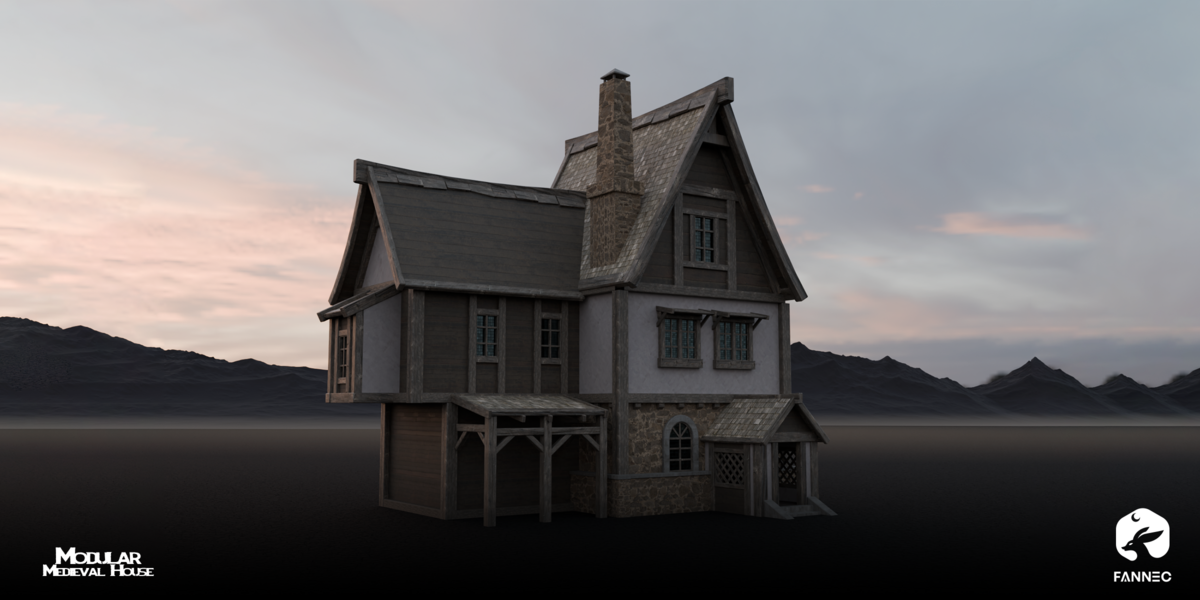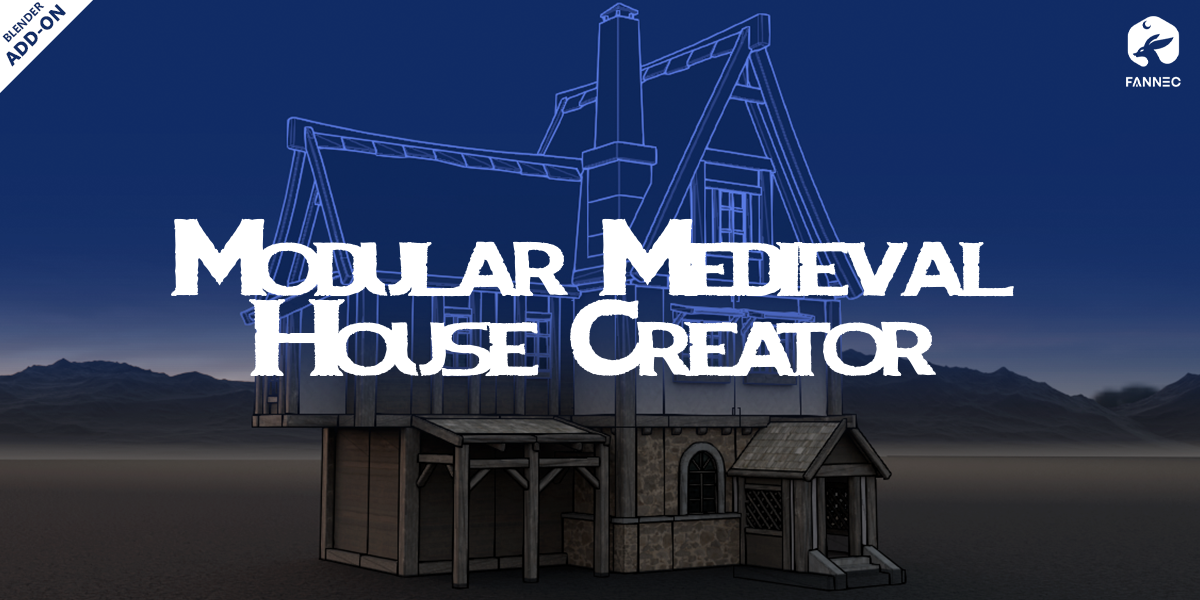
Modular Medieval House Creator is a Blender add-on for assembling medieval cottages, historical environments, and town centers from reusable architectural pieces. Its snapping system aligns parts during construction, while move, rotate, and mirror tools help position them.
Assemble a house from modular parts
The library includes more than ten roof and chimney pieces, sixteen exterior walls, eight beam and timber pieces, four gables, three interior walls, seven floor and platform pieces, and two stair and ladder pieces. Wall options include timber-frame styles, integrated windows, door frames, and mixed stone and plaster sections. Roof pieces include thatched or tiled styles. A fully assembled medieval house made with the toolkit is also included.
For a simple cottage, combine a platform or foundation with wall sections, support beams, gables, and roof pieces. Doors, windows, chimneys, and stairs are also available for the scene.
Position and organize components
Move Part adjusts a selected part in 1-meter increments, Rotate Part turns it in 90-degree increments, and Mirror Part flips it along the X or Y axis. Duplicate Part copies the selection, including its child objects. Delete Part removes the selected part and its components. A visual browser shows categorized thumbnails; the search bar filters parts by name, and Clear Search resets the filter.
Add custom assets
Create New Part adds a custom object to the parts library, and Import Icon assigns a thumbnail. You can then find parts through the same browser and name filter. The product listing also documents polygon and vertex counts for individual pieces, which lets you inspect their listed mesh sizes while planning a scene.
Compatibility and license
The Superhive product listing identifies the add-on as Blender Extension compatible, lists Blender versions 3.6 through 5.1, and gives the license as MIT. Check the listing for current compatibility and license details before using the assets in a project.