Archimesh is a Blender add-on for generating rooms, doors, windows, and other architecture objects. It fits artists who need those elements in a Blender scene, whether they are arranging an interior or building an architectural visualization. The Blender Extensions record identifies release 1.2.5, names Community as maintainer, and sets Blender 4.2.0 as its minimum version.
What you can make
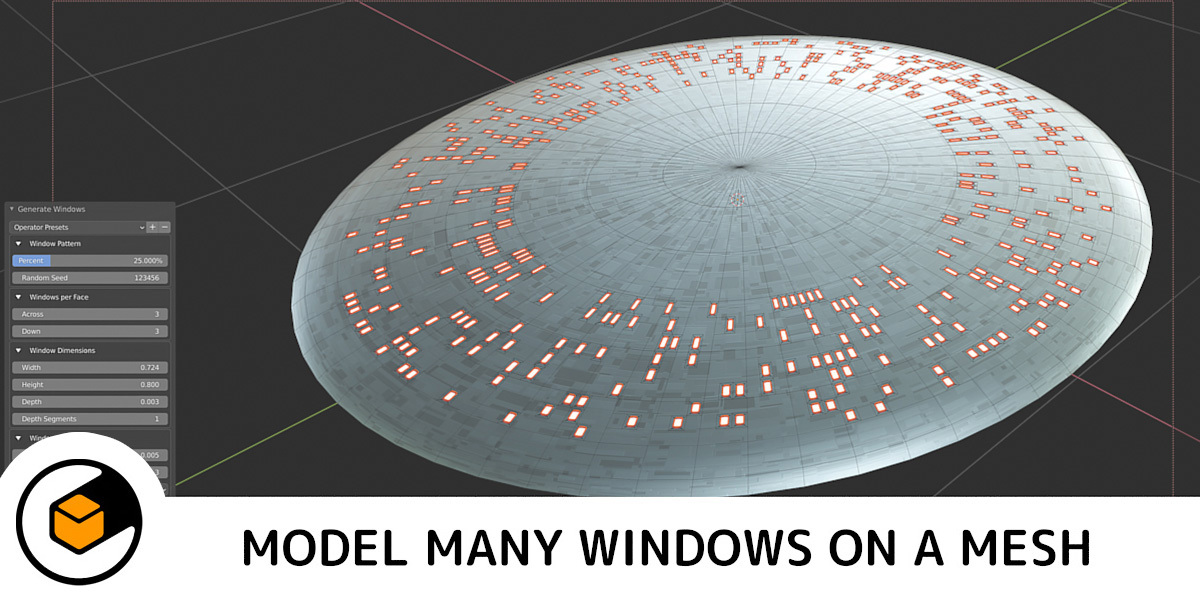
Archimesh generates rooms and architectural objects such as doors and windows for Blender scenes. You can create the room or components you need, then continue shaping the rest of the scene with Blender’s other modeling tools. The listing does not enumerate dimensions, style presets, or parameter controls, so test any exact requirement before relying on it in a production file.
Version and compatibility
The extension record lists version 1.2.5 and a minimum Blender version of 4.2.0. This minimum-version declaration does not guarantee behavior on every later release. A comment on the Blender Extensions listing asks for Blender 5 compatibility and refers to manual script fixes. That is a user report rather than an official compatibility verdict. If you use Blender 5, review the current listing and recent feedback before committing the add-on to a project.
Archimesh was previously bundled with Blender 4.1 and is now maintained as a community extension, according to the available catalog guide. The separate extension listing is relevant when moving a workflow from Blender 4.1, where the add-on was bundled, to a newer installation.
Installation and license
Download Archimesh from the Blender Extensions listing. For a local ZIP installation, follow Blender’s Install from Disk documentation. The listing also links to an Archimesh page in the Blender 4.1 manual, which covers the earlier bundled version; check those steps against the separate 1.2.5 extension and your Blender release. The extension record lists GNU GPL-2.0-or-later. Consult the license text for its terms.