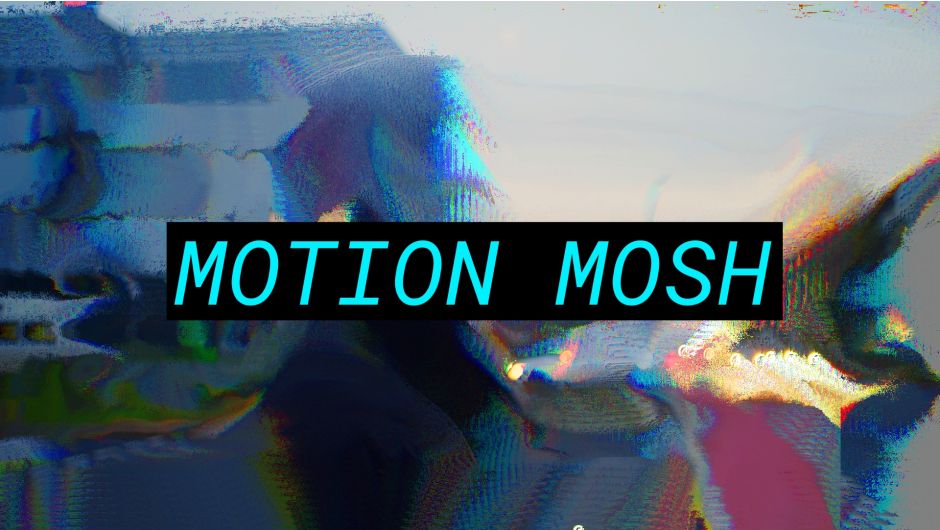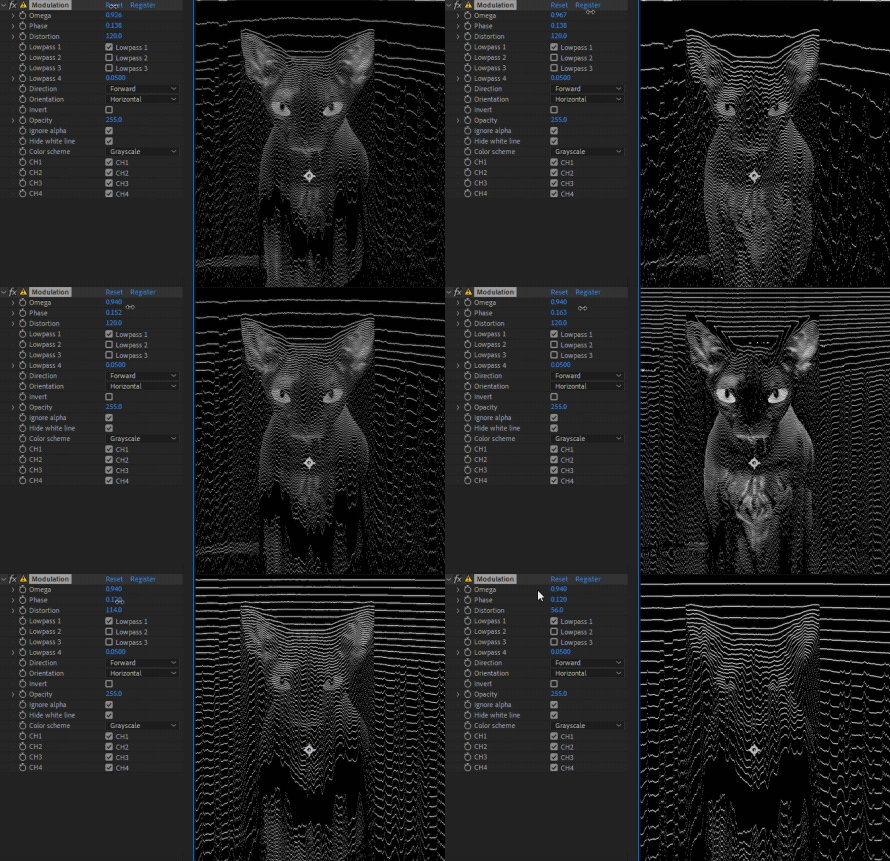
Modulation 2 is a Zaebects video effect plugin for Adobe After Effects and Premiere Pro. It creates an analog-style distortion by modulating and demodulating image signals: brightness affects signal frequency, so lighter and darker parts of a frame can produce different wave patterns. You can shape the effect through its controls without writing code.
Version 2.1.0 added Premiere Pro support. The aescripts product listing reports compatibility from CC 2014 through 2026 for both host applications. It lists a free trial and a $39.99 purchase price; check the listing for current compatibility, price, and license terms.
Shape the waves
Omega controls the scale of the waves, Phase controls how much they react to color, and Distortion changes their number. These parameters can be animated to move the effect over time. Direction switches between forward and backward movement, while orientation sets the waves vertically or horizontally.
Choose color modes and filtering
The five color modes are Greyscale, RGB, CMY, CMYK, and HSV. Switch individual channels on or off to change which parts of the image take part in the effect. CMY and CMYK handle the Key color differently: CMY derives it where the three channels intersect, while CMYK modulates it separately.
Modulation 2 has three lowpass-filter checkboxes and one adjustable lowpass filter. The developer describes lowpass filtering as blur-like, but its behavior differs from an ordinary blur because it works within the modulation process. For the developer's suggested blur-like result, see the settings in the FAQ below.
Review the current trial and purchase details on the developer's product page.