Motion Tools Pro is an After Effects extension from Motion Design School. It brings customizable panels, widgets, scripts and an expressions editor into the application. Motion Design School describes support for After Effects 2022 and newer; the catalog record lists versions 2022 through 2026.
What the toolset includes
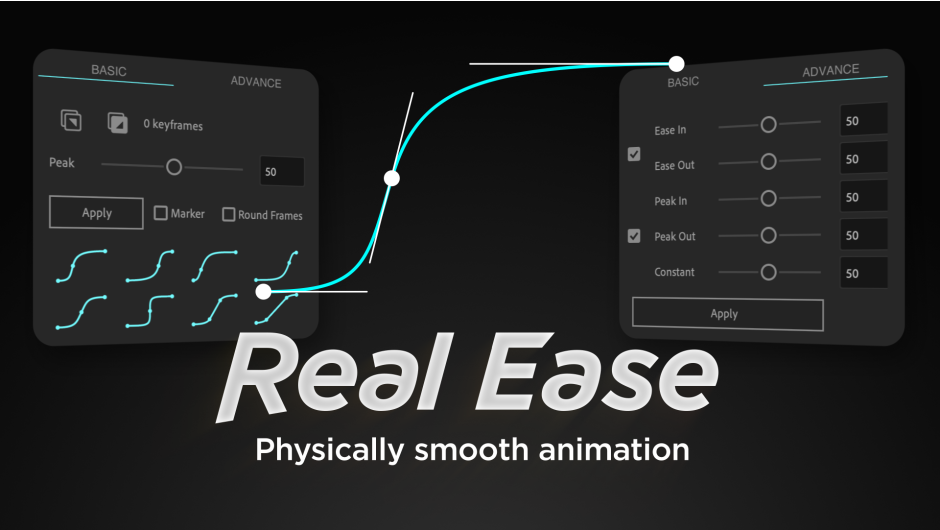
The Easings Manager provides easing presets and a Speed Graph, while Ease Copy transfers easing data through the clipboard. Other widgets select paths, crop compositions, distribute layers along paths and export GIFs with SuperGif. Share Center imports and exports configuration packages and styles, and Color Collect stores color palettes.
Layouts and styles can be customized, and multiple panels can stay synchronized. Motion Design School describes support for up to four panels and more than 30 built-in scripts. This range may suit motion designers who regularly handle keyframes, compositions, paths and reusable styles in After Effects.
Compatibility and version 2.1.2
The June 18, 2026 release notes for Motion Tools Pro 2.1.2 list updates to licensing and activation, SuperGif reliability, clipboard stability, panel synchronization, Share Center imports and exports, startup recovery, layouts, Color Collect and the Distribution Widget's overlap bounds and path ordering. The Motion Design School release history has the full notes and any later updates.
For the current product description and compatibility details, see the Motion Design School product page.
Price and installation
Motion Design School's product page shows a Buy Now offer for Motion Tools Pro 2025 but no displayed price; the catalog record lists Motion Tools Pro as free. In a November 12, 2026 Trustpilot reply, Motion Design School said the original Motion Tools Pro was free until May 2025 and Motion Tools Pro 2025 is a separately developed paid version. Check the product page for the current price and license terms before buying. Motion Tools Pro is distributed as an After Effects extension. Motion Design School's extension installation guide explains how to install a .zxp file with ZXP Installer or use aescripts Manager for purchases from aescripts + aeplugins.