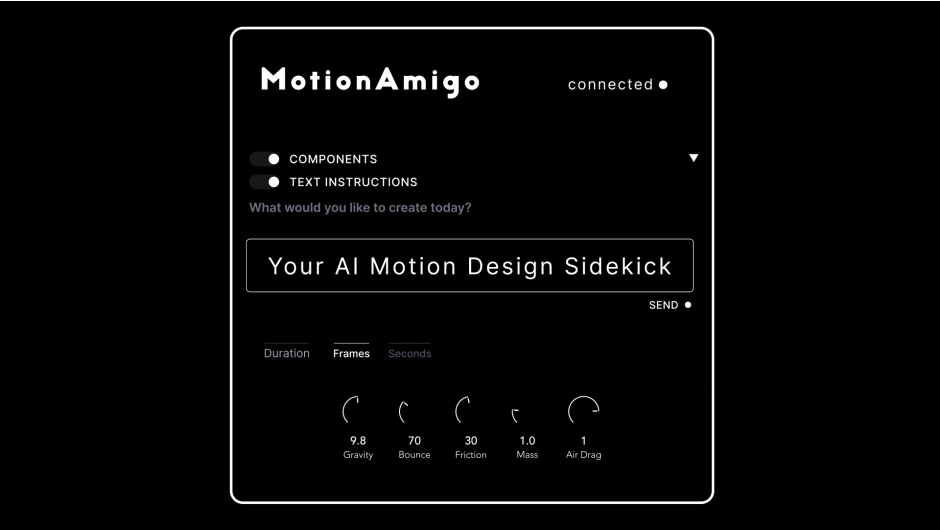
MotionAmigo brings Claude Code or Codex into After Effects to help build animations in an open composition. The agent can create native layers, keyframes and expressions that you can edit in the timeline. The panel also has motion and layout tools that apply directly to selected layers without AI.
Work with an AI agent inside After Effects
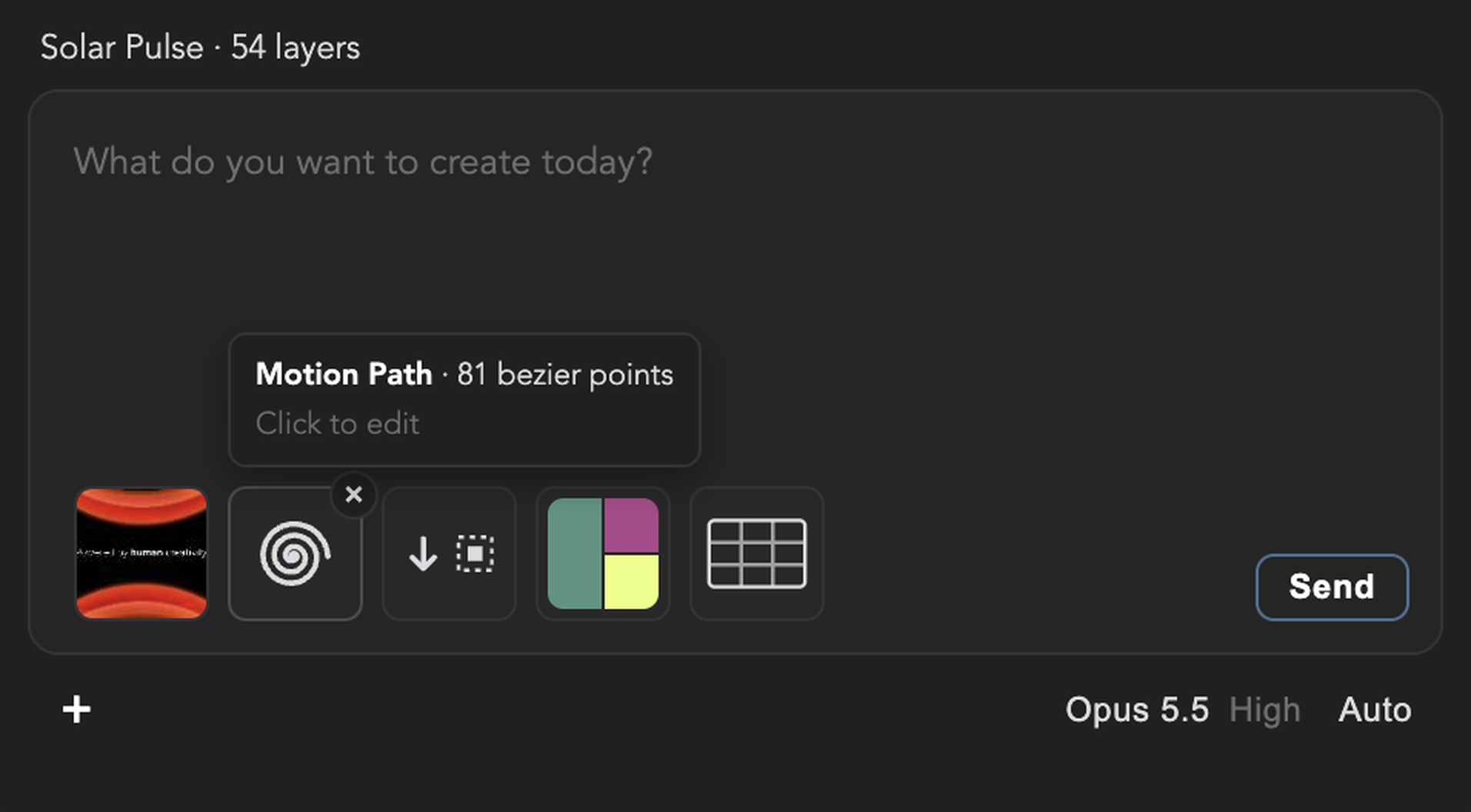
Connect MotionAmigo to Claude Code or Codex using the command line tool installed and signed in on your computer. Claude Code requires version 2.1.119 or later with a Pro, Max, Team or Enterprise plan; Codex works with ChatGPT Plus, Pro, Business or Enterprise, while free ChatGPT accounts have limited usage. MotionAmigo uses those plans without an API key or per-token charges. On Claude Pro and Team Standard plans, the Fable model uses plan usage credits. The agent inspects the open composition before it acts, and you can guide its work with follow-up messages or steer a running turn. Conversations are saved per project, and you can undo the layers added by a turn.
Give the agent a short prompt or a fuller brief. You can attach a palette, typography styles, storyboard frames, a motion path, reference images, and other files. These materials give it concrete direction as it builds the composition.
Apply motion and design tools directly
MotionAmigo groups its panel tools into Motion, Style and Layout. Many tools can be applied to selected layers immediately or included with a message for the agent to use.
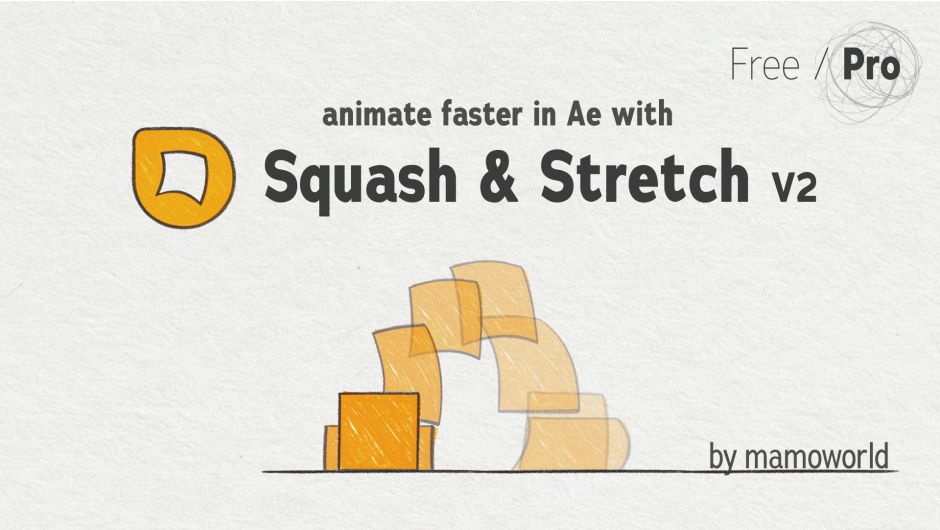
- Motion: Set up position, scale, rotation or opacity keyframes; draw a motion path; adjust keyframe velocity; or apply bounce, anticipation and overshoot, or squash and stretch. The physics sandbox lets you set bodies, walls, gravity, bounce, friction and mass, then bake the result to keyframes.
- Style: Build color palettes for fills and strokes, save typography styles for text layers, and draw storyboard frames or import layers from the composition as visual references.
- Layout: Create arrangements from 18 grid patterns, including radial, spiral and wave patterns. Add from a library of more than 30 compositional guides, such as thirds and golden ratio layouts.
You can attach images, code, text and data files, then save configured tools and attachments as presets for reuse.
Sketch for rendered elements
The experimental Sketch tool lets the agent write HTML, React, PixiJS or p5.js content, render it in the panel with controls, and bring it into the composition as footage. An experimental option can build a rig from shape layers and expressions instead. Sketch is useful for visuals that are awkward to create with ordinary After Effects layers; its footage output is distinct from the editable layers and keyframes the agent builds in a composition.
System and connection requirements
The developer lists After Effects 2026, 2025 and 2024 as compatible versions, with After Effects 2024 or later as the minimum. On macOS, MotionAmigo requires macOS 13 or later on an Apple Silicon Mac; Intel Macs are not supported. On Windows, it requires 64-bit Windows 10 version 22H2 or later, or Windows 11. The AI agent features need an internet connection because MotionAmigo's MCP server is hosted in the cloud. Direct Apply tools can work without an AI plan or internet connection.
Check the MotionAmigo developer listing for current installation, licensing and product details.