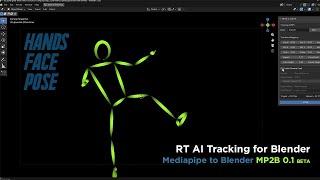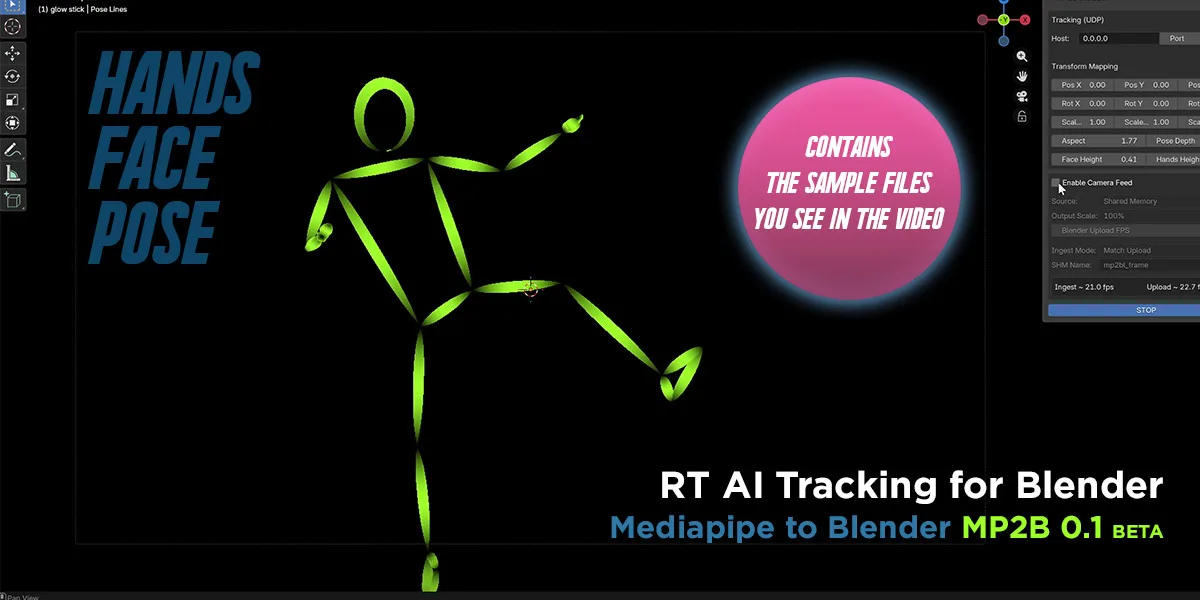
MP2B, short for MediaPipe to Blender, streams live camera tracking into Blender. It is an experimental tool for using hand, face, or body pose movement in animation, rigging, and procedural workflows. The product is listed as version 0.1 beta.
How tracking reaches Blender
MP2B has two components: a standalone client that handles camera access and tracking, and a Blender extension that receives tracking data. Choose one MediaPipe model at a time: hands, face, or body pose. The client sends landmark data to the extension over UDP; the video feed uses shared memory or MJPEG. The extension updates landmark meshes and can display the video inside Blender. It does not access the camera directly.
Each mesh vertex corresponds to a tracked MediaPipe landmark. The documentation describes using these vertices to attach objects, drive Geometry Nodes or modifiers, trigger interactions, feed constraints, or build custom rigs. This gives scene setups live inputs while tracking runs.
Live uses and limits
MP2B is intended for real-time interaction, prototyping, motion graphics, VR experiments, creative coding, and procedural setups. It is not a multi-camera motion-capture recorder or an offline tracking solver. It does not automatically record video or motion data, or bake animation. If a project needs recorded capture for later solving, this workflow does not provide that.
Setup and compatibility
Check the supported Blender version range below before installing and enabling the MP2B Extension, then launch the portable MP2B Client. In the client, select a camera and one tracking model, then start tracking. In Blender, use the MP2B panel to start receiving data. The client has no installer; its folder can be deleted when you are done.
The Superhive listing names Blender 4.5 through 5.0 as the supported range. Check the product listing for the current compatibility details. The listing labels MP2B GPL, while its documentation specifies GPL v3.0-or-later for the client and extension; review the package license before redistributing either component.
Camera and tracking data
The documentation says the client uses the camera only while running, does not record or store video, and does not save tracking data by default. Tracking data remains in memory during runtime, with no external servers involved. The extension does not collect user data or require internet access. For installation details and the described data flow, see the MP2B documentation.