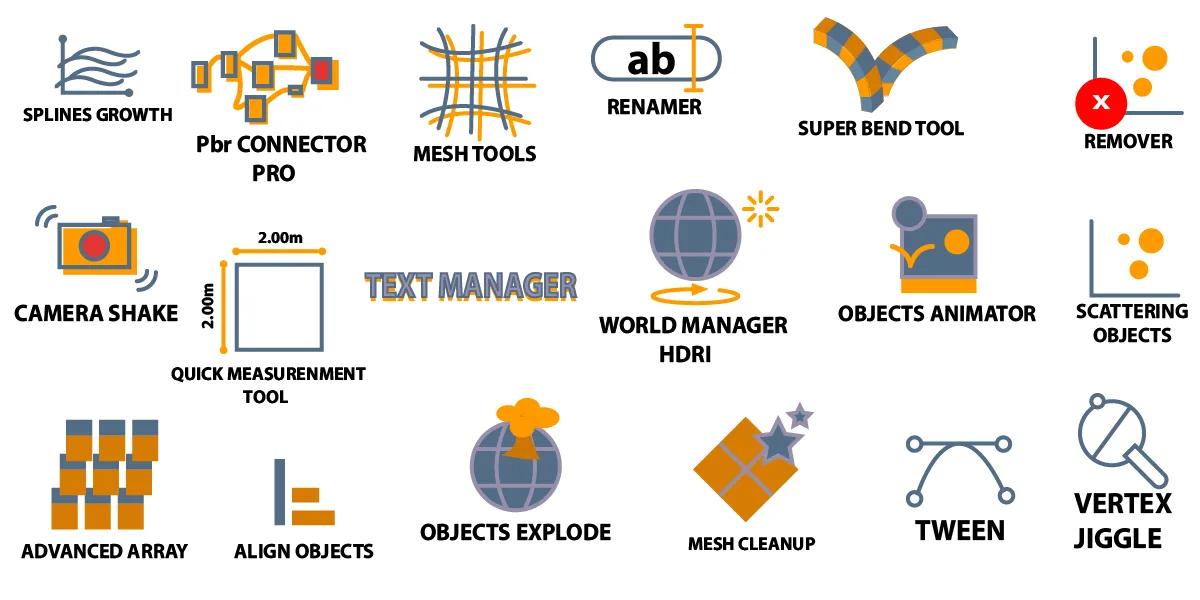
Ms Super Tools (18 In 1) is a Blender add-on bundle by Mergim Sahiti. It groups 18 add-ons for modeling, animation, effects, and scene management in one package, so you can install the suite once and access its component tools together.
Tools in the bundle
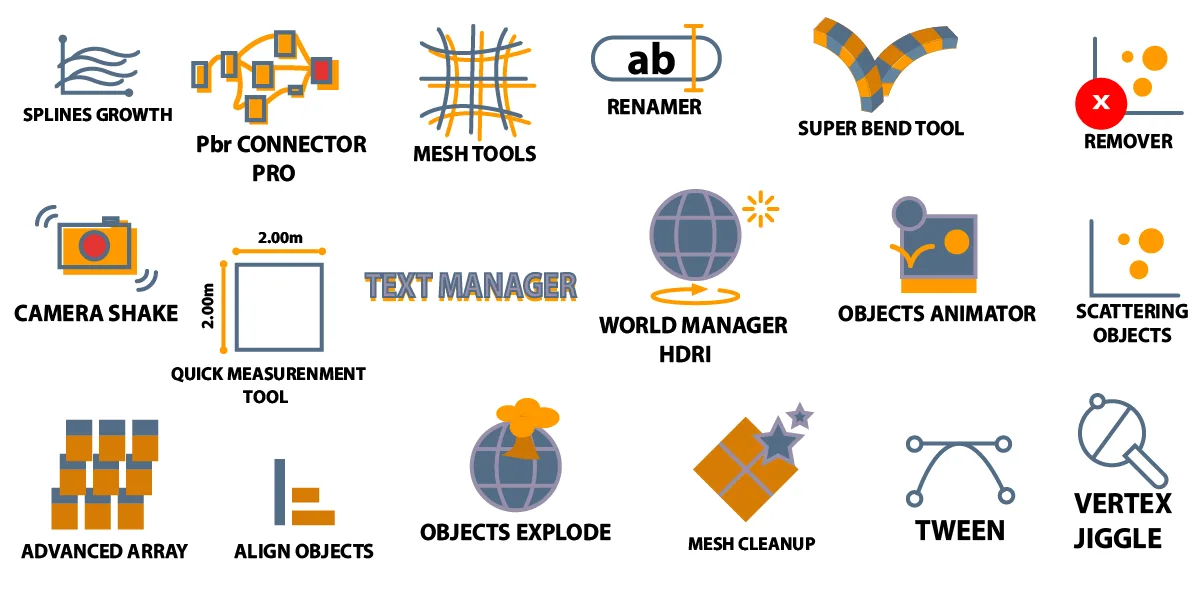
- Modeling and scene work: Advanced Array creates live clones with effectors; Scattering Objects distributes assets procedurally over surfaces; Align Objects aligns, snaps, and distributes objects; and Quick Measurement Tool measures distances, angles, and areas in the viewport. Mesh Tools covers operations such as extrude, bevel, and subdivide. Mesh Cleanup removes doubles and non-manifold geometry and fixes normals. Remover deletes by type, attribute, or hierarchy, while Renamer handles objects and collections.
- Animation and effects: Object Animator creates move, scale, and rotate animations. Tween handles interpolation and transitions between shapes or values, and Vertex Jiggle Animator adds movement to vertices. Camera Shake applies procedural shake to camera motion paths; Objects Explode creates mesh fragmentation effects; Super Bend Tool handles bending, twisting, and deformation; and Splines Growth animates a spline's growth or drawing effect.
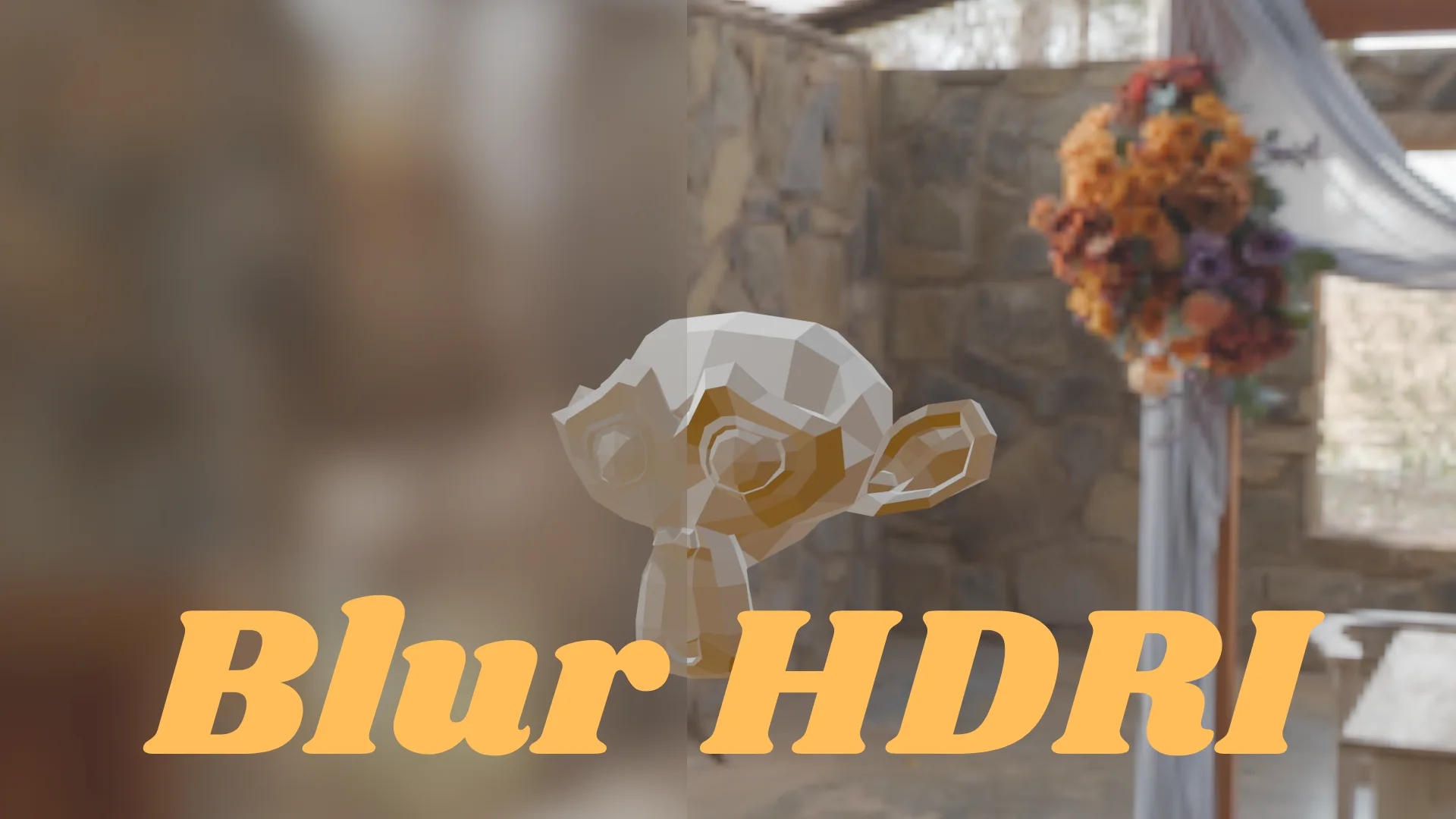
- Materials, worlds, and text: PBR Connector Pro links PBR texture maps, World Manager HDRI switches environment maps, and Text Manager organizes text objects with style templates.
Installation and compatibility
The product documentation describes installing the MS Super Tools ZIP through Blender's Edit > Preferences > Add-ons > Install menu, then activating MS Super Tools in the add-ons list. The component tools are then available through a unified menu or panel.
Superhive's product details list Blender versions 4.0 through 4.5 and identify the license as GPL. Check the seller's current compatibility notes before installing on a later Blender version.
Who may find it useful
The bundle may suit Blender users who need utilities across several parts of a project, from mesh cleanup and object placement to animation and environment setup. Its main distinction is the range of named tools in one install. If you need a specific add-on or use a Blender version outside the listed range, review the seller's product page and documentation before choosing it.