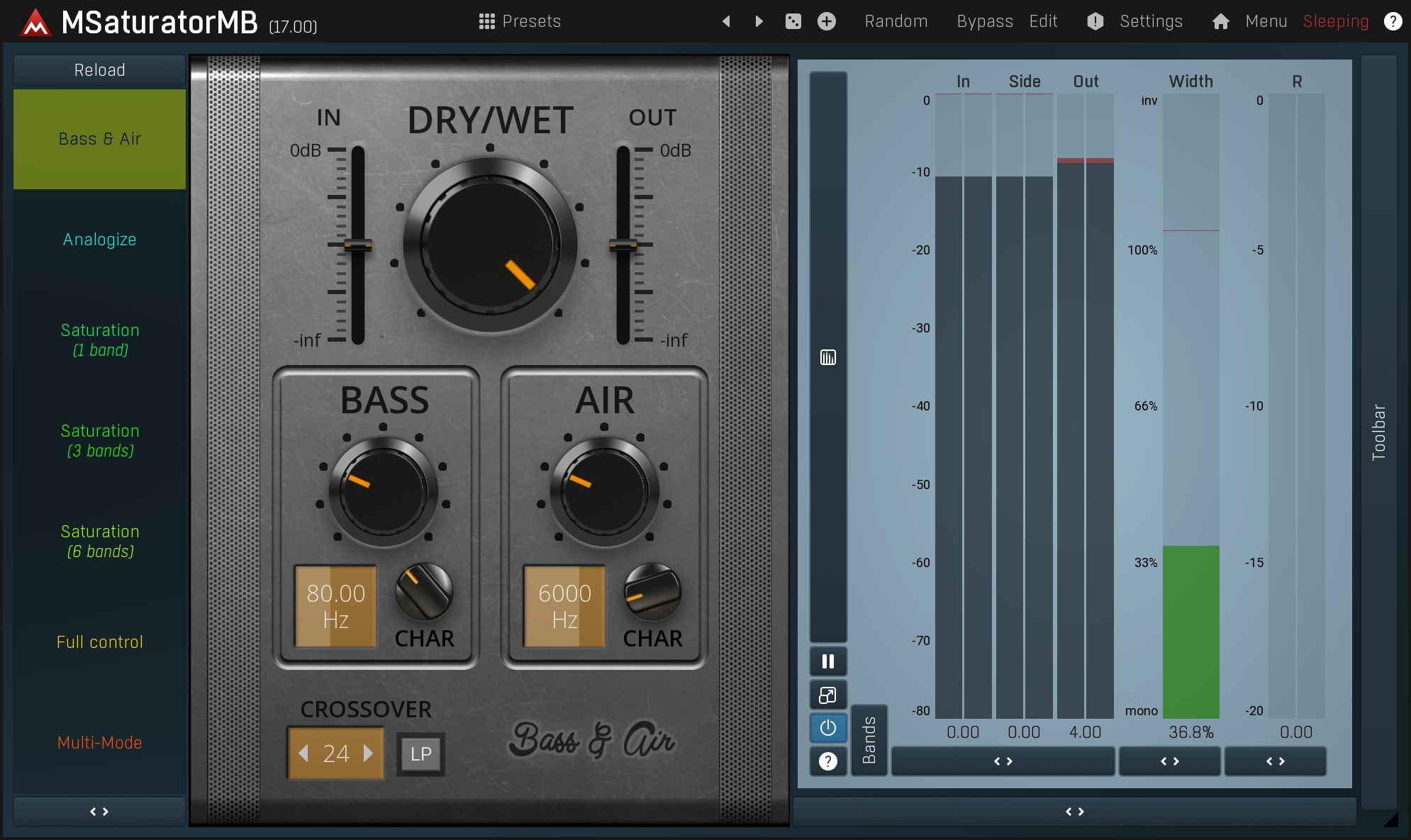
MSaturatorMB is a saturation effect with a separate digital harmonic generator. It fits mixing and sound-design work where you want to shape selected frequency ranges or stereo components, or add specific harmonics to a source such as bass. Its multiband processor handles up to six bands, each with separate processing.
Shape saturation by band
Frequency crossovers split a signal into bands for individual processing. Other crossover modes split by level, panorama, mid/side position, transient or tonal/noise content. Parallel mode sends the full input to each band. These options let you focus saturation on a particular range or signal component. Frequency crossovers offer analog or linear-phase filtering with adjustable slope. Analog crossovers add no latency and usually shift phase; the 6 dB/octave crossover is zero-phase. Linear-phase crossovers avoid phase shift but add latency, which can matter when blending processed and dry audio.
The plugin handles mono and stereo signals, with separate left and right or mid/side processing. Melda also lists support for up to eight-channel surround and 64-channel ambisonics. See the MSaturatorMB feature details for the listed channel modes.
Add and control harmonics
The saturation stage adds its own harmonic coloration. A separate generator applies after saturation and has controls for the second through fifth harmonics. For example, Melda describes adding harmonics to sub-bass so it can be heard on small speakers. The integrated compander compresses the signal before saturation and undoes that compression afterward, helping keep the signal level into the saturation stage more stable. Adjustable upsampling from 1x to 1024x and an antialiasing option are also available.
Modulate settings and choose a workflow
Four modulators can work as LFOs, level followers, triggered ADSR envelopes, randomizers or pitch detectors. They can control plugin parameters, respond to a sidechain, and synchronize to the host tempo. An LFO can move a parameter over time, while a level follower can make it respond to input level. The Easy Screen presents a smaller set of macro controls for quick adjustments; the Edit Screen exposes the full parameter set. Melda's quick start guide explains the two screens and band controls.
Automatic gain compensation helps compare the processed signal at a similar loudness to the input. A safety limiter keeps the output below 0 dB. For setup, Melda provides a product support page with documentation and system requirements. The listed formats are VST, VST3 and AAX on Windows, and VST, VST3, AU and AAX on macOS. The support page lists Windows 10 or 11 (64-bit) and macOS 10.14 or newer (64-bit). Linux is not directly supported; Melda says running through Wine may be possible and notes a Microsoft TrueType font requirement.
Melda describes its licenses as tied to one person, who may use the license on all of their own computers. Activation uses license files and does not require a dongle or internet access. Melda also states that product purchases include free updates.