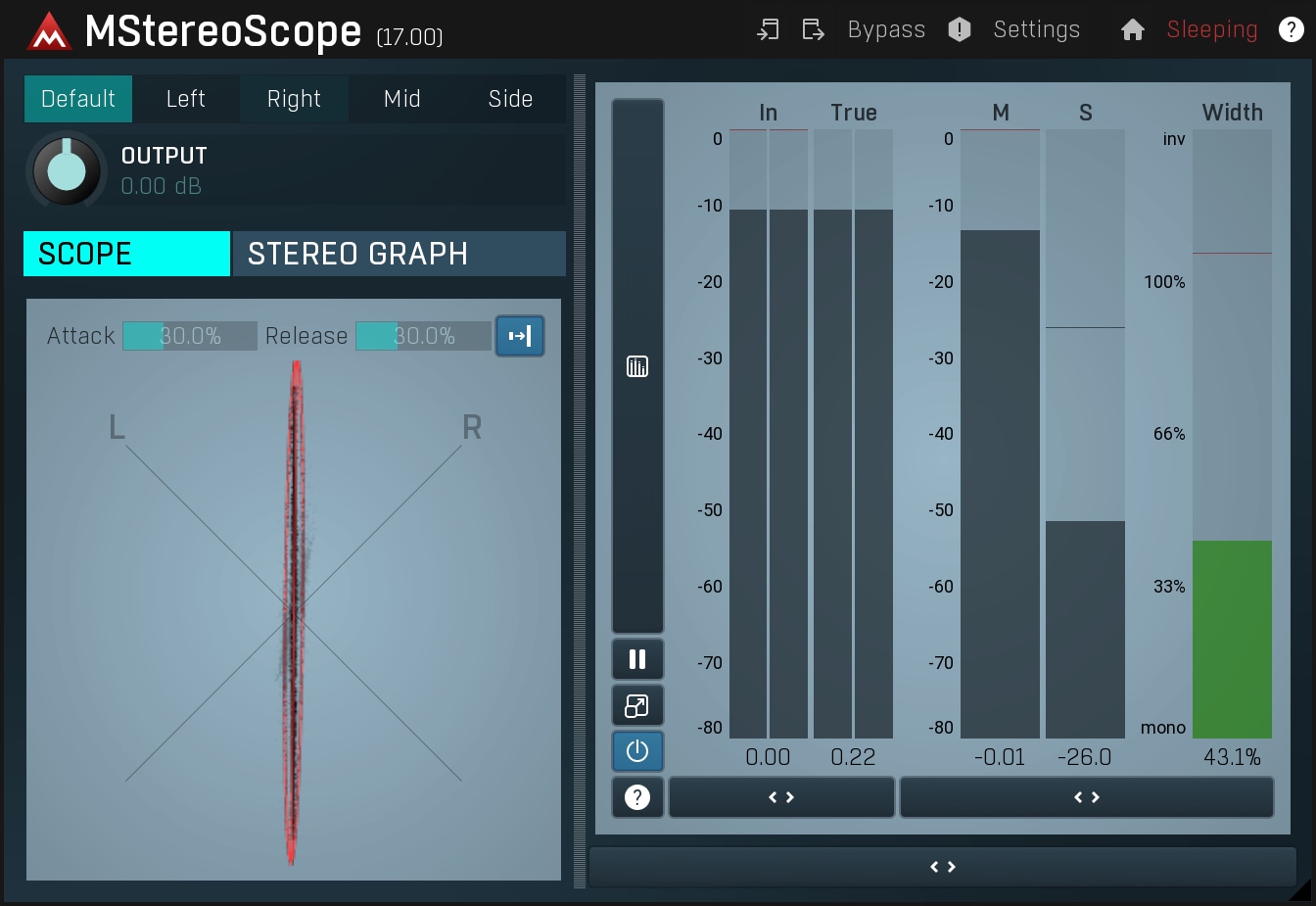
MStereoScope is MeldaProduction’s analysis effect for checking a stereo signal in a mix. It displays phase distribution, stereo width, mid and side levels, input level and true peak. You can also listen to the mid, side or individual channels to find which parts of a signal shape its stereo image.
Check width and phase while you listen
The phase scope visualizes the signal’s phase distribution. The width meter reports output-stage stereo width and needs at least two channels; it is unavailable on a mono signal. The manual describes a reading above 100% as the side signal exceeding the mid signal, which can raise mono-compatibility concerns. Use that reading as a reason to listen and investigate, rather than as a universal target.
For a closer check, switch the meters to time-graph mode to follow changes over time. You can pause the display or move it into a resizable popup when you need a larger view. The manual also describes loudness pre-filtering for the width meter; it can make width readings more perceptually representative, though it may hide phase problems in the bass.
Audition mid, side and channels
Use the Mode control to hear the mid or side signal, or solo an individual channel. In mid/side mode, the meters show the channels being processed. This helps you locate a problem by listening alongside the visual display. MStereoScope focuses on monitoring, so use what you find to guide any corrective changes in your host or another processor.
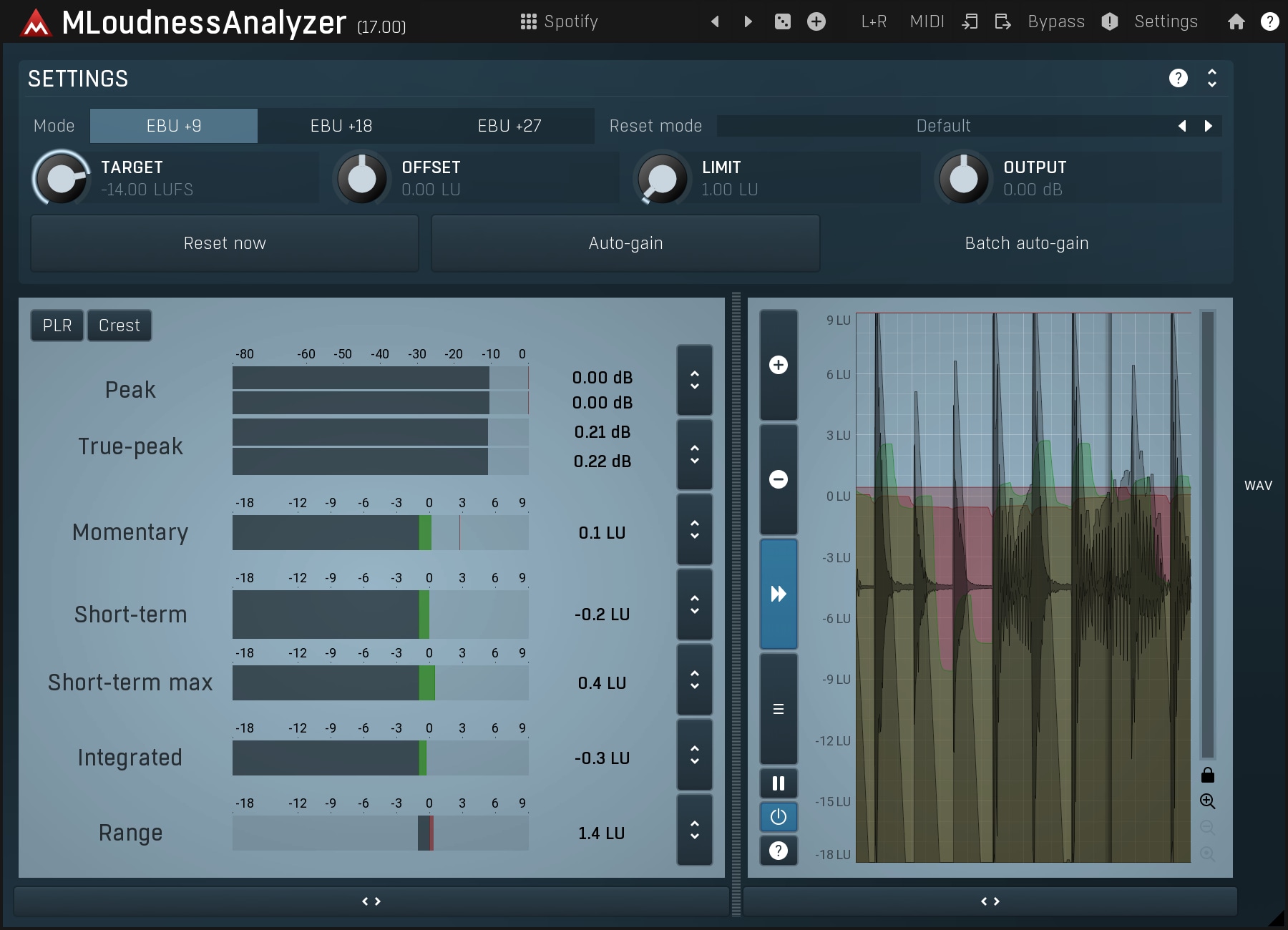
The plugin also includes input and true-peak meters. You can disable the metering system when you do not need it to save system resources. The MStereoScope manual covers the meter views and controls.
Compatibility and licensing
MeldaProduction lists Windows 10 or 11 (64-bit), a 64-bit VST, VST3 or AAX host, and an Intel or AMD processor with SSE2; for macOS 10.14 or newer, it lists 64-bit VST, VST3, AU or AAX hosts and Intel, AMD or Apple Silicon CPUs. The developer says the plugins may still work below these minimum requirements, so use the trial period to check. Linux is not directly supported; the developer says the plugins may run through Wine if the Wine Windows Fonts directory is populated with Microsoft TrueType fonts. See the MStereoScope support page for installation details.
The developer lists MStereoScope as a free effect available with the MFreeFXBundle. Its product page says activation uses license files and needs no dongle or internet access. The license is to-person: you may use it on your computers, provided you are the person operating it.