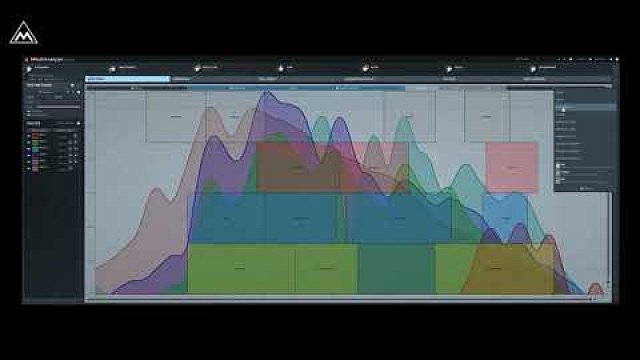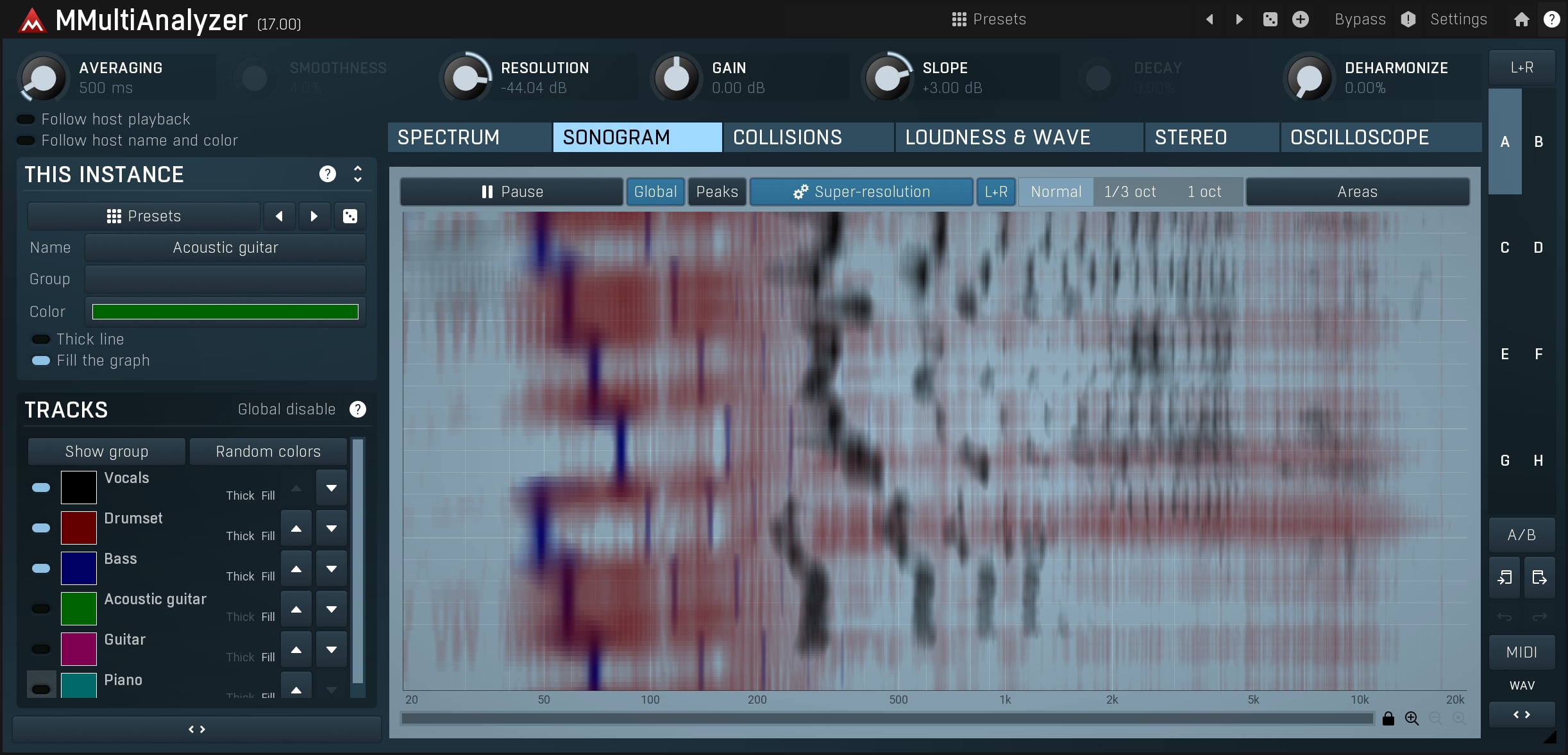
MMultiAnalyzer is a DAW plugin for comparing spectrum, loudness and stereo information across tracks. Insert an instance on each track you want to inspect; the instances find each other without special routing. From one instance, you can choose which tracks to display, so you can compare a focused group in a shared view.
What you can inspect
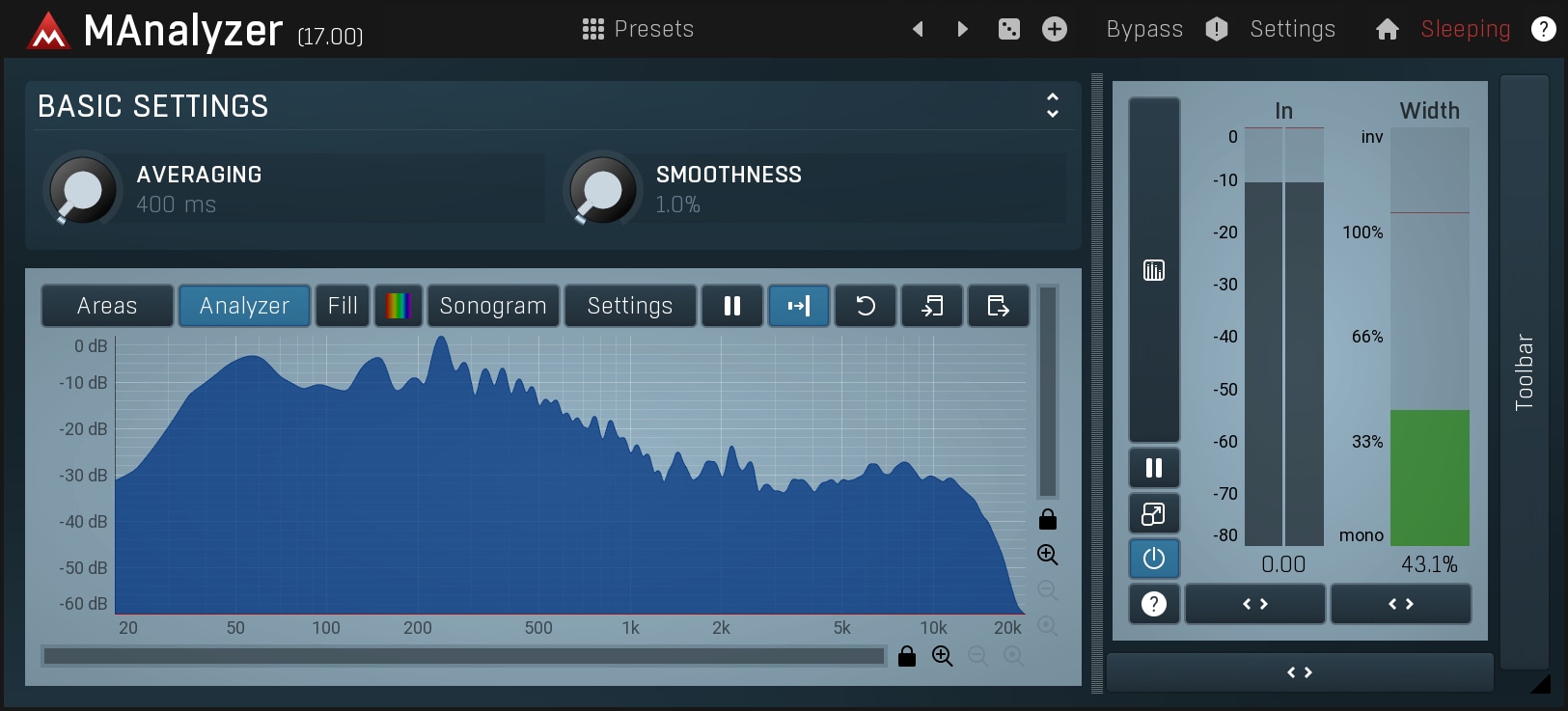
- Spectrum: Compare frequency curves across tracks. Visual normalization can make each track's strongest frequency reach the top of the graph. It changes the display, not the audio, and hides absolute level differences.
- Sonogram: View frequency energy over time, which can help locate when a sound occupies a particular part of the spectrum.
- Collisions: See a spectrum strip for each track and a graph marking frequencies present in at least two tracks. Overlapping frequencies can help locate over-occupied areas of the spectrum or a cluttered mix, but a collision does not by itself mean you should change the mix.
- Loudness and waveform: Compare track waveforms alongside loudness graphs.
- Stereo and oscilloscope: Inspect stereo placement from center to sides, or use the oscilloscope's pitch detection to view a single period of a track.
For a collision check, place instances on the tracks that may compete, select those tracks in a collision view, then listen to the flagged frequencies before deciding whether to adjust EQ. Averaging reduces jumps in the readings, though the result is less accurate in the time domain; smoothness softens fluctuations in the frequency curve. Super-resolution mode adds low-frequency detail while keeping the high-frequency response quick, at the cost of extra CPU use.
Compatibility and setup
MeldaProduction lists 64-bit Windows 10 or 11 with a 64-bit VST, VST3 or AAX host and an Intel or AMD processor with SSE2 support; for macOS, it lists 10.14 Mojave or newer (64-bit) with a 64-bit VST, VST3, AU or AAX host. The macOS requirements list Intel, AMD and Apple Silicon CPUs. Check MeldaProduction's system requirements for host-specific notes. Linux is not directly supported.
In Bitwig Studio, MMultiAnalyzer's instances need to share resources. MeldaProduction says to change the default plugin sandboxing to “Together” or “By manufacturer”; otherwise, the instances cannot work together. Melda also lists support for up to 8-channel surround and 64-channel ambisonics. These modes depend on the DAW's bus support. The manufacturer notes that Ableton Live does not handle surround-capable plugin buses correctly and recommends using the VST version, which reports stereo by default.
The MMultiAnalyzer manual explains its views and controls.
Trial and licensing
MeldaProduction offers commercial plugins as fully functional 15-day trials; after the trial, the software switches to demo mode with limitations. Its to-person licence can be activated on the owner's computers, but only the licence holder may operate it. Licence-file activation does not require an internet connection or hardware dongle. See MeldaProduction's licence information.