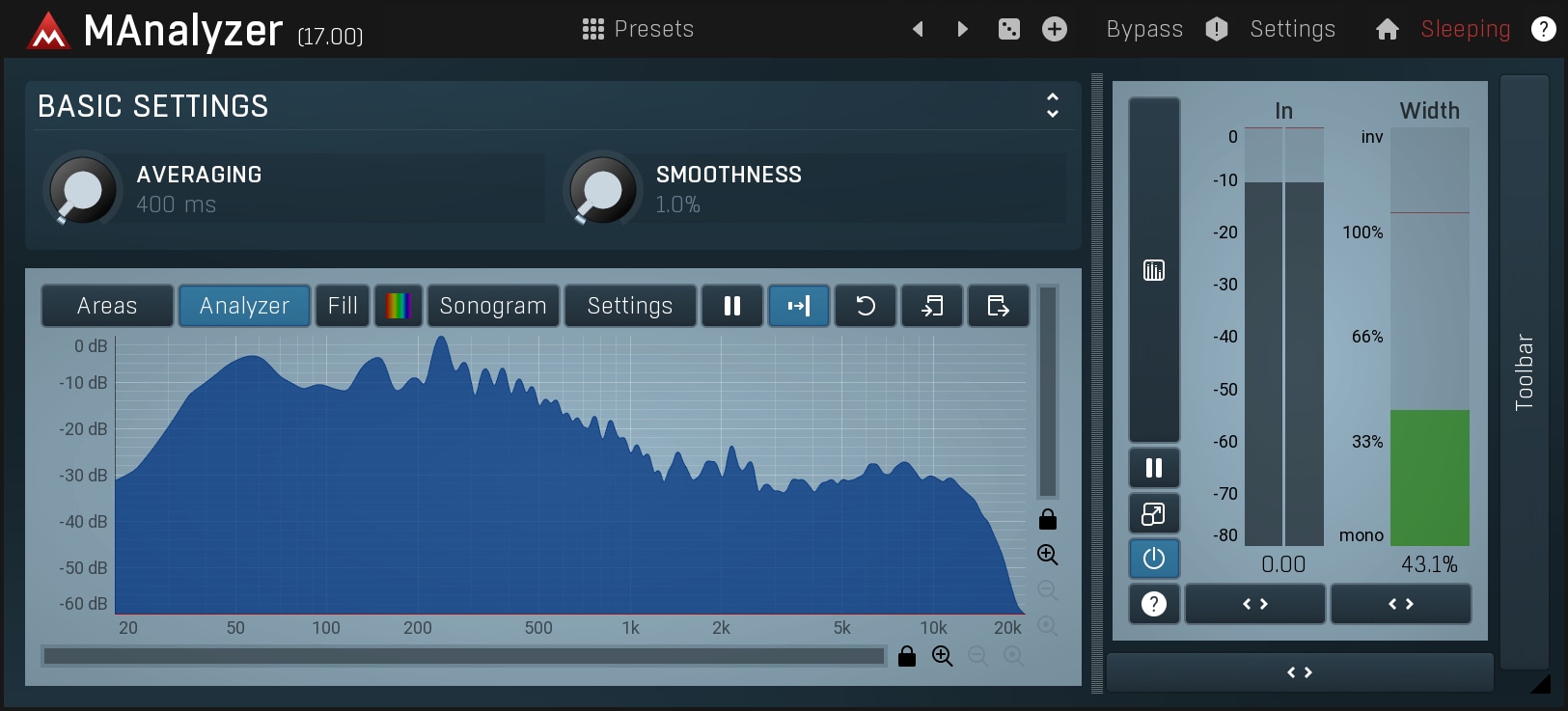
MeldaProduction describes MAnalyzer as a spectral analyzer and sonogram with peak and loudness meters. It suits producers and audio engineers who want to inspect frequency balance, changes over time, loudness or stereo width inside a supported host. The product page labels it a free effect and points to MFreeFXBundle for access.
Read a spectrum or follow it over time
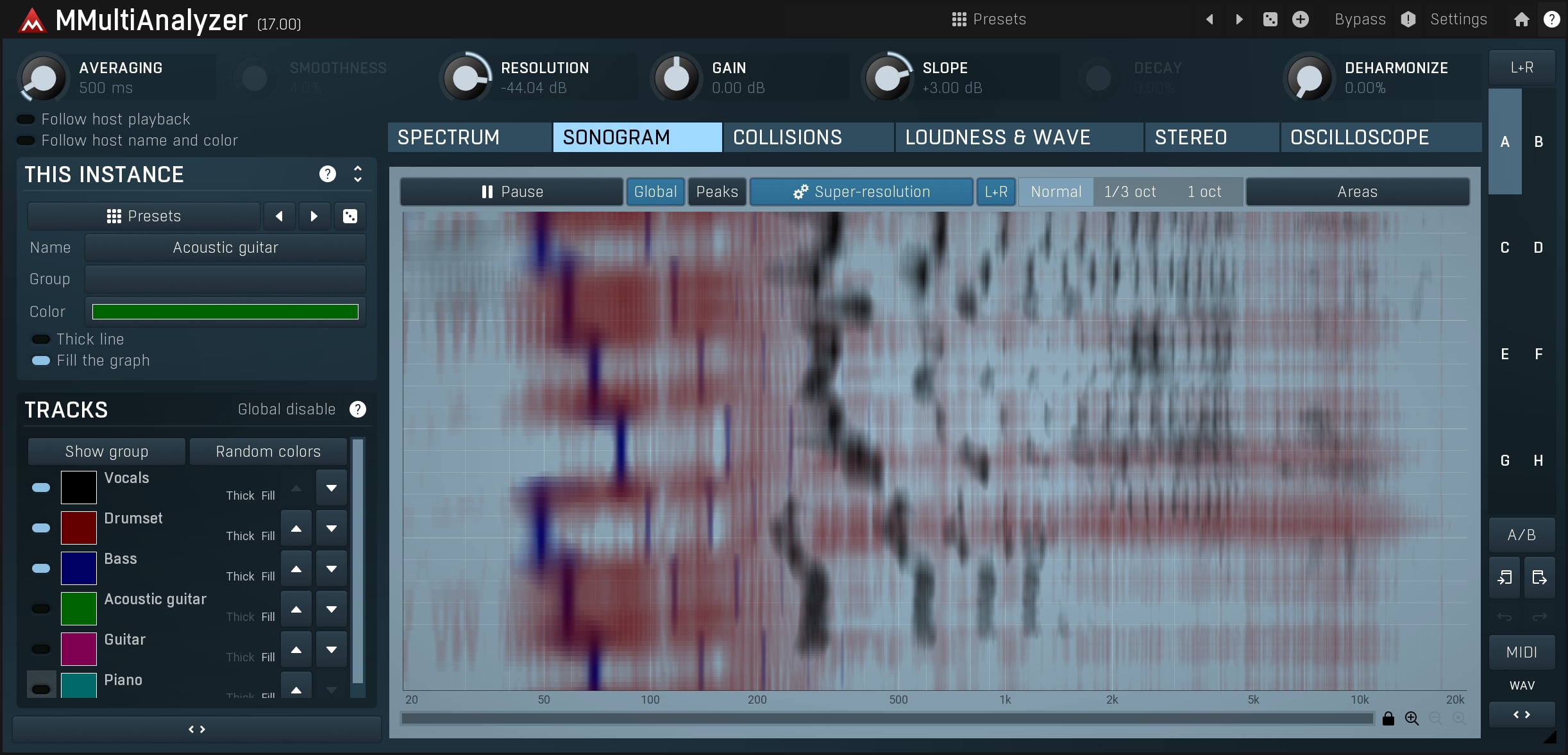
The spectrum analyzer shows the levels of individual frequencies. You can view a smooth curve or use one-third-octave and octave displays when grouped bands are easier to read. The sonogram shows frequency levels over time, with color representing level. Its time axis helps track changing content, while the spectrum analyzer gives more precise level detail.
For comparisons, visual Normalize brings the loudest frequency to the top of the graph. It changes the display, not the audio, and hides the signal's actual level. Global normalization keeps level relationships between displayed graphs while setting their shared maximum to 0 dB. With it off, each graph is normalized separately. You can freeze analysis, copy a captured view to another analyzer for comparison, or export analysis data as CSV. The MAnalyzer manual describes these controls.
Adjust detail for the signal
Averaging reduces rapid movement in the display, with less timing detail; Smoothness reduces bumps in the curve. Time resolution follows faster changes at the cost of spectral detail. More FFT overlap improves precision and response speed, while using more CPU.
Super-resolution improves bass frequency detail while keeping a faster response in higher frequencies, at additional CPU cost. Deharmonize can help expose fundamentals by reducing harmonics. Optional prefiltering can weight the analysis with curves such as loudness-oriented weighting, so check the selected curve when you need unweighted frequency levels.
Channels, meters and compatibility
MAnalyzer supports mono and stereo, separate left and right channels, mid-side modes, surround up to eight channels, and ambisonics up to 64 channels. Multi-channel use depends on the host and track routing. With VST2, surround and ambisonics require global activation in MeldaProduction's plugins and a host restart. The product page lists EBU R128 and ITU-R BS.1770-3 compliant loudness metering; the manual also describes input peak and stereo-width meters.
MeldaProduction's support information lists 64-bit Windows 10 or 11 hosts using VST, VST3 or AAX, and macOS 10.14 or newer using VST, VST3, AU or AAX. Windows requires an Intel or AMD processor with SSE2; macOS lists Intel, AMD or Apple Silicon CPUs. Linux is not directly supported, though MeldaProduction says Wine may work if the .wine/drive_c/windows/Fonts/ directory contains Microsoft True Type fonts.
MeldaProduction says activation does not require a dongle or internet connection and uses licence files. Its feature information describes licences as personal: the licensed user may use the software on their computers, but only that user may operate it.