MTurboComp is a dynamics plugin from MeldaProduction with 14 vintage-style compressor and limiter models, plus other devices. It suits mixing and mastering workflows where you want to compare compressor characters, blend parallel compression or shape your own dynamics processor.
Choose a model and set the amount of compression
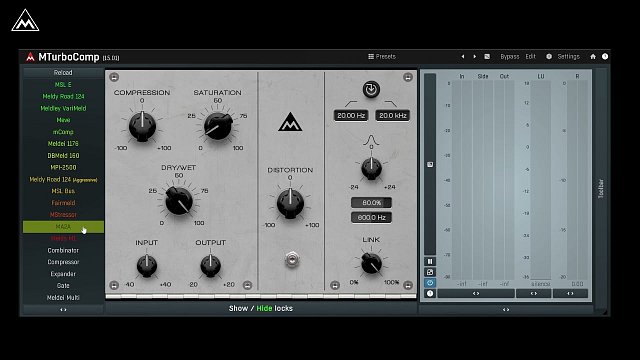
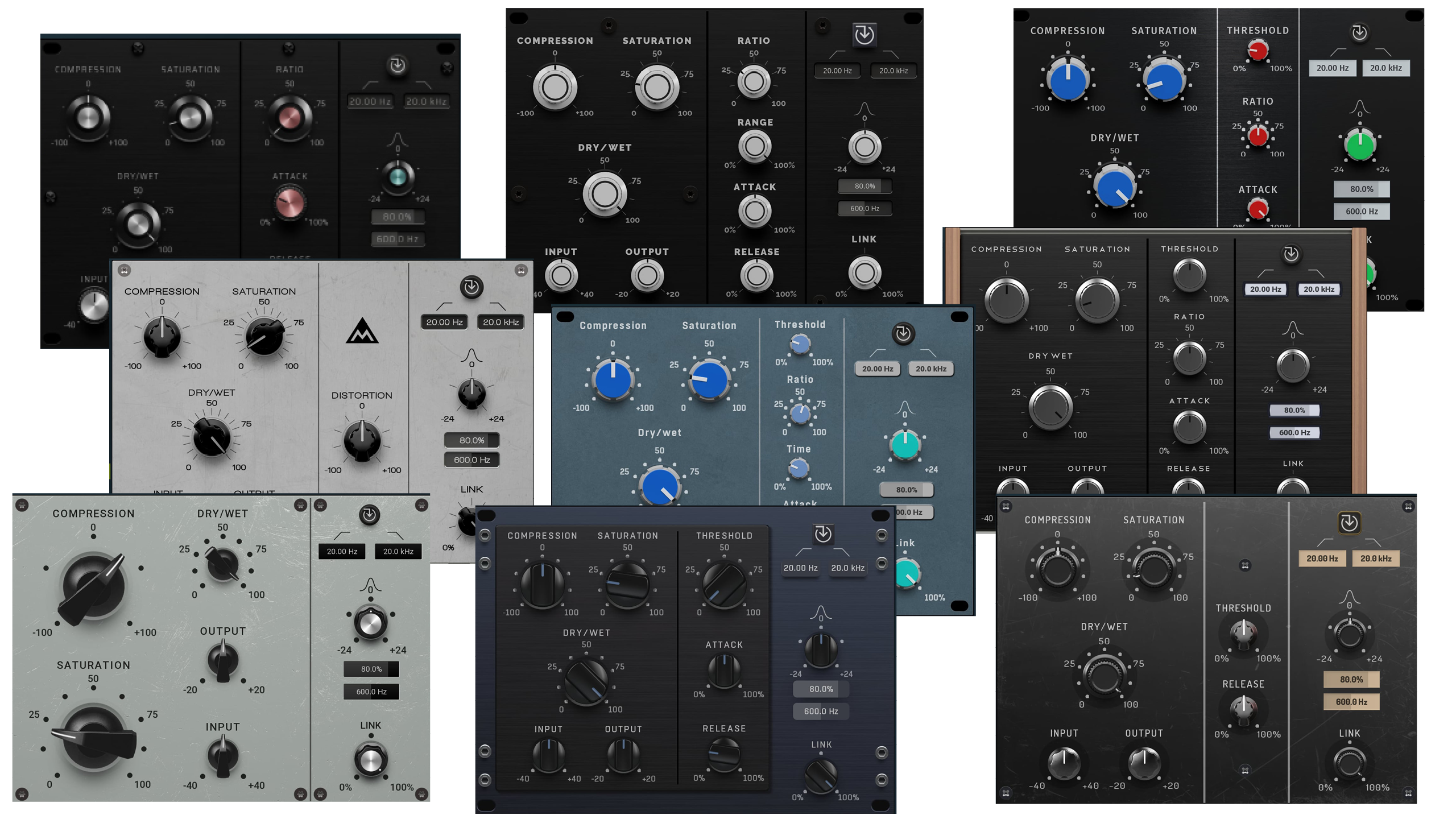
The models use a similar interface, so you can switch between them without learning a different set of controls each time. Start by choosing a device and setting input gain if needed. Adjust attack and release for the response you want, then use the Compression control to change the amount of compression while aiming to keep output level relatively steady. Automatic gain compensation helps keep the output close in loudness to the input while you compare settings.
The Dry/Wet control gives you a direct parallel blend. Saturation adds harmonic character. For comparisons, MTurboComp also provides eight A-H settings, with morphing between the first four using an X-Y pad.
Shape what drives the detector
Enable the external side-chain input when you want another signal to drive compression. High-pass and low-pass filters, along with a peak-filter Detector EQ, let you focus the detector on a frequency range. For example, a low-pass detector around 100 Hz can make the kick drum drive compression on a mixed drum track; the Detector EQ can help focus the response around a snare.
Easy controls, deeper editing and multiband use
The Easy screen presents device-specific macro controls for common adjustments. The Edit screen exposes the underlying parameters for detailed changes and custom processor design. It includes four level detectors, four transfer-curve processors, a dynamic equalizer and two saturators.
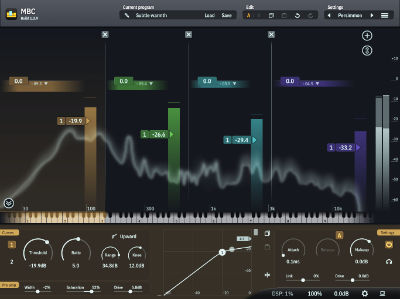
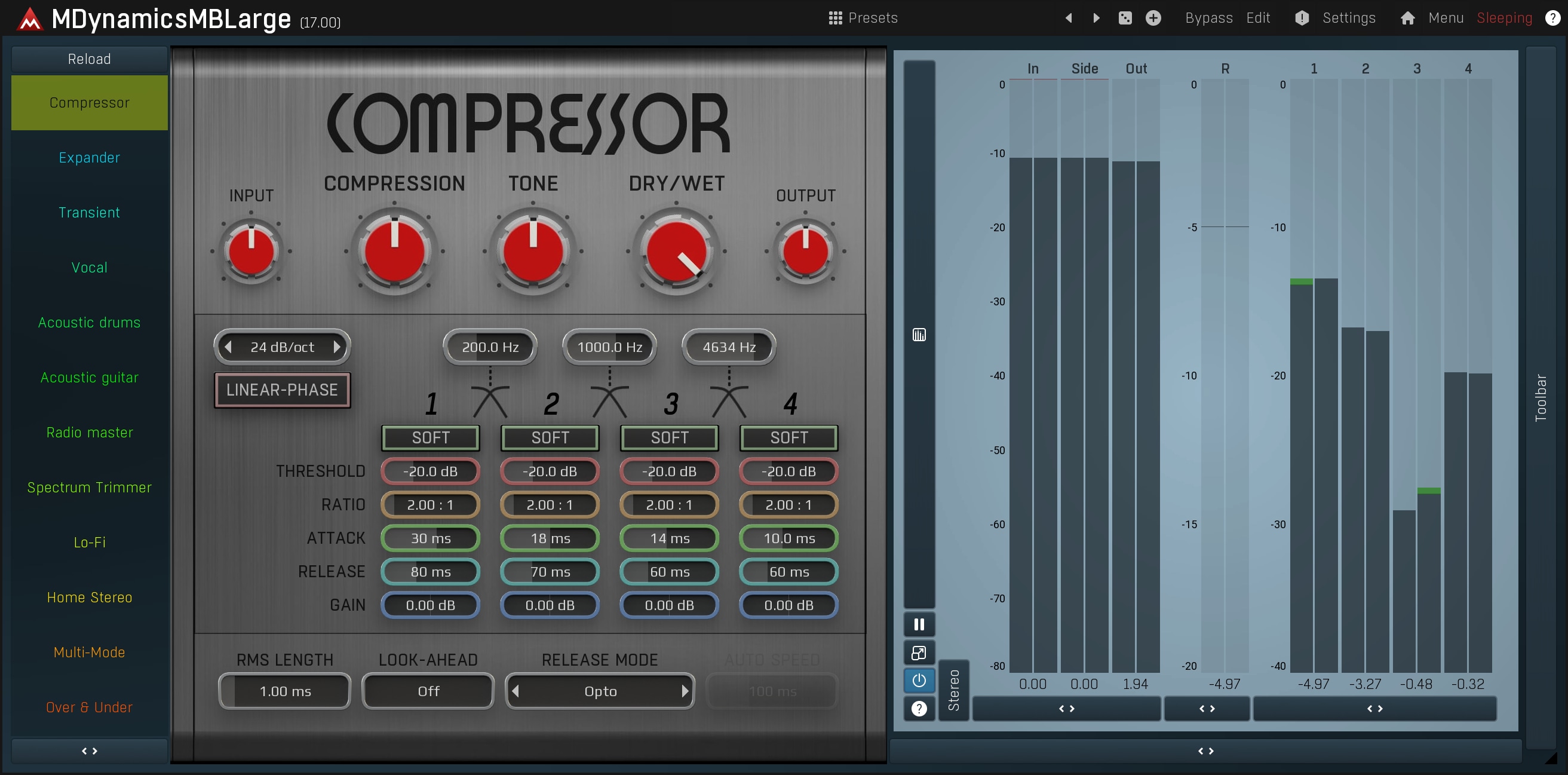
The full licence includes MTurboCompMB, the multiband version. This lets you use different compressor models on different frequency bands. MTurboCompLE includes the devices on the Easy screen, but excludes the Edit screen, custom processor design and multiband version.
Compatibility and licensing
- Windows: Windows 10 or 11, 64-bit, with a 64-bit VST, VST3 or AAX host and an Intel or AMD processor with SSE2 support.
- macOS: macOS 10.14 Mojave or newer, 64-bit, with a VST, VST3, AU or AAX host. Intel, AMD and Apple Silicon CPUs are listed.
- Linux: Not directly supported. MeldaProduction notes that running the plugin through Wine may be possible with Microsoft TrueType fonts installed in the Wine environment.
Activation uses a licence file and does not require a dongle or internet access. A licence is assigned to one person, who can use it on their own computers. MeldaProduction says a computer below these minimum requirements may still run the plugin and recommends using the trial to find out. Check MeldaProduction's support page and system requirements for setup details. The quick start guide describes the controls and compressor workflow.