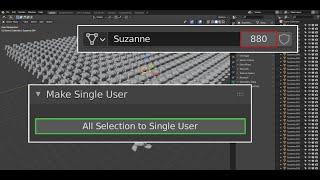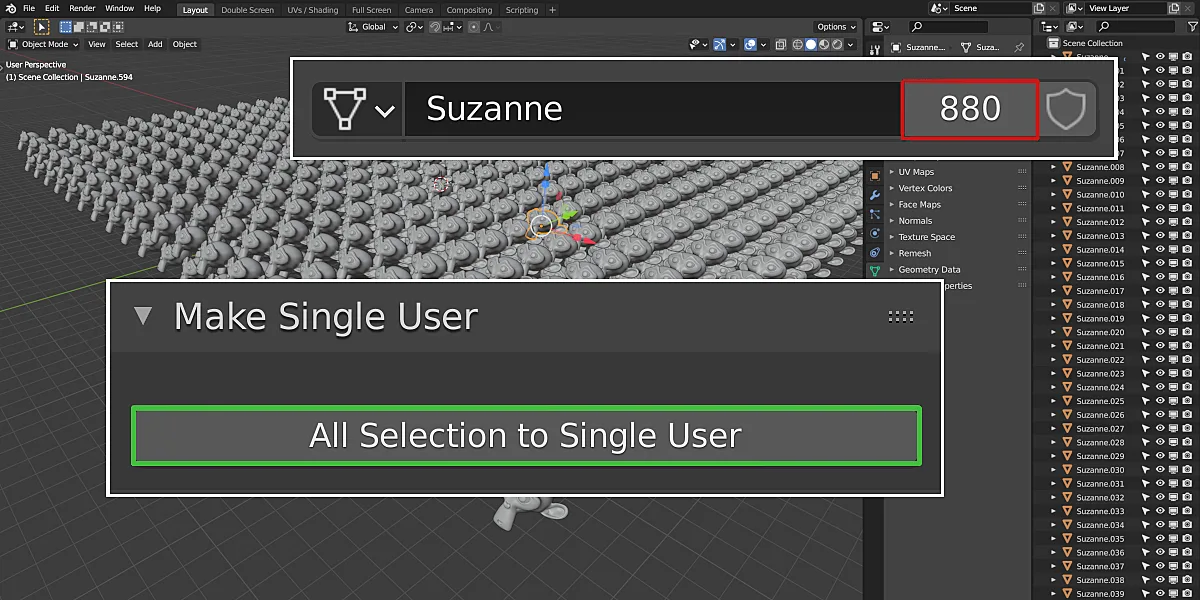
Multiple Single Users is a Blender add-on by Yves for unlinking the data of selected linked duplicates. Linked duplicates share data, so edits to one can affect the others. When a scene contains hundreds or thousands of these objects, separating them individually can take time. The add-on lets you select the objects to separate and apply the single-user action with one click.
Install and use the add-on
- Before installing, check the Blender version list and qualification under Compatibility and license. Then go to Edit > Preferences > Add-ons, choose Install, and browse to the add-on ZIP file. Enable the add-on with its checkbox. To keep it active the next time Blender opens, save your preferences from the menu at the lower left.
- Select the objects whose shared data you want to unlink. In the Properties editor, open the Data context and find the
1 Clic Single Userstab. - Click the button in that tab to make the selected objects single-users.
The product documentation describes this installation and use flow.
Compatibility and license
The Superhive listing names Blender 2.78, 2.79, 2.8, 2.81, 2.82, 2.83, 2.9, 2.91, 2.92, and 2.93. Compatibility with other releases is not confirmed by that list, so check the listing before installing on a different version. It identifies the license as Creative Commons; consult the listing for the applicable terms. The AnyPlugins catalog lists the add-on as free.