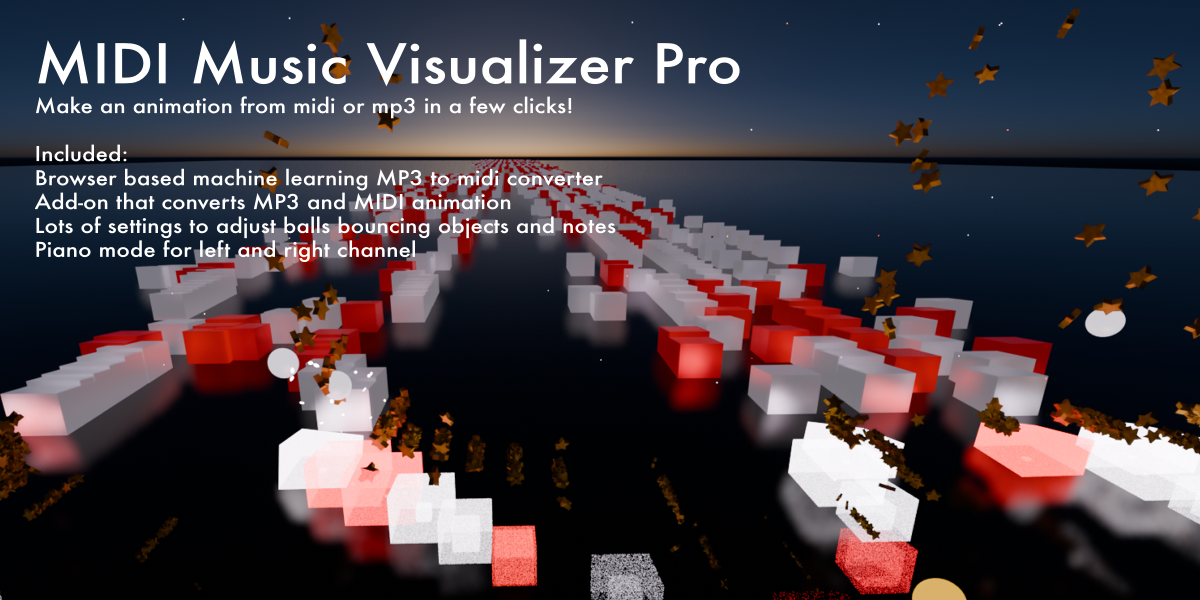
Music Ball is a Blender add-on for making music visuals by tapping Spacebar in time with a track. Each tap places a tube along a path, and a ball bounces through the sequence.
Record a beat sequence
Open the 3D Viewport sidebar with the N key, find the Music Ball panel, and choose Start Recording. Play music from a phone or Blender's sequencer, then press Spacebar on each beat. Choose Stop Recording when the sequence is complete. Music Ball needs no audio-analysis tools or scripting for this tap-driven workflow.
The add-on previews the beats as you place them. The sequence includes some randomness. You can adjust the ball's jump height to change the motion between tubes.
Adjust the scene and motion
Music Ball creates the bouncing ball and tube path, along with a following camera, background, and lights. The ball squashes on hits, and the tubes light up with a warm glow burst. You can change materials for the ball, tubes, and background to fit the scene.
If you move tubes after recording, use Update Curve to refresh the motion path. Clear All removes the current sequence so you can start again.
Rendering, compatibility, and installation
The Superhive listing identifies Blender 4.5, Cycles and Eevee, and a GPL license. It does not specify compatibility with other Blender releases, so check the product listing before installing on a different version.
The Superhive listing says Music Ball exports MP4 with embedded audio; the documentation describes rendering the animation and syncing audio in a video editor or Blender's Video Sequencer. Check the latest instructions if you need a particular export workflow.
Download the add-on as music_ball.zip. In Blender, open Edit > Preferences > Add-ons, choose Install, select the file, then enable Music Ball. To remove it, disable the add-on in the same preferences area and choose Remove.
Who Music Ball may suit
Music Ball suits creators and DJs making short, rhythm-led visuals with hand-placed beats and a customizable ball-and-tube scene. The documentation does not describe automatic beat detection or detailed audio-analysis controls.