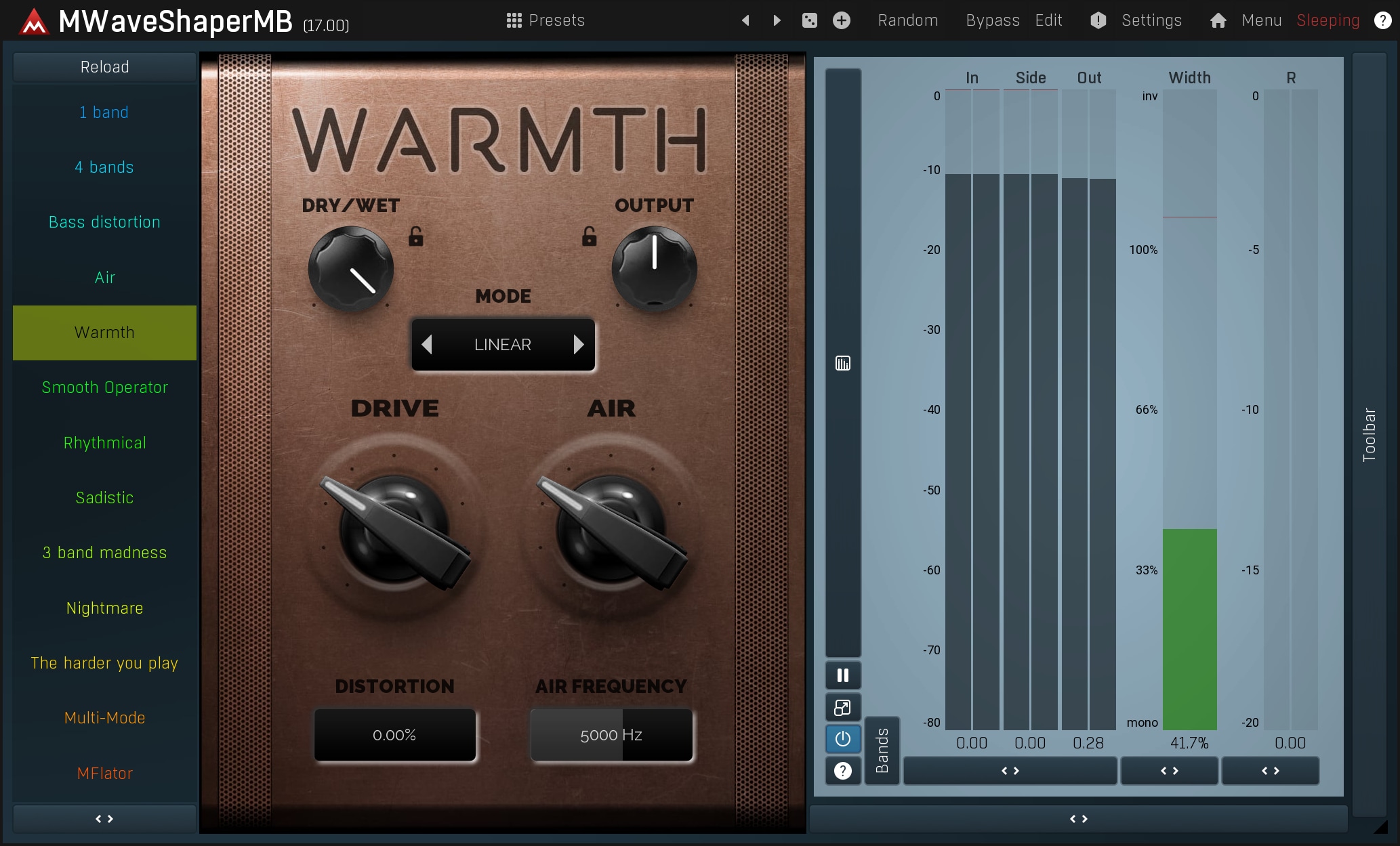
MWaveShaperMB is a waveshaping distortion effect for producers and sound designers who want to draw a transfer curve and apply different shapes to different parts of a signal. The curve maps input values to output values. The plugin can split audio into up to six bands, process each with its own curve, and modulate parameters for moving distortion.
Choose what each band follows
For frequency-specific processing, set up frequency bands, drag their boundaries, and edit the curve for a selected band. You can mute, solo, or bypass each band's processing to hear its contribution. Other crossover modes include divisions by signal level, panorama, mid/side position, spectral content, or transients. Level mode can direct louder and quieter material to different bands; panorama and mid/side modes let you process audio according to its stereo position; transient mode separates attacks from the remaining sound.
Parallel mode disables the crossover and sends the full input to every band for stacked processing. The outputs can add together, so the manual recommends reducing output level first. Analog crossovers have no latency and usually shift phase; steeper slopes increase band separation and phase shift. The Analog LP, Linear-phase, and Hybrid modes add latency without phase shift. The 6 dB/oct crossover is zero-latency and zero-phase; Level mode is also zero-phase.
For spatial work, the listed channel modes include mono and stereo, mid/side, surround up to eight channels, and ambisonics up to 64 channels.
Draw and animate the curve
The curve editor supports a potentially unlimited number of points, adjustable curves, and a drawing mode. Asymmetric shaping can generate even harmonics, and the integrated DC blocker can remove signal offset that asymmetric shaping may cause.
Four modulators can act as LFOs, level followers, triggered ADSR envelopes, randomizers, or pitch detectors, alone or in combination. They can listen to a side-chain and control parameters, so settings can respond to the signal or move over time. Oscillators and modulators can also synchronize to the host tempo.
For comparisons, MWaveShaperMB provides A-H settings and X-Y morphing among the first four. Automatic gain compensation matches output loudness to the input while you compare settings. The manual notes that gain compensation is nonlinear and takes time to settle after a change.
Formats, platforms, and activation
- Windows 10 or 11 (64-bit) requires an Intel or AMD processor with SSE2 and a 64-bit VST, VST3, or AAX host.
- macOS 10.14 Mojave or newer (64-bit) supports 64-bit VST, VST3, AU, or AAX hosts on Intel, AMD, or Apple Silicon CPUs.
- Linux is not directly supported. Melda says running the plugins through Wine may be possible if the .wine/drive_c/windows/Fonts/ directory contains Microsoft TrueType fonts before installation.
Melda says activation uses license files and needs neither a dongle nor internet access. The license is personal to the user and can be used on that user's computers. Purchases include free updates.