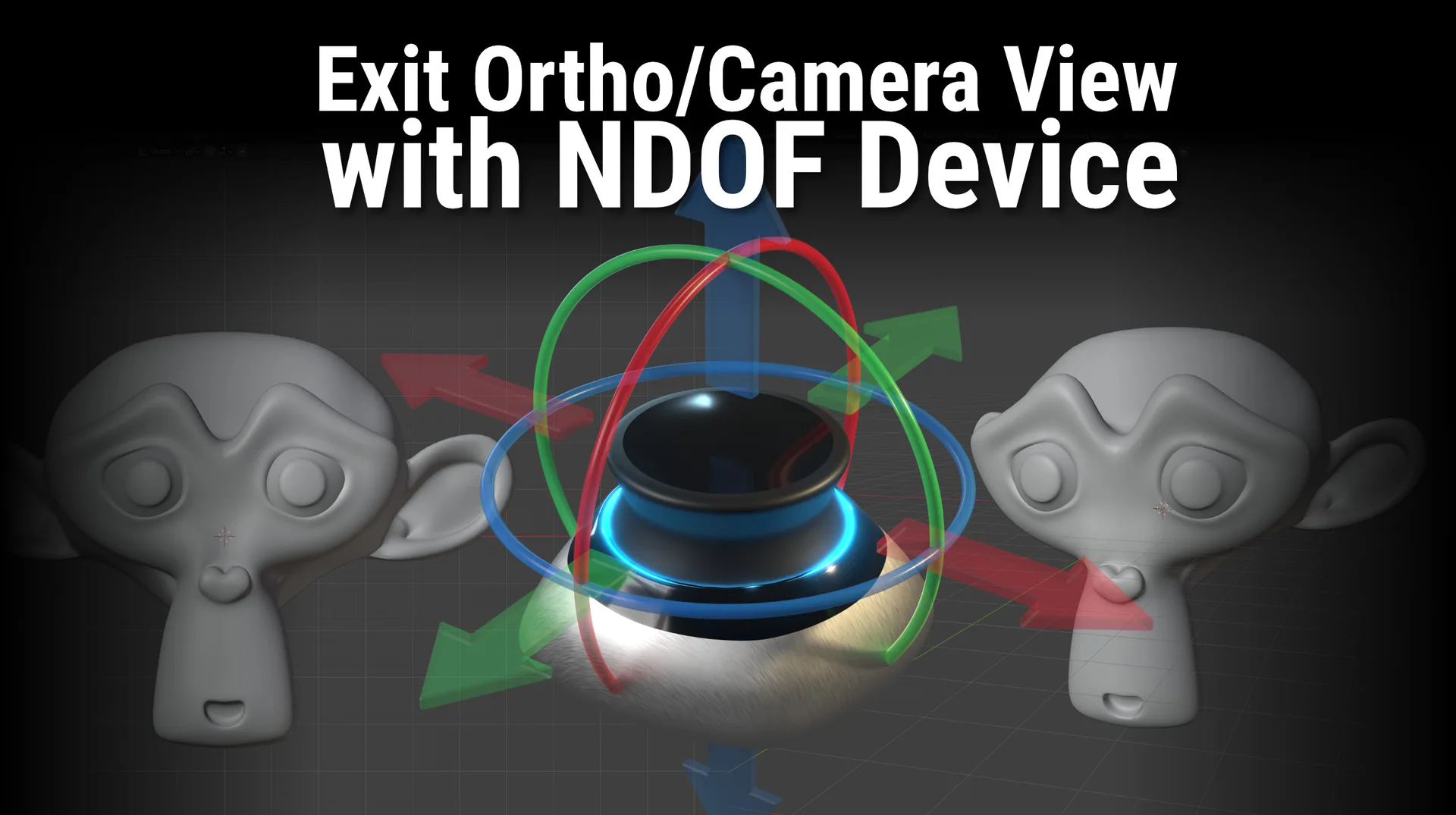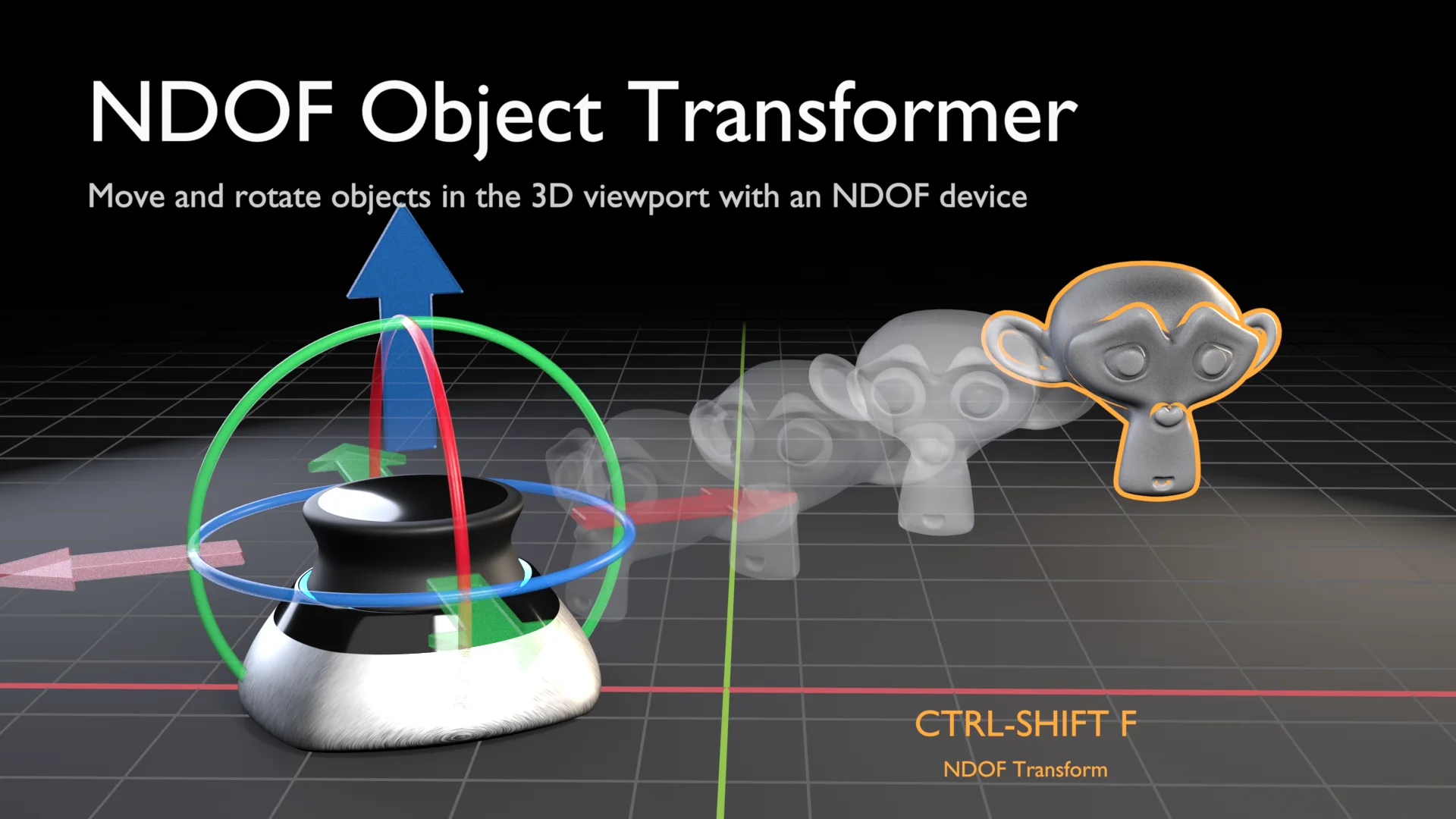
NDOF Object Transformer lets you translate and rotate the active object or objects in Blender’s 3D Viewport with an NDOF device, such as a SpaceMouse. Version 1.3.0 is a Blender Extension compatible with Blender 4.5 and newer.
Global transforms and Viewport navigation
The add-on provides two modes for working in the viewport. In Global mode, device input transforms objects. Rotation works with quaternion and axis-angle rotation modes, including pose bones. Global mode also respects transform locks and auto-keying, and skips linked data.
In View mode, the add-on follows the 3D Viewport beneath the mouse pointer. When you switch to Edit, Sculpt, or another mode, the add-on stays on so the NDOF device can navigate the view instead of the mode switching off.
Undo and version 1.3.0 changes
Each SpaceMouse gesture is a separate undo step, so Ctrl+Z can undo a gesture as expected. A “NDOF Transform” indicator appears in the 3D Viewport while the mode is on.
Version 1.3.0 converts the project to a Blender Extension, replacing the legacy add-on format. It also fixes cases where the toggle needed two presses after opening a file, motion doubled after a quick off-and-on, or the mode stayed on after an error.
Compatibility and installation
The Blender Extensions listing identifies Blender 4.5 as the minimum version and lists no special permissions. It offers drag-and-drop installation or a download that can be installed from disk. See Blender’s extension installation instructions for the Install from Disk workflow.
The listed license is GNU GPL version 3.0 or later. For the current release and its source repository, visit the NDOF Object Transformer listing or the developer’s GitHub repository.