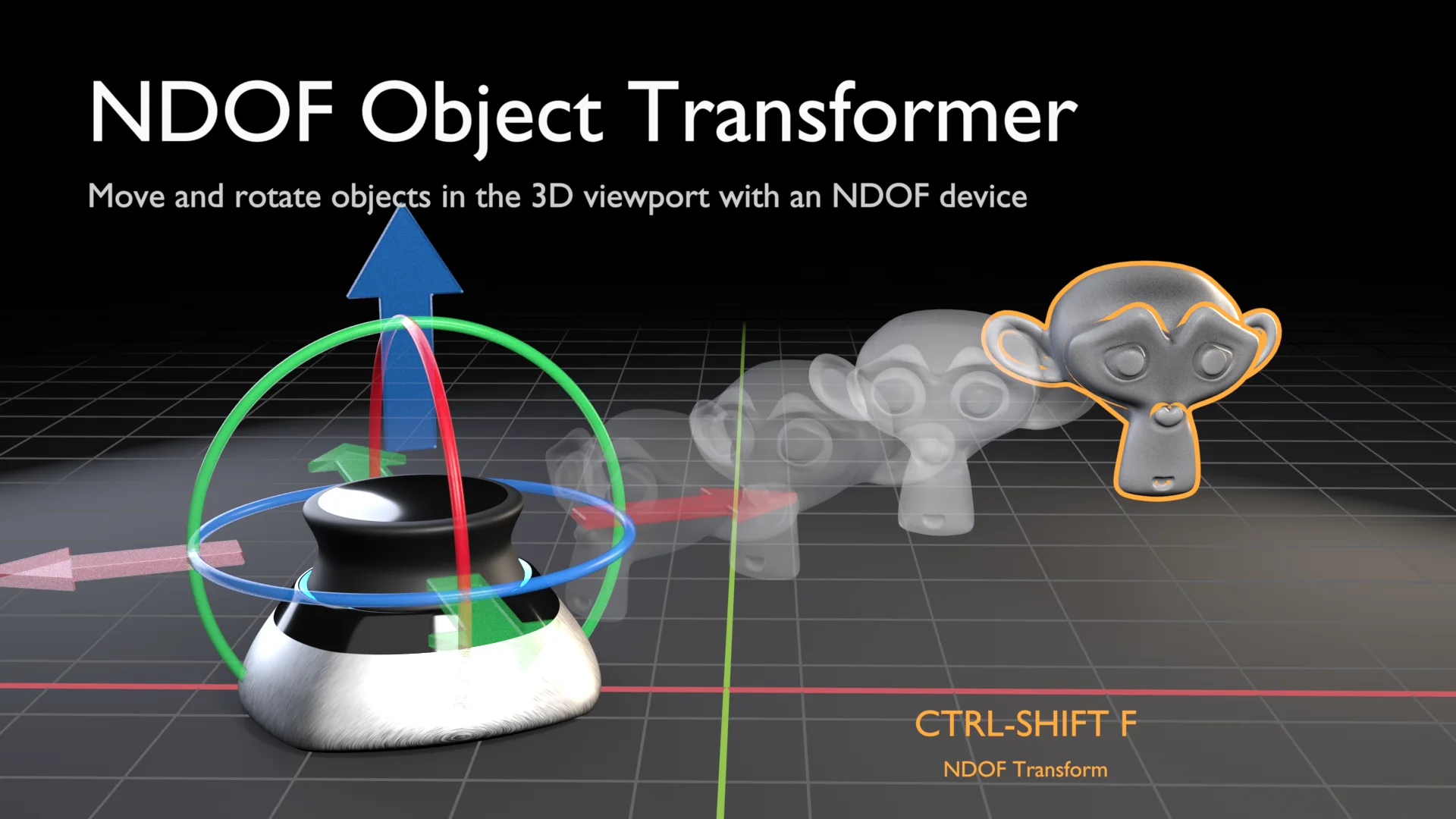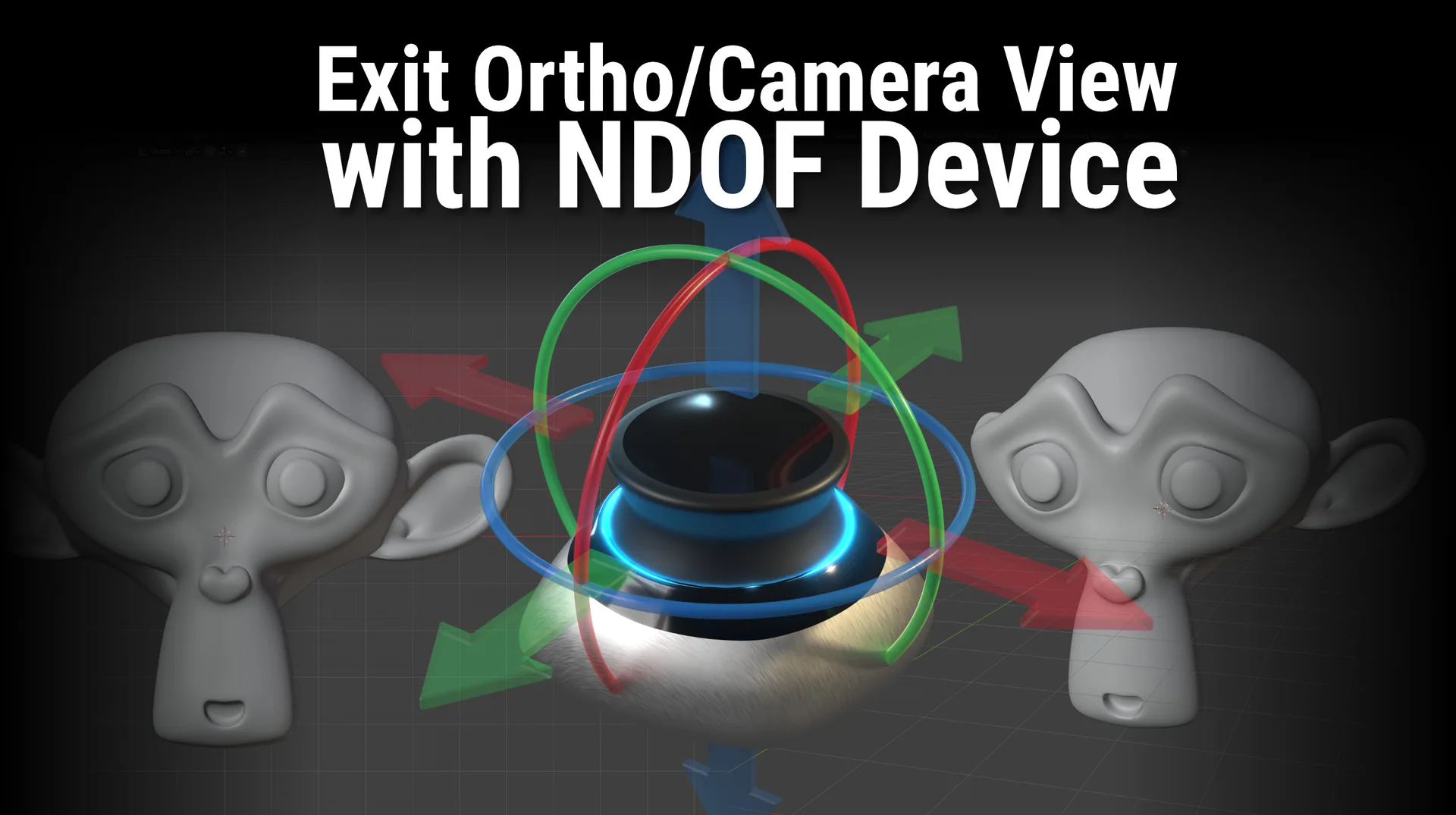
NDOF Viewport Switcher is a Blender add-on for leaving fixed orthographic or camera views with an NDOF device such as a SpaceMouse. Blender's middle-mouse control can rotate out of a fixed view, but SpaceMouse input does not do this by default. The add-on responds when device movement or rotation passes a configurable threshold and switches the viewport to perspective. The official Blender Extensions entry lists Blender 4.2.0 as the minimum version.
Leave a fixed view with your NDOF device
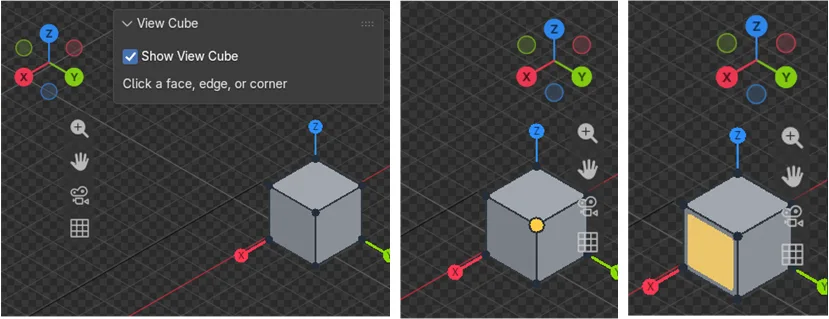
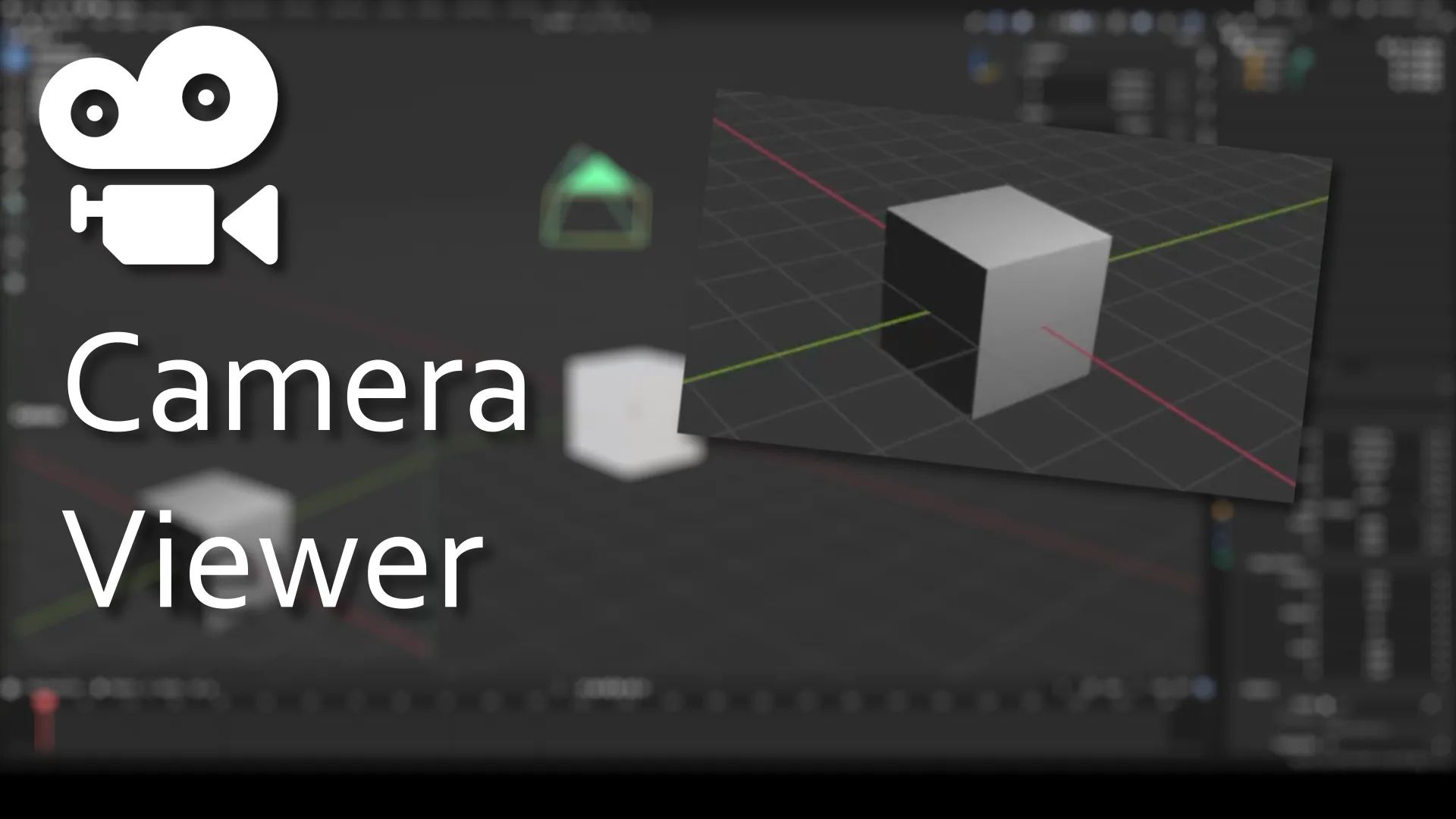
A common use is moving from a front orthographic view, such as the view reached with numpad 1, into perspective navigation. The same transition applies when Blender is in camera view. Push or rotate the NDOF controller beyond the threshold, and the add-on returns the viewport to perspective. This keeps the interaction on the device you are already using to navigate the scene.
Set the movement threshold
The threshold determines how much device movement or rotation must occur before Blender changes the view, and it is configurable. A higher threshold requires more input to trigger the transition. The extension page does not specify the setting's units, numeric range, or a recommended value, so test it in Blender with your usual device movement and fixed-view changes.
The add-on is a fit for Blender users who regularly switch between orthographic or camera views and perspective navigation with a 3D controller. If you seldom leave fixed views with an NDOF device, or already use middle-mouse for this transition, it may have less effect on your routine.
Compatibility and version 1.3.5
The listing shows version 1.3.5 for Blender 4.2.0 or newer. Release notes dated November 17, 2026 say this version fixes errors after disabling the add-on and duplicate instances after re-enabling it. It also skips startup in background mode and hides the operator from search. The archive is 14.2 KB and the license is GNU GPL v3.0 or later. Blender Extensions says the add-on requires no special permissions.
Install and find project support
The official Blender Extensions page provides drag-and-drop installation or a download followed by Blender's Install from Disk flow. The Install from Disk link on the listing opens Blender's extension installation manual. The listing credits ChrisPrenn and links to the developer's GitHub project for project information and issue reporting.
Check that your Blender version meets the 4.2.0 minimum and that your workflow uses an NDOF device before installing. After installation, try the transition from the fixed views you use most and adjust the threshold to suit your controller.