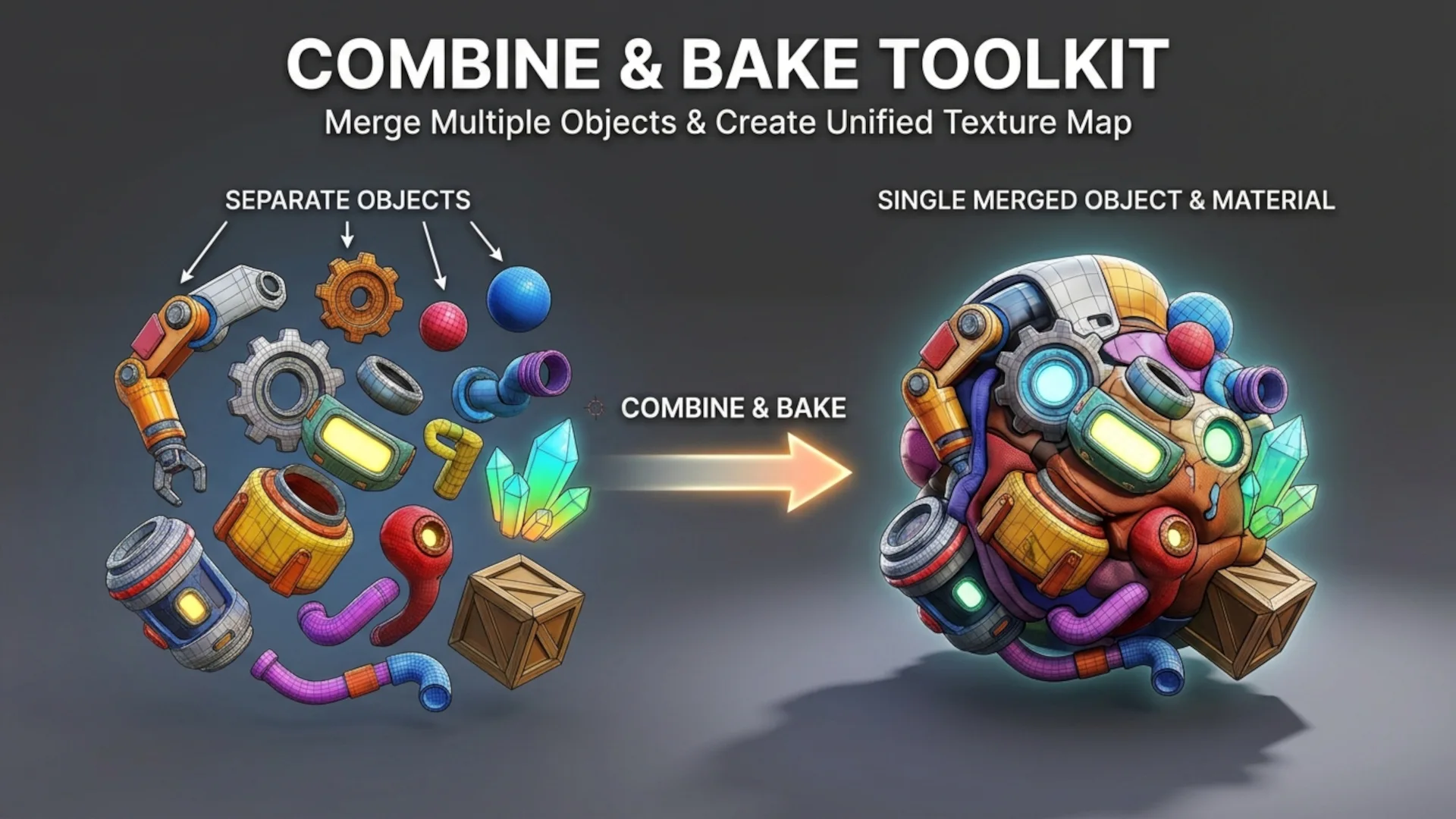
NK Combine & Bake is a Blender add-on for combining selected mesh objects and baking their materials into texture maps. Blender 4.5.0 or newer is required, and baking requires the Cycles render engine. It applies evaluated geometry, including modifier results, and preserves objects’ world-space transforms. The add-on works best before you manually join the objects, though it should still work with objects that have already been joined.
Combine meshes and create an atlas UV map
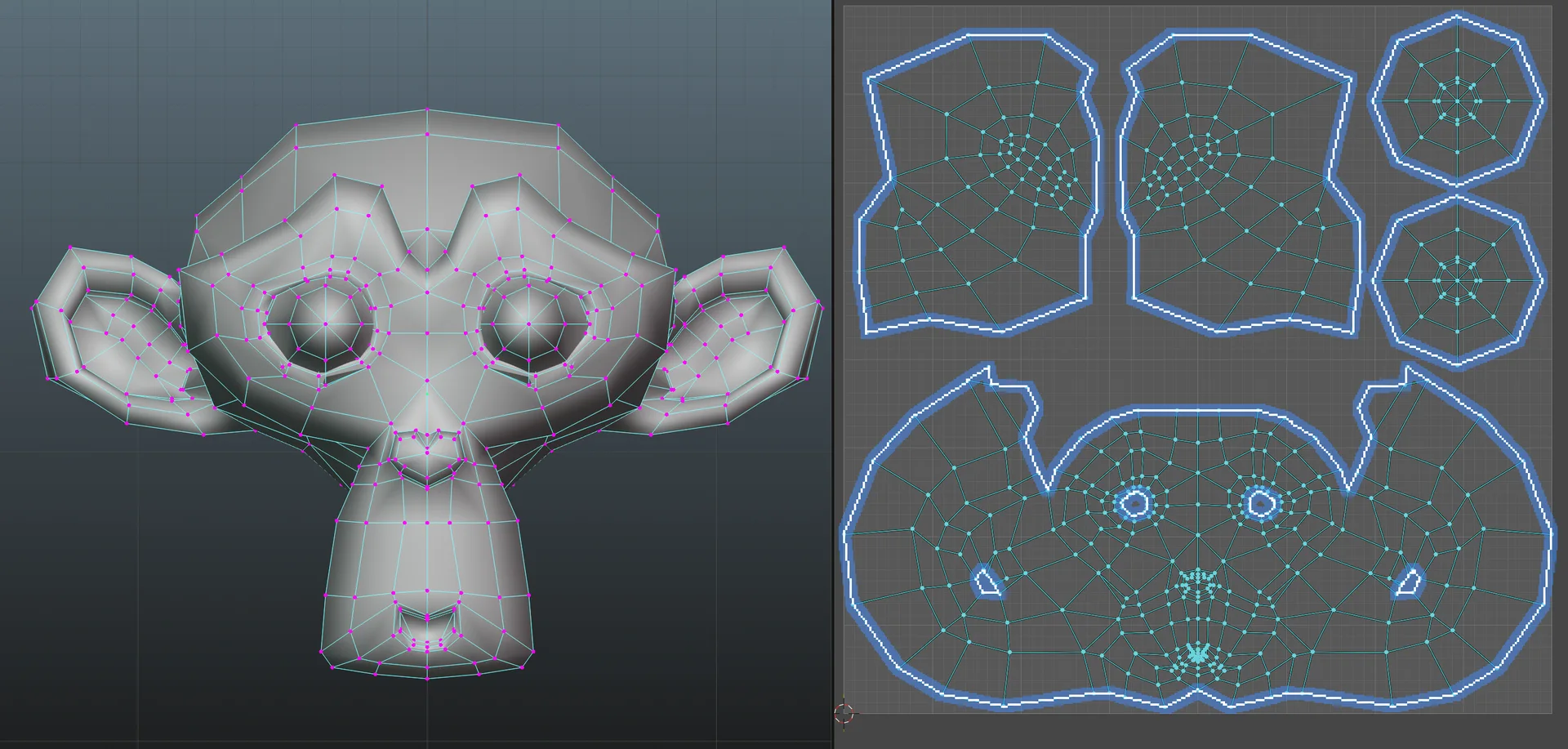
The add-on combines the selected mesh objects into one output object and creates a unified UV map named AtlasUV. You can build that layout in two ways. Repack Original UVs reuses existing layouts where possible, repairs faces with degenerate UVs, and packs the UV islands. Smart UV Project generates a new layout using Blender’s Smart UV Project. Controls include UV island margins and the Smart UV angle.
For assets with many objects or a lot of detail, you can split the result across multiple material groups or increase the texture resolution. The groups are formed by grouping source material slots approximately by surface area, which distributes the available resolution across a complex asset.
Choose material channels and bake settings
NK Combine & Bake uses Cycles to bake Base Color, Metallic, Roughness, Normal, Emission, and Alpha into texture maps. Each channel can be enabled or disabled independently. Available resolutions are 512, 1024, 2048, 4096, and 8192 pixels. You can also set the Cycles bake samples and bake margin; the margin helps reduce visible seams around UV islands.
Run the workflow and organize the result
- Select the mesh objects to combine.
- Open the 3D Viewport sidebar with N, then choose the NK Bake tab.
- Set the output name, resolution, material groups, samples, bake margin, UV layout, and channels.
- Choose whether to hide the original objects, select where textures should go, and click Combine & Bake.
The add-on creates simplified materials that use the baked textures. You can save textures as PNG files in a selected folder or pack them into the current Blender file. It also prints diagnostics to the Blender console and creates a text report named NK_Bake_Report.
Check the Blender Extensions listing for current release details and a link to Blender’s Install from Disk instructions.