NodeFlow 3 Pro is a Blender add-on for working with node trees in the Node Editor. It groups connection routing, node layout, navigation and value controls into tools that can be enabled or remapped in the add-on preferences.
It is aimed at artists who regularly organize large node graphs. The product listing specifies Blender 4.5 through 5.2 and GPL-3.0-or-later licensing. Its listed version, 1.0.5, adds Blender 5.2 compatibility and fixes for quick connections and extension packaging.
Route and organize node connections
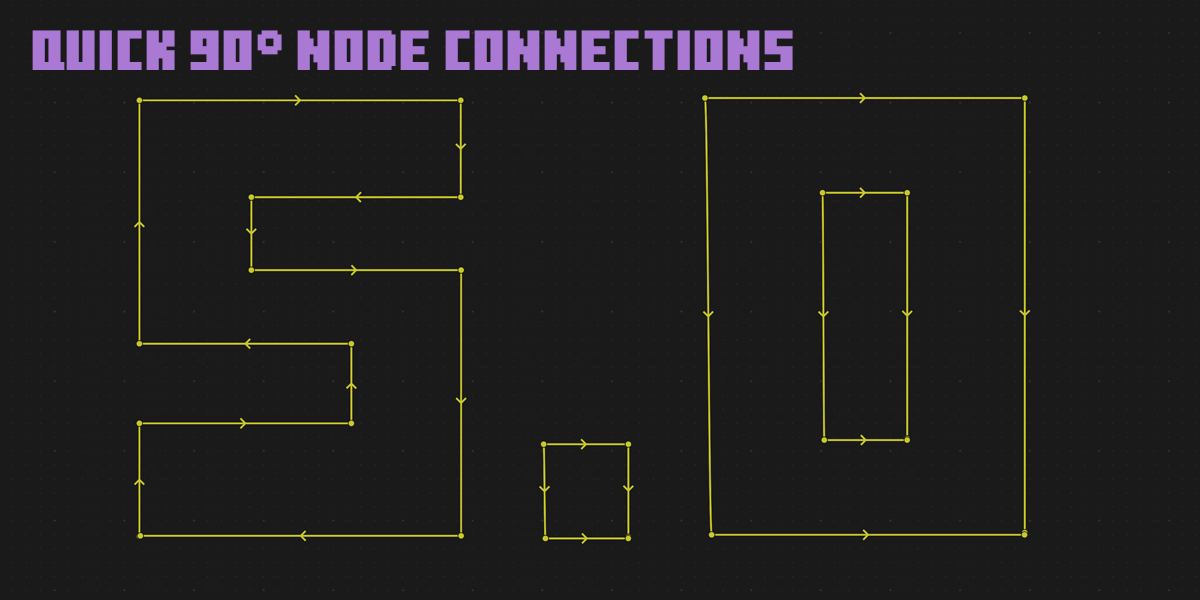
For link cleanup, NodeFlow 3 Pro can create perpendicular reroute paths, preview quick links as they are drawn, and merge or unlink reroute chains. Axis locking is available while routing. These controls help keep connections readable when a graph has many nodes or reroute points.
Layout tools work on selected nodes. An alignment pie menu can align nodes horizontally or vertically, distribute them across rows or columns, and match their widths. A separate tool resizes multiple selected nodes together.
Navigate and adjust a node tree
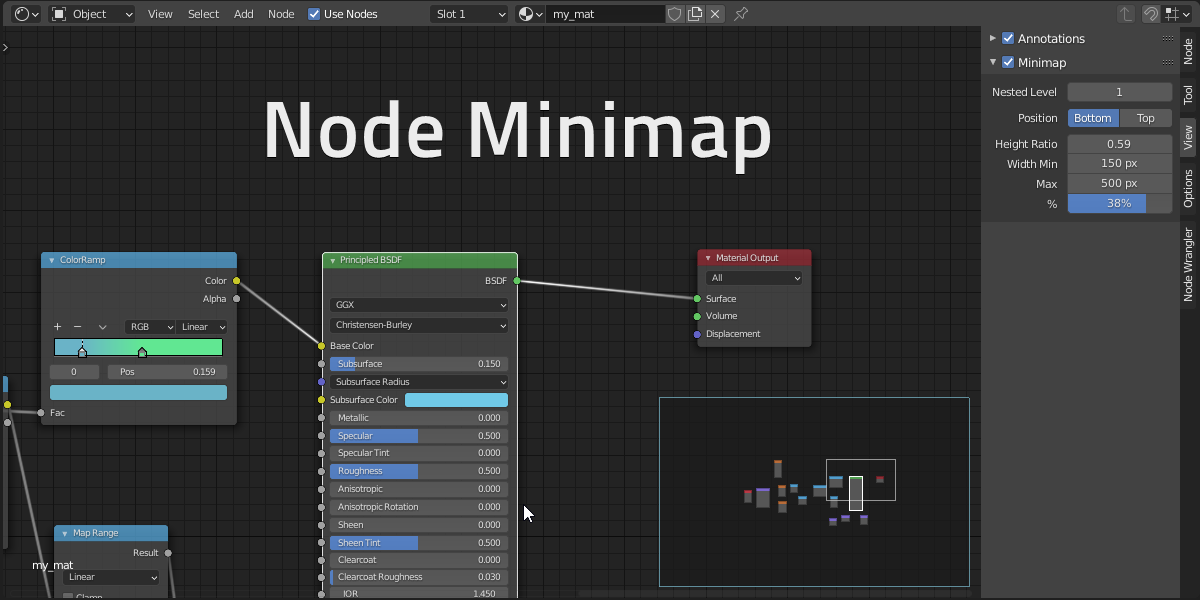
The minimap provides an overview of the node tree and lets you jump to an area or move the visible region. It can appear in a corner or in an expanded view. Other controls include renaming a node group's sockets from the pointer context, fine-tuning values, and an optional gizmo for moving nodes.
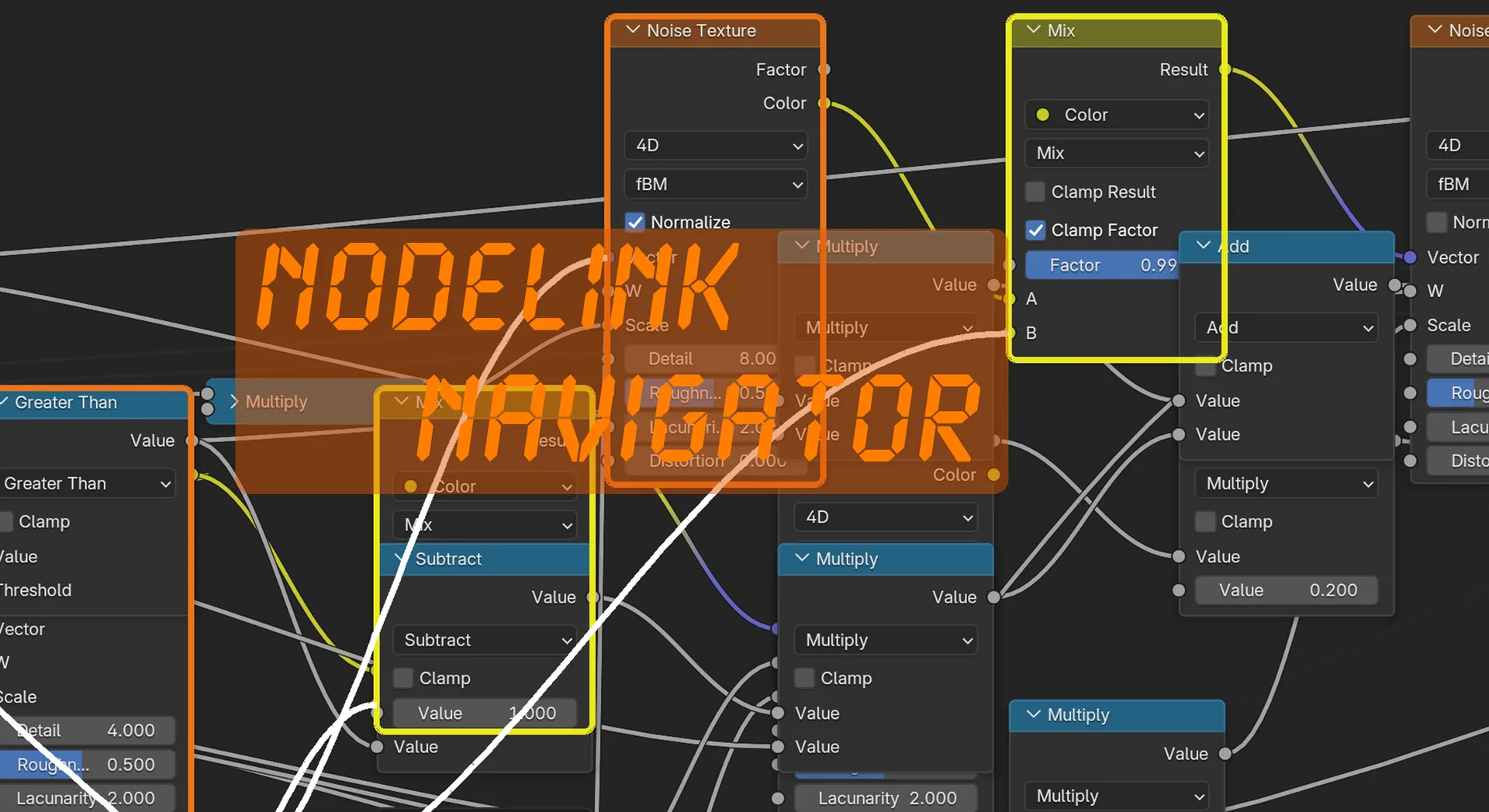
NodeFlow 3 Pro also adds Node Wrangler-style actions: creating a Mix node between selected connections, swapping inputs, and adding a texture-coordinate setup. The product documentation lists default shortcuts and preference controls for individual actions. Check the NodeFlow 3 Pro documentation for the current mappings and setup details.
Check shortcuts before using it
Some NodeFlow 3 Pro shortcuts can overlap with Blender's original Node Wrangler shortcuts. If a conflict occurs, the product page recommends disabling the matching original shortcut or remapping the NodeFlow action in the add-on preferences. Since shortcuts can be changed individually, review the mappings against your existing setup before relying on them.
For the supported Blender range, license, and release details, see the NodeFlow 3 Pro product listing.