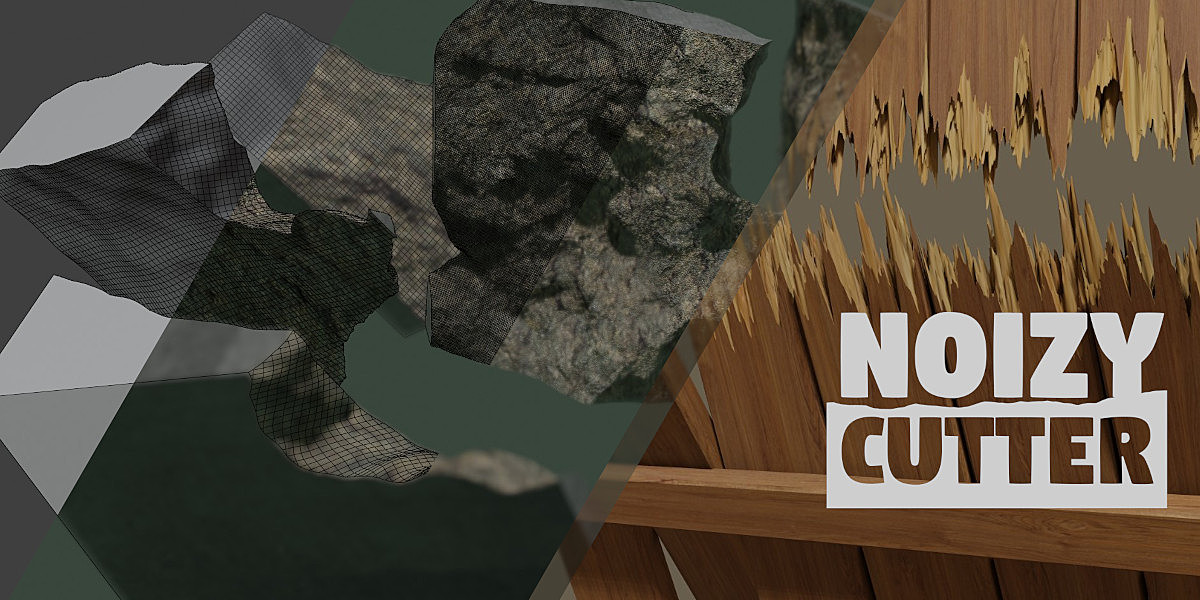
Noisy-Cutter is a Blender add-on by Picto Filmo for cutting one or more meshes along a hand-drawn spline. Its displaced cutter leaves an irregular edge with an unwrapped UV, suited to breaks in wood, stone or concrete, cliff forms and destruction setups.
How the cutting workflow works
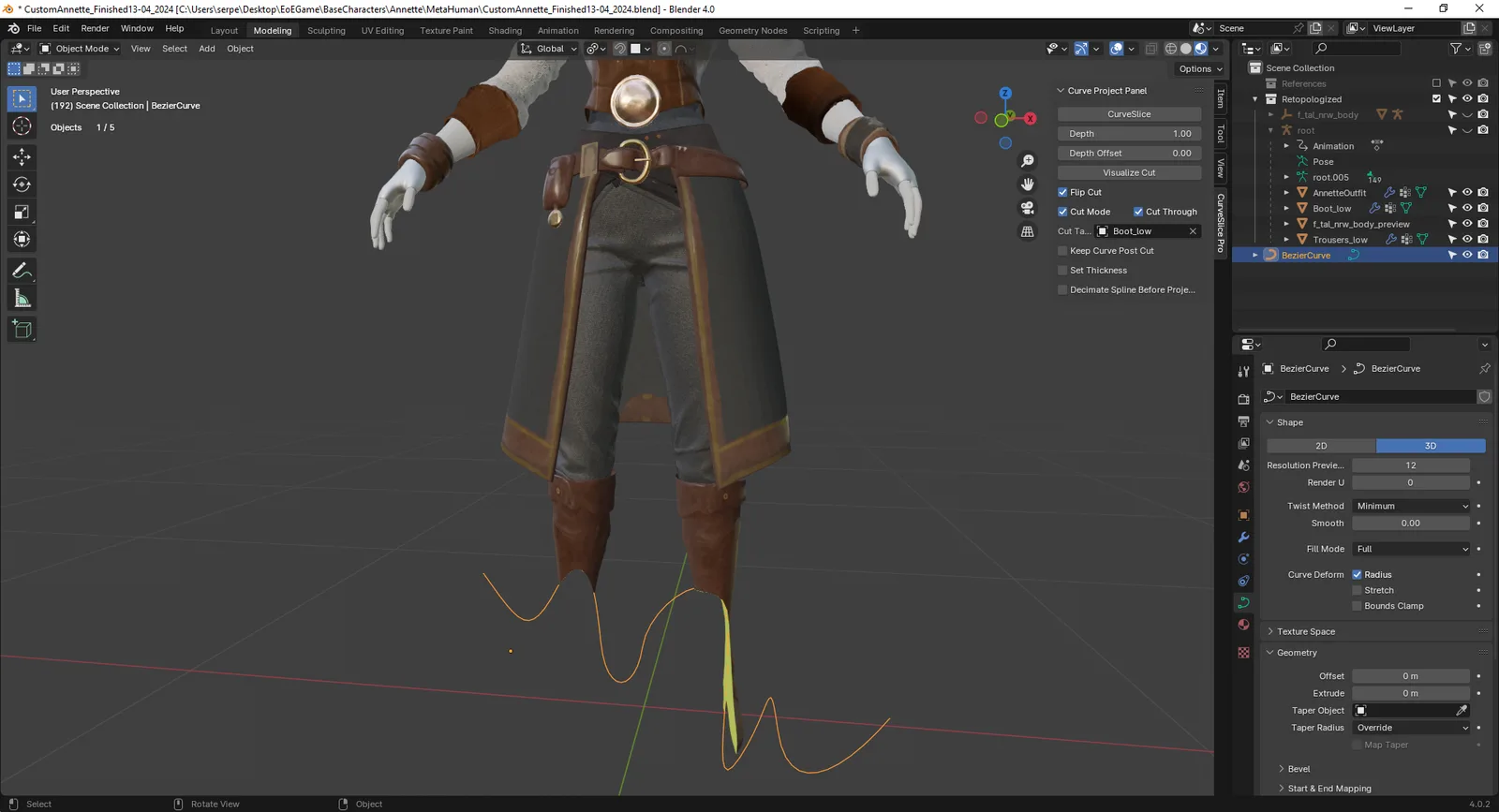
- Switch to orthographic view (Numpad 5), draw the cut as a spline, then press Tab to finish editing it.
- Generate the cutter mesh and check that it passes through the object. Scale or move it if needed; the documentation recommends adjusting it along its local Z axis when preserving the drawn position matters.
- Choose noise or texture displacement, adjust the cutter settings, select the object or objects, and run the cut.
You can cut several meshes at once. The texture option includes tilable textures, and the documentation says you can also use your own. Picto Filmo's documentation covers the controls and includes a wood-break tutorial.
Materials and resulting parts
Noisy-Cutter creates a material for the cut surface and maps it with a checker by default. Assign a material to the object before cutting if you plan to adjust the surface afterward. The documentation warns that without an existing object material, the generated cut material may be applied to the whole object. You can enter the name of an existing material for the cut, or let the add-on create one.
Some cuts produce more than two parts. Use the Split control to separate parts when needed, and the Origin control to recenter an object's origin to its geometry.
Mesh requirements
The object being cut must be manifold, which means it is a closed volume. Noisy-Cutter uses a boolean operation, so an open surface does not meet this requirement. For wood breaks, Picto Filmo recommends drawing a fairly flat cutter before increasing jagged noise: sharp bends can make the displaced cutter intersect itself and cause boolean problems.
The product is released under the GPL. See the Noisy-Cutter product page for release details and the matching download.