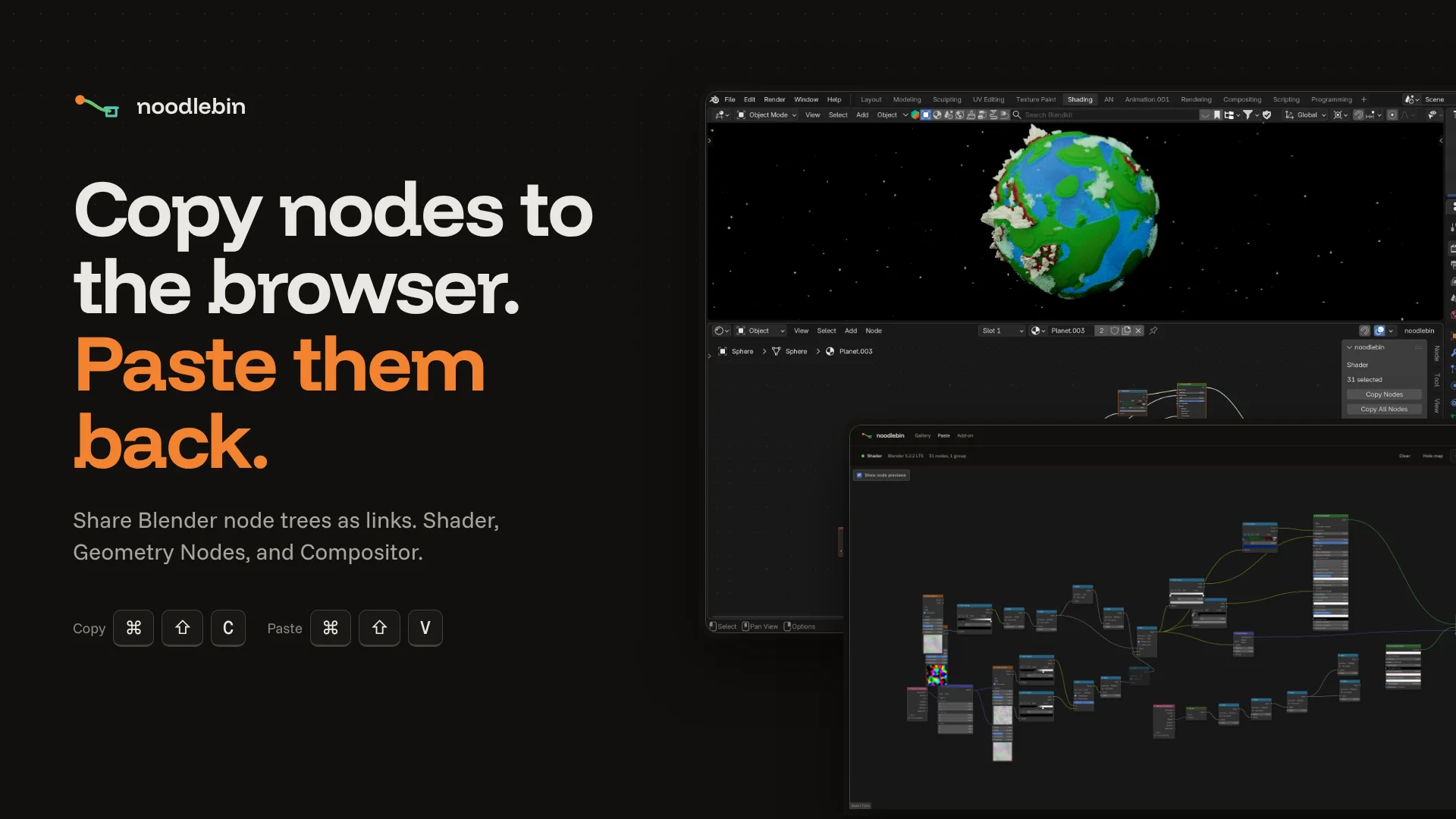
noodlebin is a Blender add-on for moving node trees between a node editor and a browser. It copies a graph as plain text, which you can paste on noodlebin.art to view and, if you choose, share as a link. To bring a graph back into Blender, select Copy for Blender on the site and paste from the system clipboard in a node editor.
Copy and paste node trees
Use noodlebin in the Shader Editor, Geometry Nodes, or Compositor. Copy selected nodes when you need part of a larger graph, or copy all nodes to transfer the whole tree. The add-on carries node values, links, frames, reroutes, and node groups with the copied graph.
In Blender, paste nodes at the cursor or use Paste and replace to replace the whole tree. The available keyboard shortcuts are:
| Action | Windows and Linux | macOS |
|---|---|---|
| Copy selected nodes | Ctrl+Shift+C | Cmd+Shift+C |
| Copy all nodes | Ctrl+Shift+Alt+C | Cmd+Shift+Option+C |
| Paste nodes | Ctrl+Shift+V | Cmd+Shift+V |
| Paste and replace | Ctrl+Shift+Alt+V | Cmd+Shift+Option+V |
You can also find noodlebin commands in the node editor sidebar's noodlebin tab, opened with N, and in the editor header menu.
Save a selection to a file
Use Save Nodes to write a selection to a .noodlebin.json file. The extension listing identifies file access for saving a node tree and clipboard access for copying and pasting. The project source is available on GitHub.
Privacy and compatibility
The add-on itself does not connect to the internet. It reads from and writes to the system clipboard, and writes a file when you use Save Nodes. When you paste a graph on noodlebin.art, the listing says it stays in your browser until you choose to publish it.
The Blender Extensions listing identifies version 0.1.1 as compatible with Blender 5.0 and newer, under the GNU General Public License v3.0 or later. It offers drag-and-drop installation into Blender or a download for installation from disk. See the noodlebin listing for the current release details and Blender's extension installation instructions.