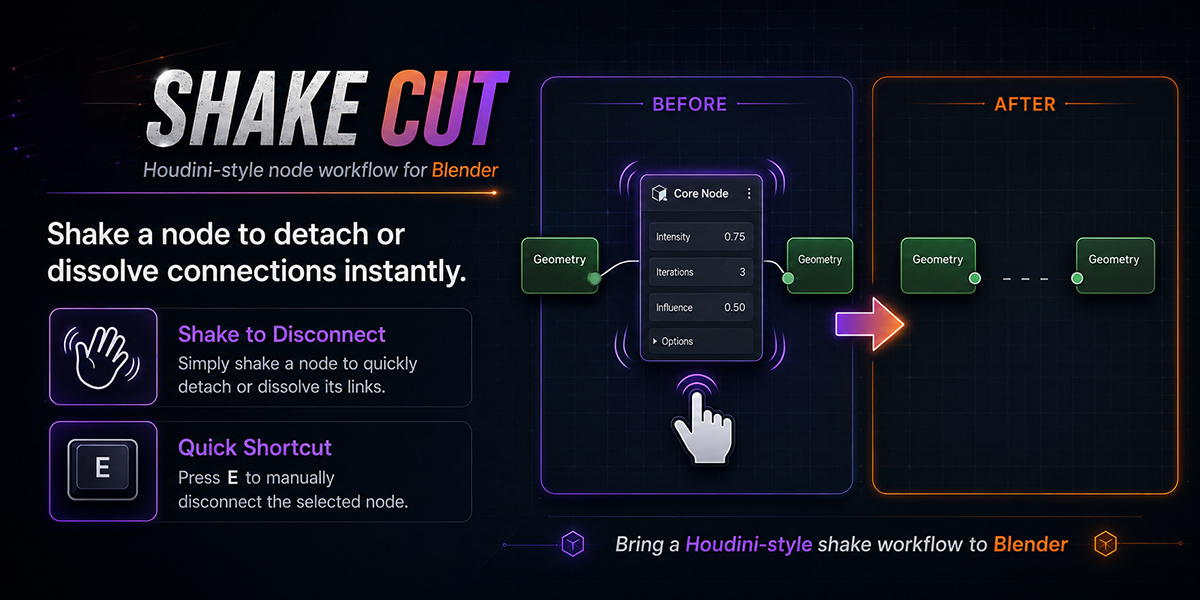
Shake Cut is a Blender add-on for disconnecting node links with a quick gesture or keyboard shortcut. In the Node Editor, select a connected node and move it quickly to trigger a shake disconnect. You can also press E to disconnect a selected node or group. The Superhive listing credits Mohamed Targam as creator.
Disconnect a node or group
Shake Cut works in the Shader Editor, Geometry Nodes, and Compositor. When several connected nodes are selected, it treats them as a group: links between selected nodes stay in place, while connections to nodes outside the selection are removed. It also supports nodes inside Frames.
The add-on changes connections rather than deleting the selected nodes. Depending on the connections, it can reconnect compatible sockets when dissolving links; if it cannot make a clean reconnection, it detaches the node instead.
Use the shake gesture or E shortcut
For the gesture, select an active node in a supported editor and move it quickly. The documentation recommends a fast circular or alternating motion; a large movement is not necessary. For the keyboard option, place the pointer over the Node Editor and press E with a connected node or group selected. If E does not work, check whether another add-on or custom keymap uses that shortcut.
Version 1.2 monitoring changes
Version 1.2 changed how Shake Cut monitors node movement. Its notes say detection starts when nodes are selected or moved and stops after one second of inactivity, replacing continuous background monitoring. The notes describe this change as reducing background resource use and improving stability when switching editors or changing node trees. The E shortcut and multi-node behavior remain the same.
Install the add-on
- Download the Shake Cut ZIP file.
- In Blender, open Edit > Preferences > Add-ons.
- Choose Install From Disk, select the ZIP file, and enable Shake Cut in the add-ons list. Leave the ZIP file compressed.
The Superhive listing identifies Blender 5.0 and marks Shake Cut as Blender Extension compatible. Check the product listing for current details, or see the Shake Cut documentation for installation and troubleshooting instructions.