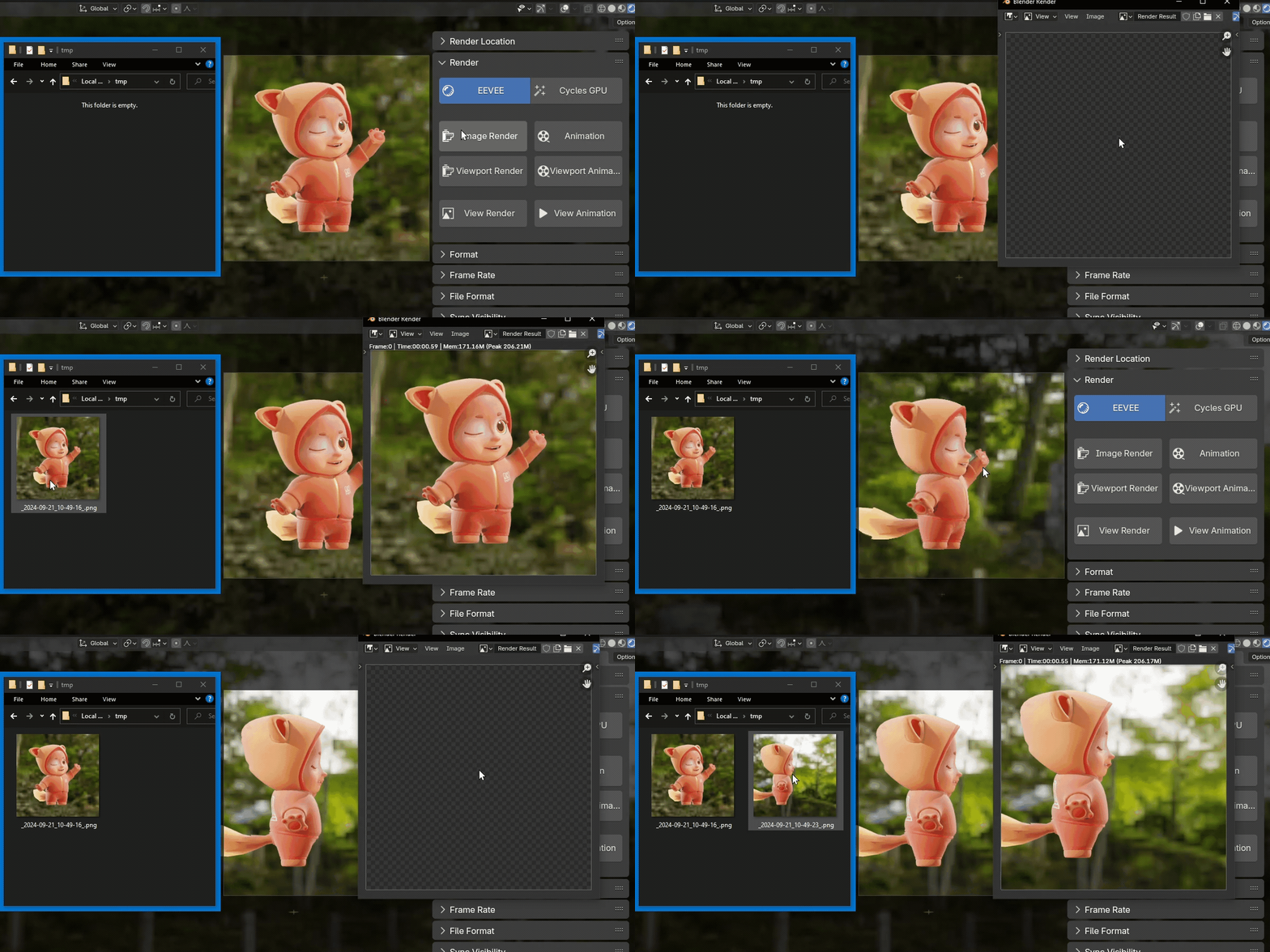
One Click Render & Save is a Blender add-on by Bnadem PaNormal. It brings recurring render setup controls into a side panel, with automatic saving as its main feature. Each saved render gets a unique timestamp, which helps prevent an earlier output from being overwritten while you work through iterations or variations.
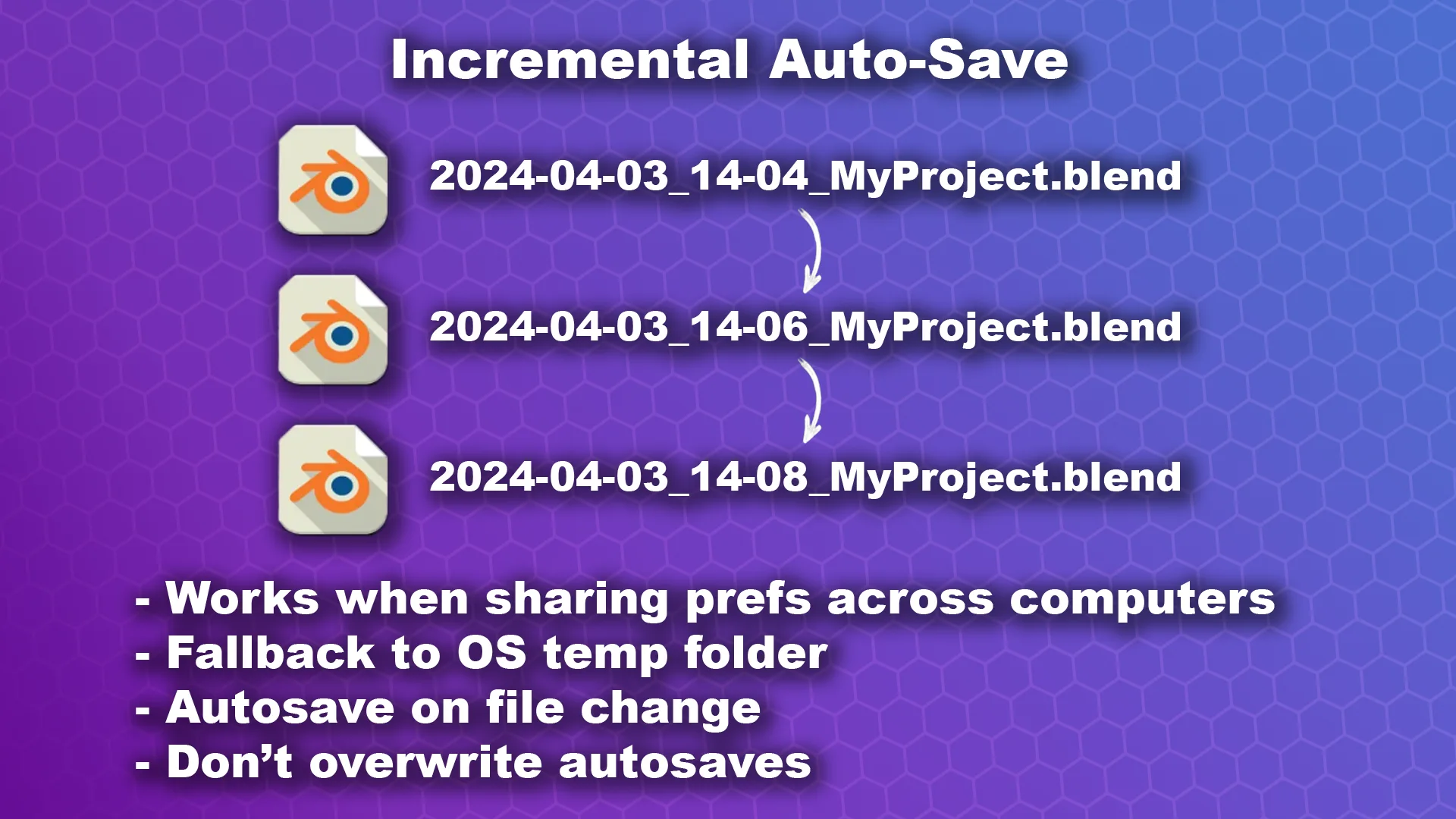
Save renders as you work
The add-on automatically saves images, videos, and image sequences without extra setup or a compositor. The same feature works for viewport renders.
Change output settings from the panel
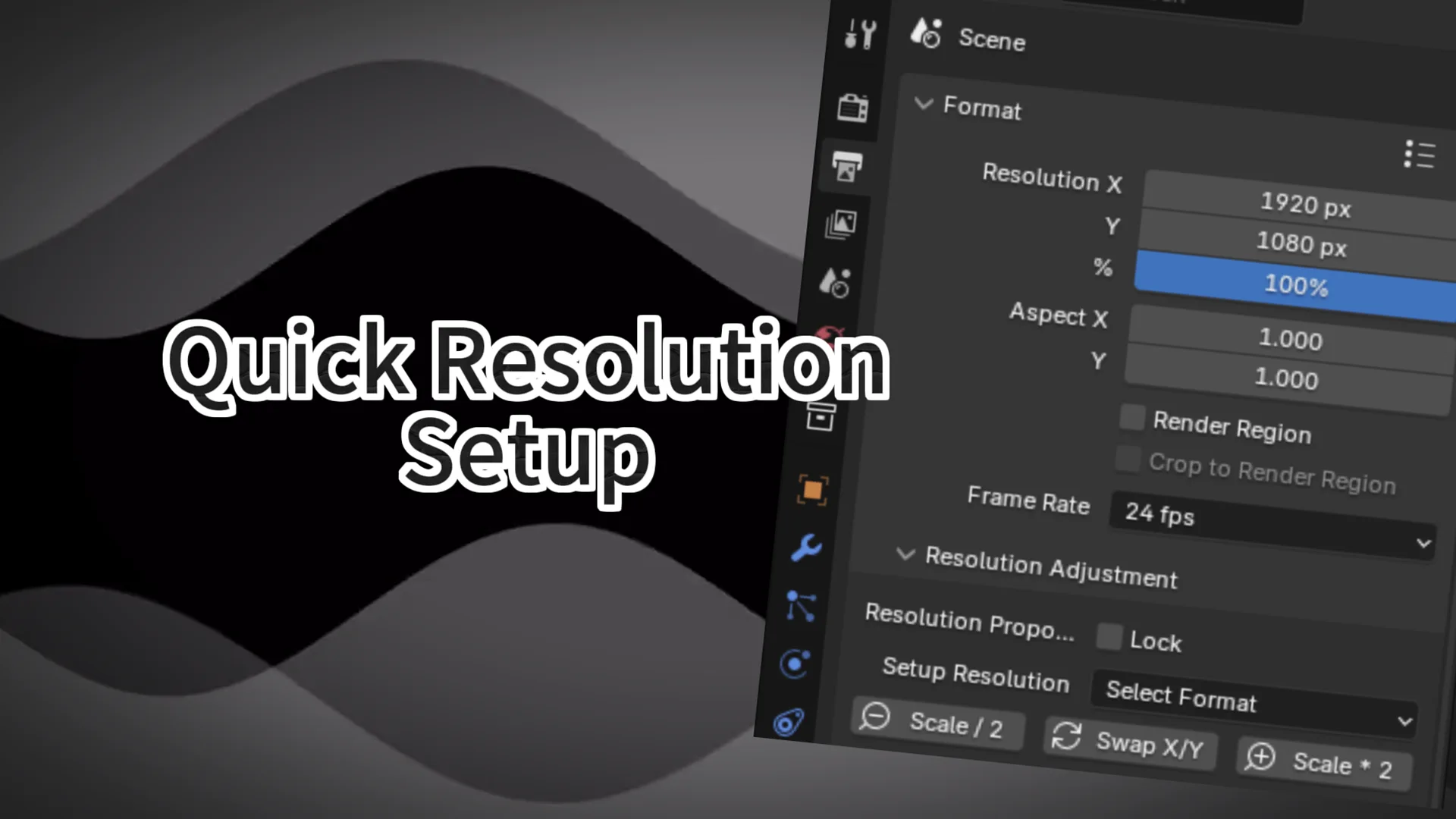
Several controls handle common setup changes. A button switches to vertical resolution without manually entering dimensions. Resolution presets include quick low-resolution choices for previews, while aspect-ratio presets account for both orientation and resolution.
The 60 FPS control switches from 24 FPS and adjusts the frame range and time stretching to keep the same playback speed. This can reduce the manual frame and timing adjustments involved in changing frame rate.
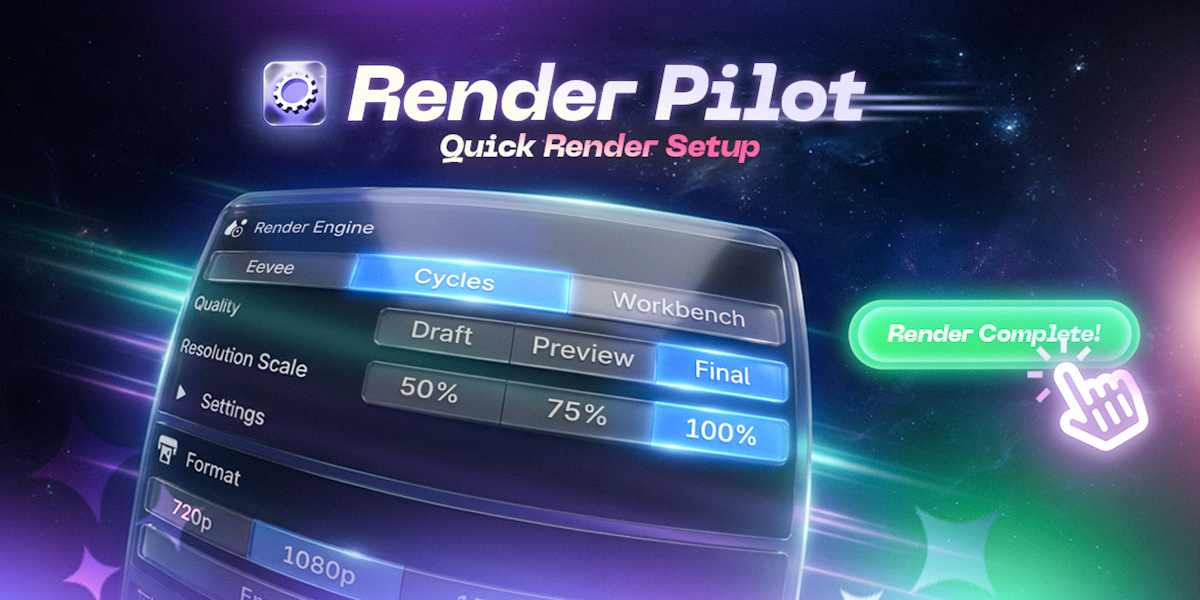
Render engine, format, and visibility controls
The panel also provides switching between Eevee and Cycles GPU, plus a file-format control for MP4 and PNG with an alpha option nearby. Sync Visibility Toggles copy visibility between the viewport and render, in either direction. Each button has documentation available on hover.
Who may find it useful
One Click Render & Save is aimed at Blender users who make repeated renders or variations and want common setup controls in one place. Its listed features focus on saving and changing render settings; check the product documentation if your workflow depends on a specific output path, naming convention, or format detail.
The Superhive listing shows Blender versions 3.0–4.5 and describes compatibility as Blender 3.0 and up. Check the current Superhive listing for support details and licensing before installing. The AnyPlugins catalog entry also summarizes the add-on.