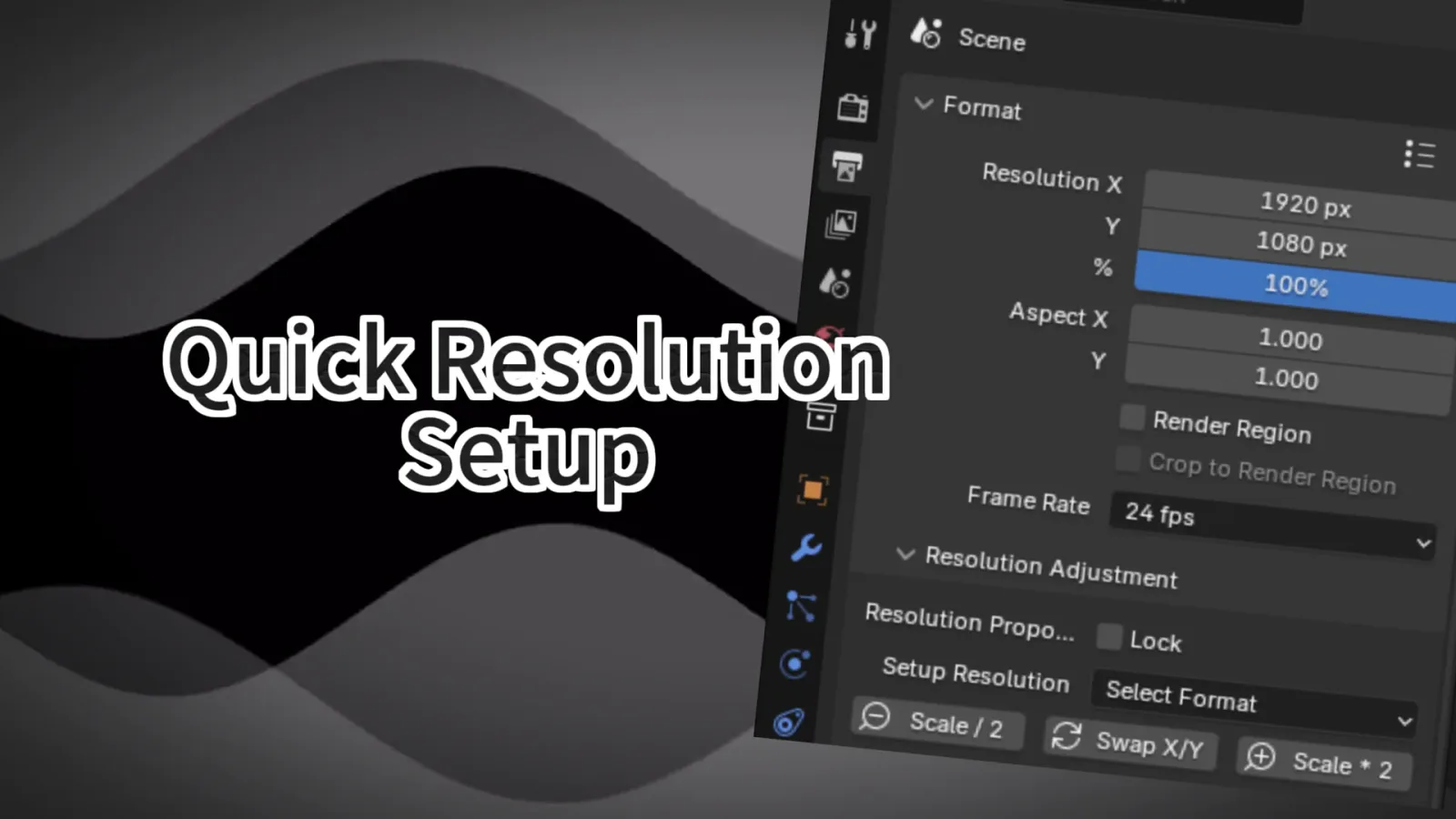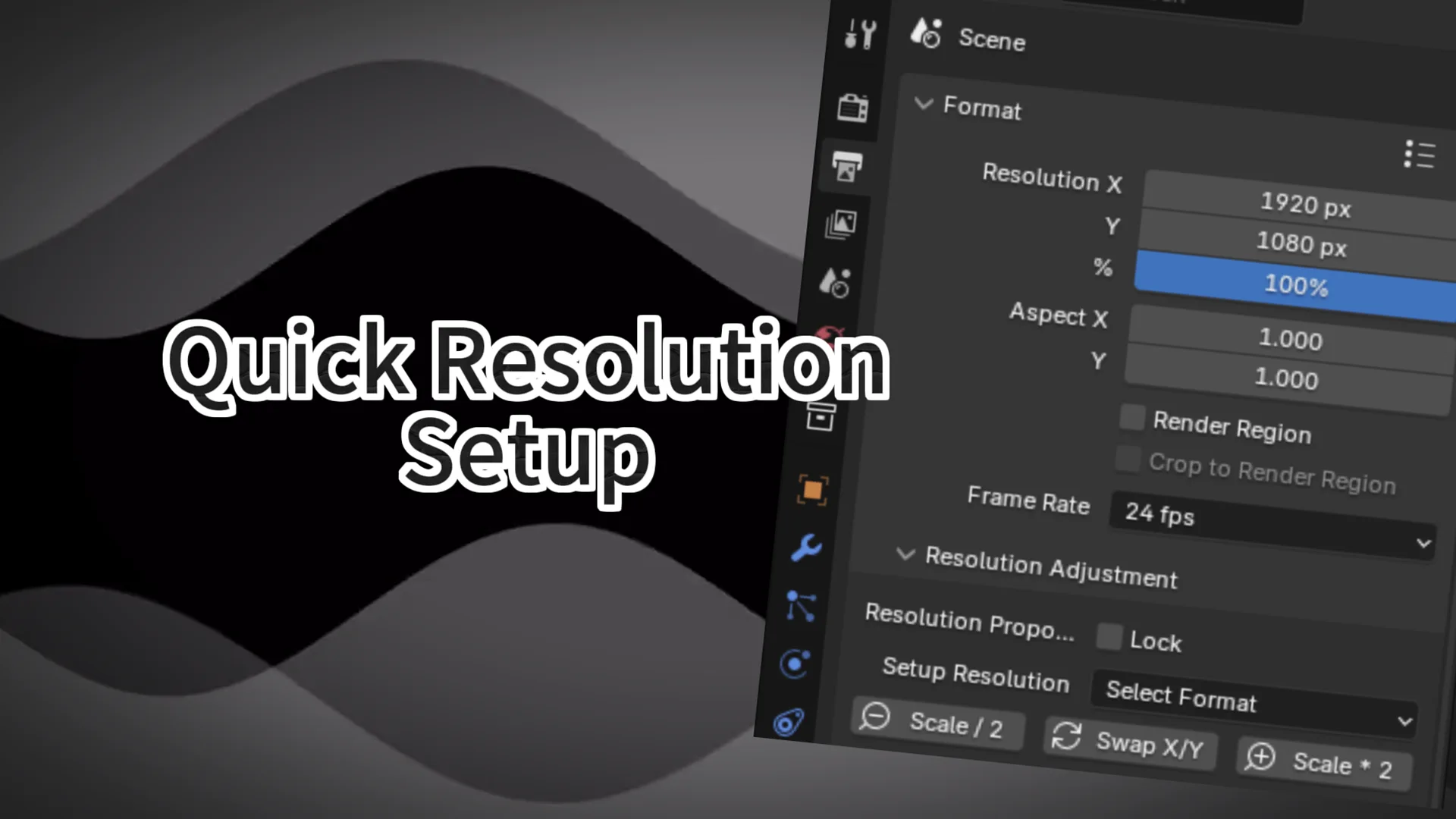
Quick Resolution Setup is a Blender add-on for changing output dimensions with mouse-operated controls. It places its controls in Properties > Output Properties > Resolution Format and lists Blender 4.2.0 as its minimum supported version. The controls include common resolution presets, ratio locking, 1× zoom and X/Y swapping.
Resolution controls
- Apply a preset common resolution from the panel.
- Lock the width-to-height ratio so changing one value updates the other. You can also choose a ratio from a list.
- Use the controls to zoom the resolution in or out by 1×.
- Swap the X and Y values when you need to switch their orientation without entering both dimensions again.
Changes in version 1.1.0
The 1.1.0 release adds a single resolution lock and lets you set a resolution by selecting a ratio while the resolution is locked. Its update notes also mention optimizations and minor fixes. See the Blender Extensions version history for release details.
Compatibility and installation
The Blender Extensions catalog lists version 1.1.0 for Blender 4.2 LTS and newer, with maintainer Hades-Su and a GPL-3.0-or-later license. The developer's repository README separately states Blender 2.79 and newer without tying that range to a release. Check the official add-on listing for the available release. Blender's Install from Disk instructions explain how to install a downloaded extension.