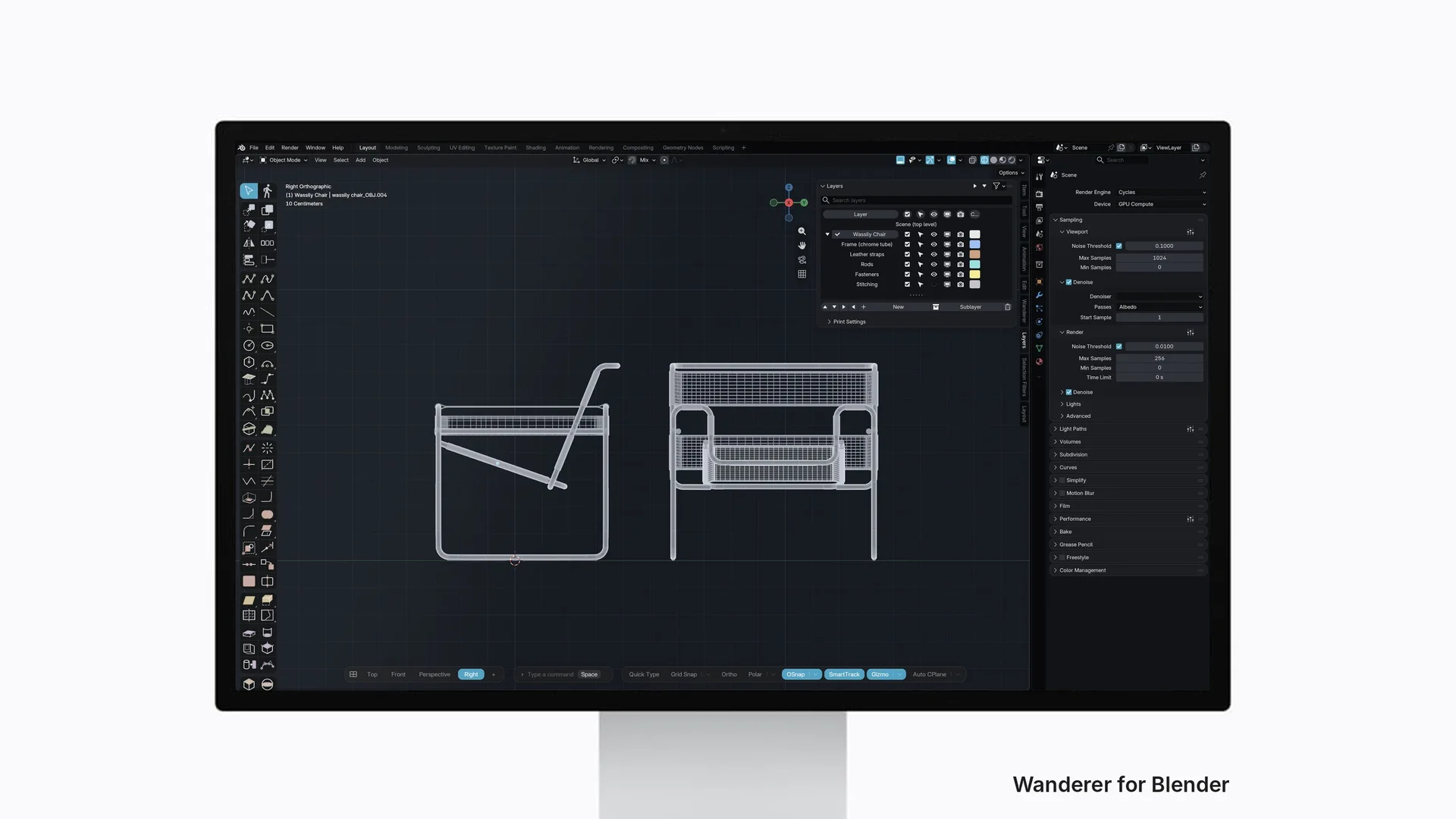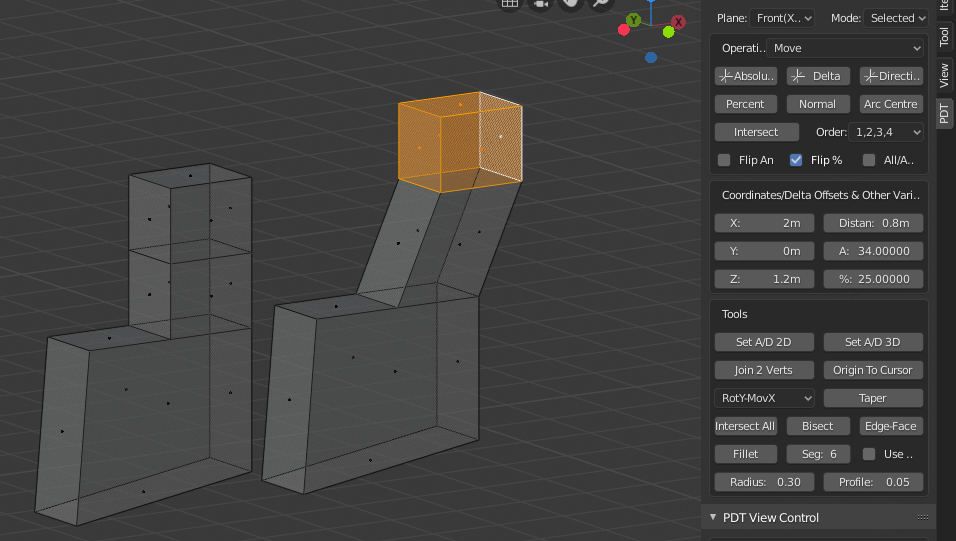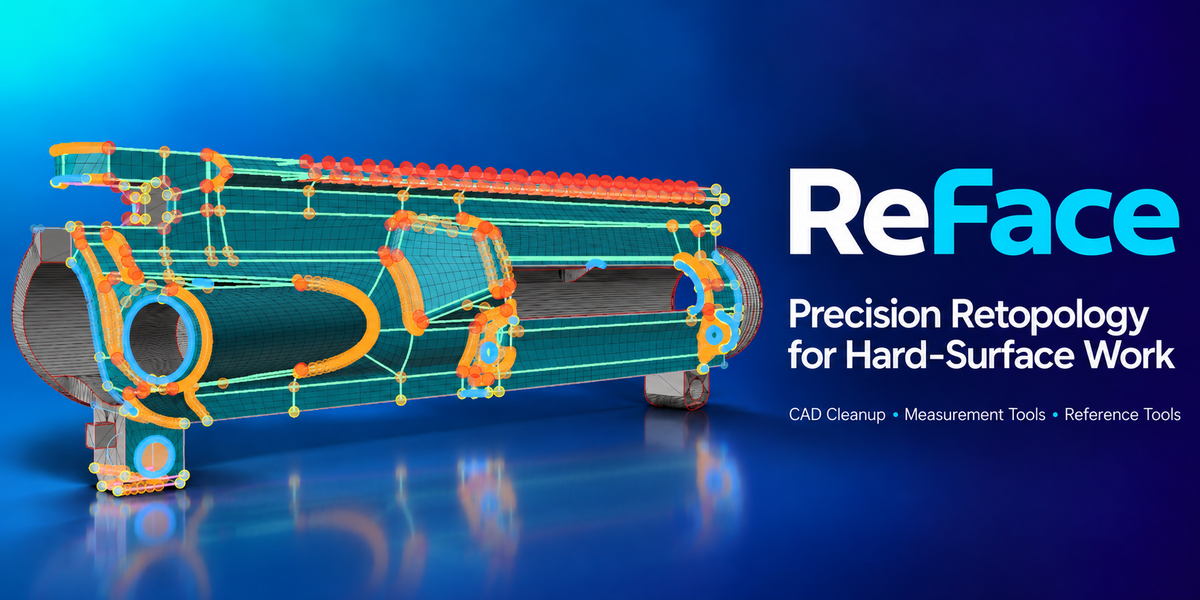
OSnap+ Snap System is a Blender extension for building and editing geometry with precise, point-by-point snapping. Its unified snap system, custom Work Planes and numeric input support modeling tasks in architecture, product design and other technical workflows. The v1.9 product listing identifies Blender 4.2+ and 5.x, and its v1.9 guide requires Blender 4.2 or later. A separate marketplace detail field lists Blender Version 3.0, so confirm the applicable range before installing.
How OSnap+ handles snapping and placement
The snap system covers vertices, edge midpoints, points along edges, face centers, points on surfaces, object centers, perpendiculars, intersections and SmartTrack alignment guides. For a move, you choose an origin point, then a destination; a preview shows the result before you confirm. During point-based tools, press = to enter exact X, Y and Z coordinates. Values use the active Work Plane when one is set, or world coordinates otherwise.
Version 1.8 introduced the Raycast snap engine, which uses a C-level BVH to inspect geometry under the cursor instead of scanning every vertex in Python. The engine became active in the extension build in version 1.9. A Legacy engine remains available as a fallback. Performance modes adjust snap detection in complex scenes, so speed can depend on the scene and selected settings.
Modeling tools in version 1.9
OSnap+ groups snap-aware primitives and transforms with curve, surface and solid tools. You can draw and edit polylines, Bezier curves and NURBS, then use operations such as Loft, Patch, Boundary, Sweep, Pipe, Revolve and Extrude. Solid tools include Shell, Inset and Push/Pull; Knife and Loop Cut handle mesh cuts.
Version 1.9 adds curve creation tools such as Arc and Helix, curve editing tools such as Fillet Corners and Join, a command line opened with Alt+Q, and guided selection that prompts for the objects or geometry a tool needs. It also revises Knife, Loop Cut, Sweep and Pipe. For example, Knife previews a cut along the mesh surface between snapped points. Loop Cut previews a ring before placement, but its rings follow quad topology and stop at triangles, n-gons and borders.
Where to find and adjust tools
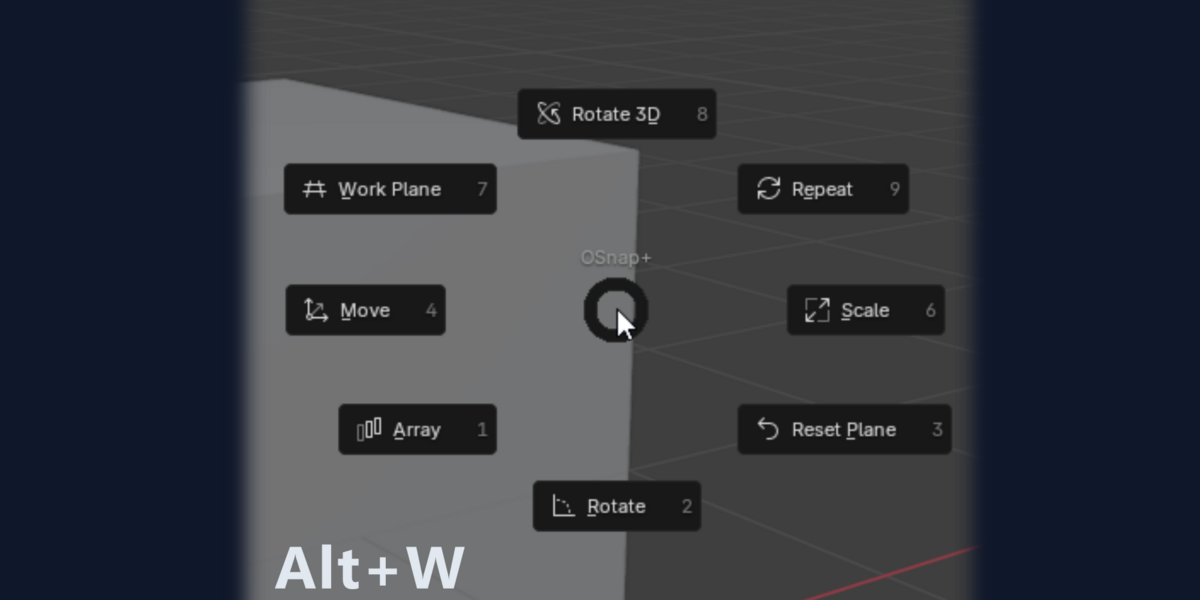
Open the OSnap+ sidebar with N, or use its five pie menus on Alt+W, Alt+A, Alt+E, Alt+C and Alt+X. The command line offers another way to launch tools by name. OSnap+ operators have F9 redo panels for changing parameters after an operation; Sweep and Pipe update the existing object when you adjust their F9 parameters.
Who it may suit
OSnap+ is a fit for Blender users who place geometry against existing models, work from angled construction planes, or build surfaces from curves. Its snap targets, coordinate entry and Work Plane controls address those tasks directly. The broad toolset may be more than needed for simple mesh edits.
See the OSnap+ product page for the current release details and the user guide for installation requirements, tool behavior and troubleshooting.