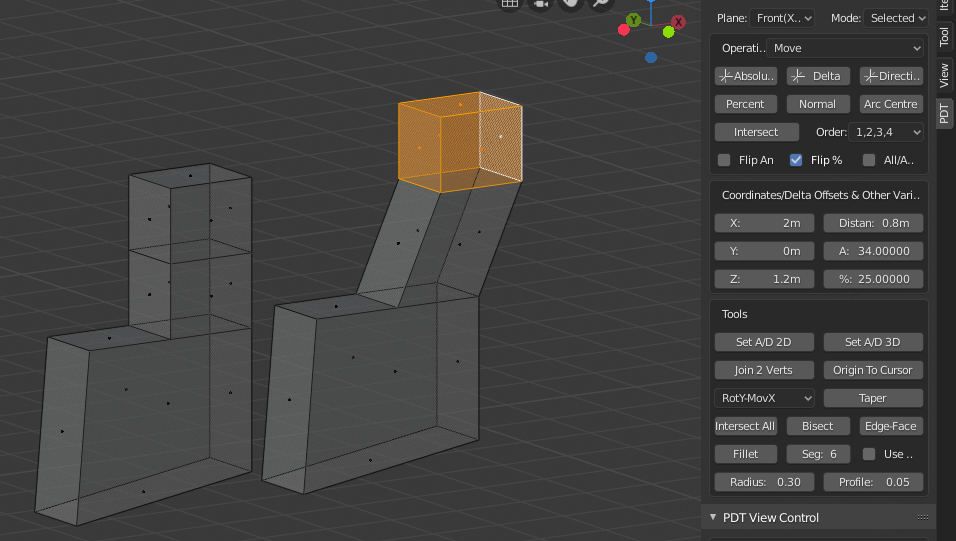
Precision Drawing Tools (PDT) is a Blender add-on for coordinate-based modeling in the 3D View. It provides controls for placing the cursor or pivot point and editing mesh geometry with absolute coordinates, incremental offsets, or a distance and direction. The Blender Extensions listing identifies version 1.5.3, lists Blender 4.2.0 as the minimum version, and names Community as its maintainer.
Coordinate-based mesh operations
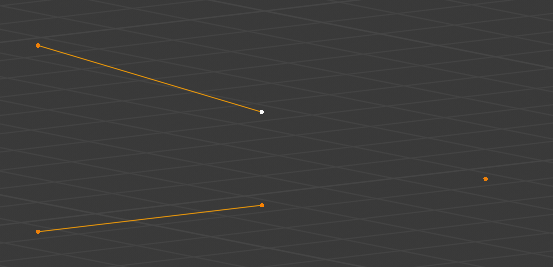
PDT includes operations for moving selected geometry, placing a vertex, splitting edges, duplicating geometry, and extruding vertices or full geometry. The Blender Manual’s operations guide gives a Front-plane example: move selected geometry by a distance of 0.8 at an angle of 34 degrees. That makes the input useful when a model needs a specific offset or direction.
The add-on’s working plane sets the reference for those inputs. The manual describes global Front, Top, and Right planes, along with a View option based on the screen axes. Choose the plane that matches the direction you want to enter; the PDT setup guide explains how these references work.
Where PDT fits in Blender
The Blender Manual describes PDT as a way to support precise modeling in Blender, including workflows familiar to CAD designers. Its coordinate and angle inputs can help with dimension-led mesh edits, such as laying out a profile or repositioning geometry by a known amount. The introduction to PDT explains that design goal and its place alongside Blender’s polygon-modeling workflow.
Release and support details
The extension listing records version 1.5.3 as published on May 14, 2024, with no changelog for that release. It lists the GNU General Public License v2.0 or later and says no special permissions are required. The Blender 3.1 Manual lists Alan Odom (Clockmender) and Rune Morling (ermo) as the add-on's author and maintainer. Check the official listing for the release details that apply to your Blender version.