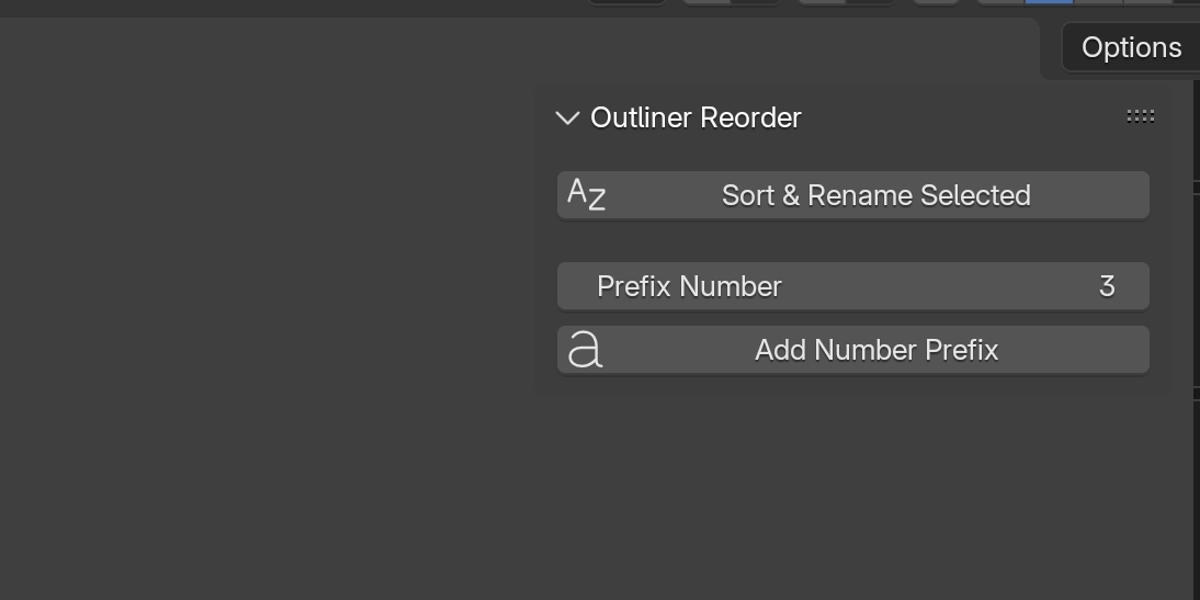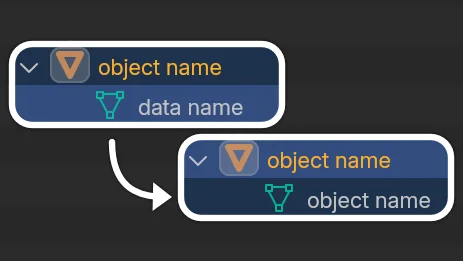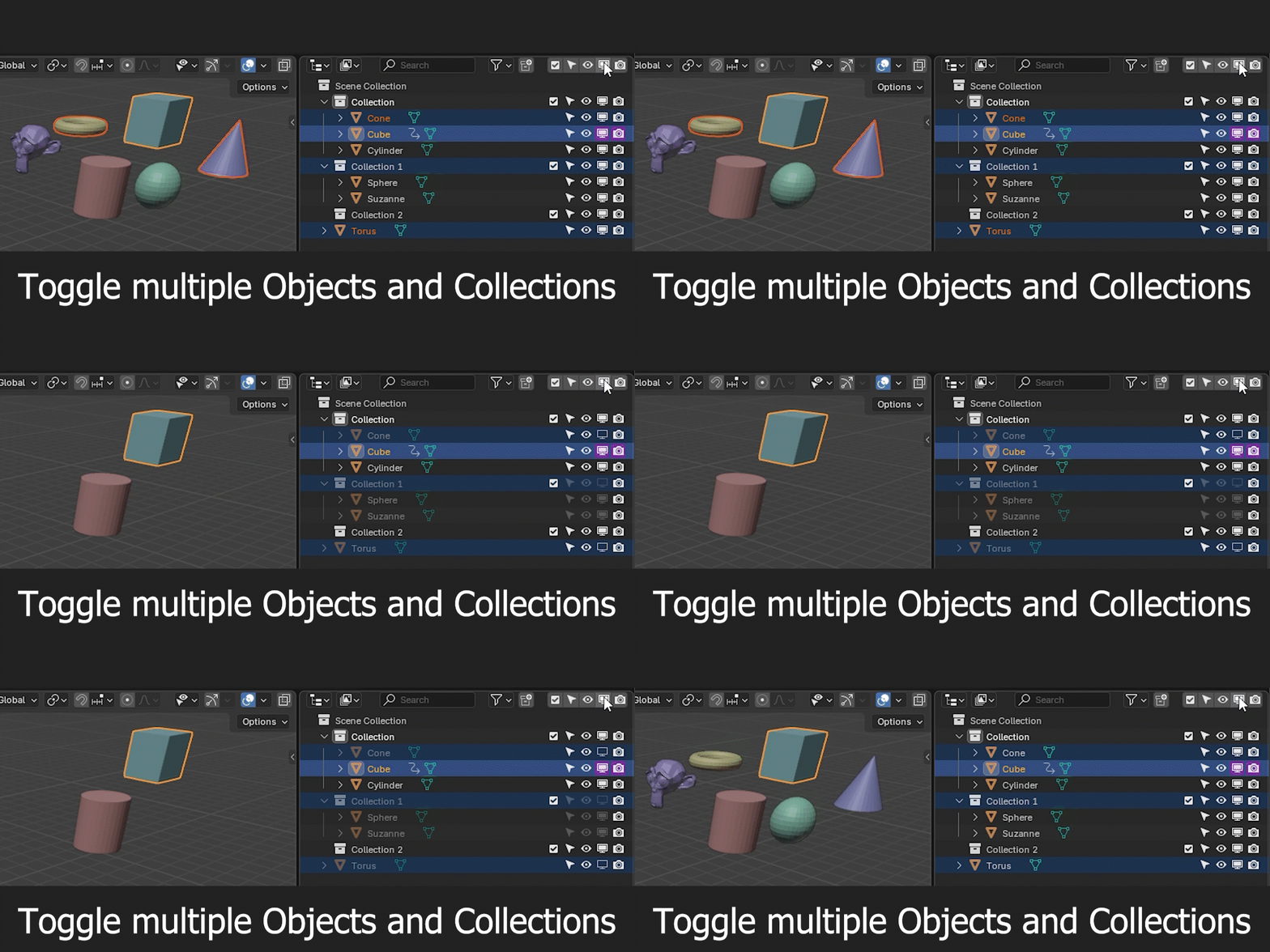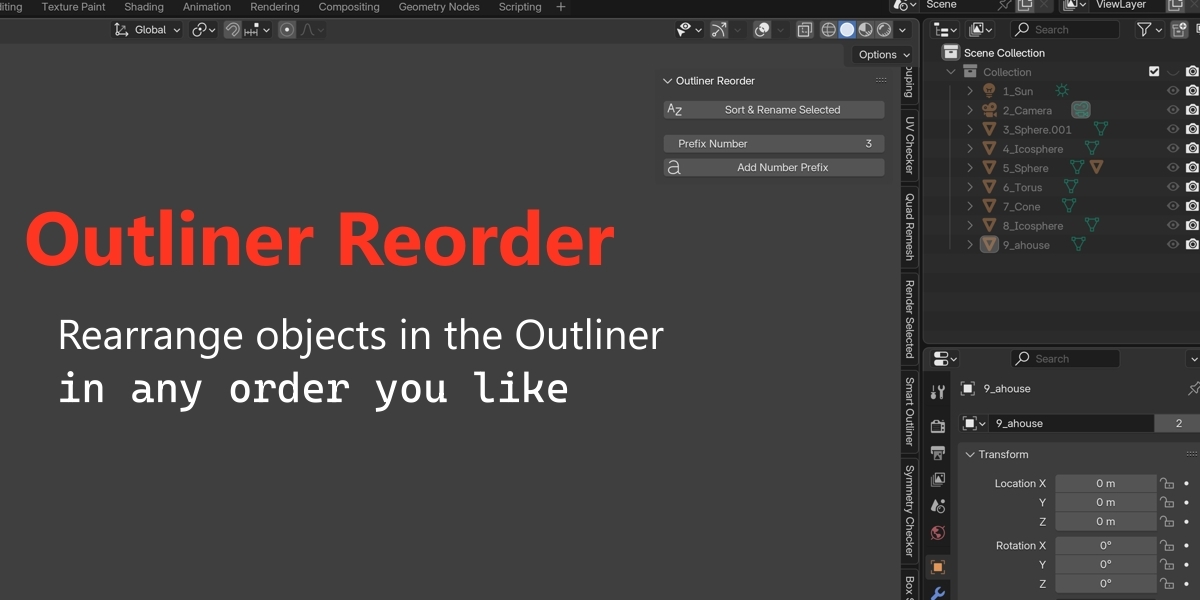
Outliner Reorder is an Azerilo add-on for Blender that lets you arrange objects manually in the Outliner. Blender's default Outliner sorts objects automatically, which can be limiting in large or complex scenes. It works with existing scenes and collections, so you can tidy a project you already have.
Arrange objects in a chosen order
You can arrange the Outliner around the order you use to review a scene, rather than relying on Blender's default sorting. The available product details do not specify the controls, whether an arrangement persists after reopening a file, or whether reordering changes object parenting or collection membership. Check the documentation or demo video if those details affect your workflow.
Who benefits from manual Outliner ordering
Blender users organizing large or complex scenes may find manual Outliner ordering useful for clearer navigation. The listing does not describe automatic categorization or collection-creation tools, so check the documentation if you need those functions.
Compatibility and license
Superhive's product details list Blender 3.6 through 5.0 and a GPL license. For a Blender version outside that range, check the documentation or ask Azerilo. The marketplace also links to its GPL license information.
Standalone and bundle pricing
The AnyPlugins listing describes Outliner Reorder as free to download and use. Superhive says Azerilo Smart Tools includes it with seven other add-ons at a discount, but the listing gives no standalone price. Check Superhive's current listing for pricing and bundle terms.