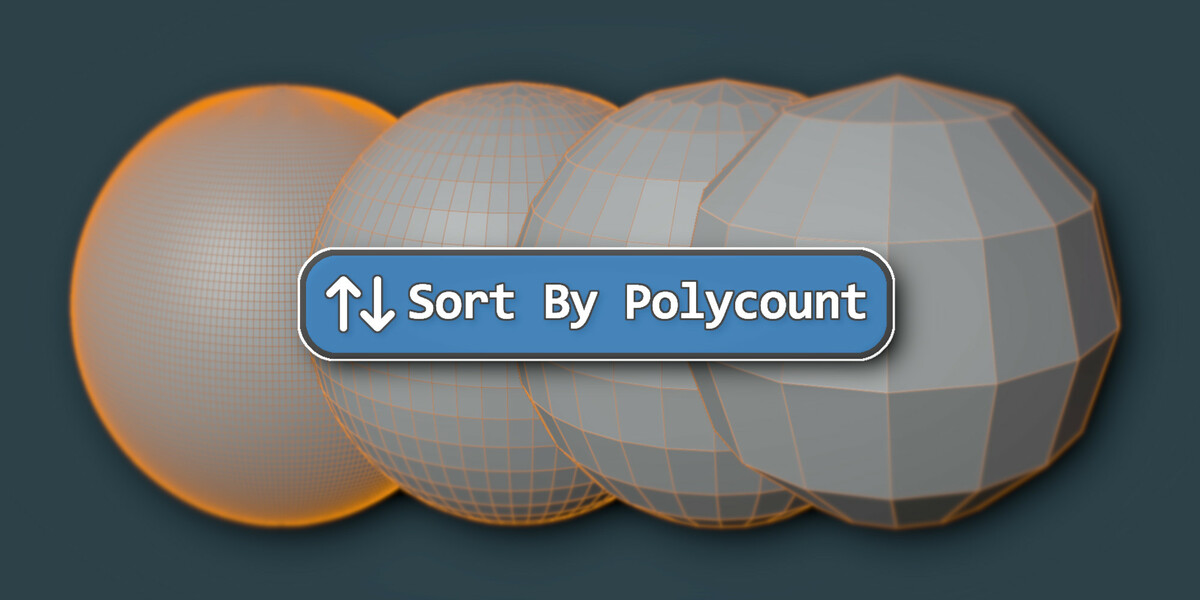
Sort By Polycount is a Blender add-on from CGMatter that sorts objects in the Outliner by polycount. It helps Blender users find high-poly meshes that are hard to spot in the object list. The marketplace description notes that high-poly geometry can slow viewport work and renders.
How the sort works
With one click, the add-on filters non-mesh objects from the view and sorts mesh objects by polycount. The listing says information for filtered objects remains intact. This gives you a focused view of dense geometry.
The documented sorting direction is unclear: the product listing does not say whether objects are ordered from highest polycount to lowest or the reverse. Use the sorted view to locate meshes for review; the product details do not establish that the add-on reduces geometry.
Who it suits
Sort By Polycount suits Blender users who need to locate high-poly objects among many scene objects before deciding what to edit. If you want to sort by size or object type, the product FAQ presents those as suggestions users can send the creator; it does not list them as available modes.
Compatibility and installation
The listing's Blender Version field shows 4.2. Its FAQ says Blender 4.2 and newer are supported on Windows, macOS, and Linux. To install, open Blender 4.2 or later, drag the ZIP onto the viewport, choose Install, enable the add-on, then restart Blender.
Known limitation
The product FAQ says reverse sorting is unavailable. CGMatter explains that Blender's Outliner lacks this functionality and that adding it would involve relinking objects. The limitation makes it unsuitable when reverse order is required.
The Superhive product listing labels its license Royalty Free. Check the listing for current license and product details before installing.