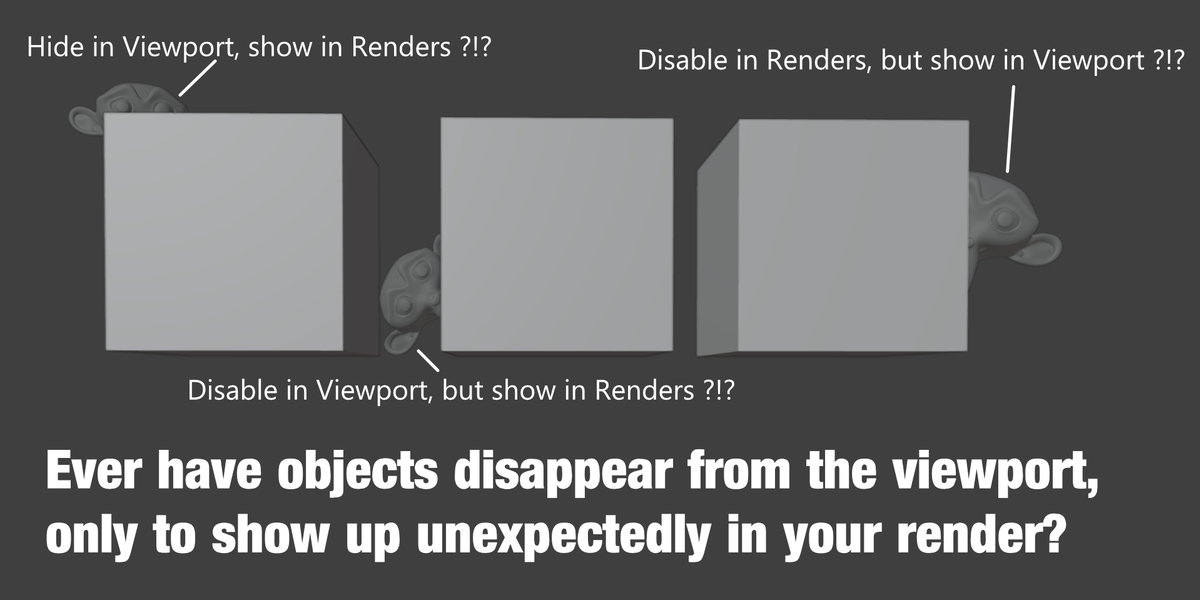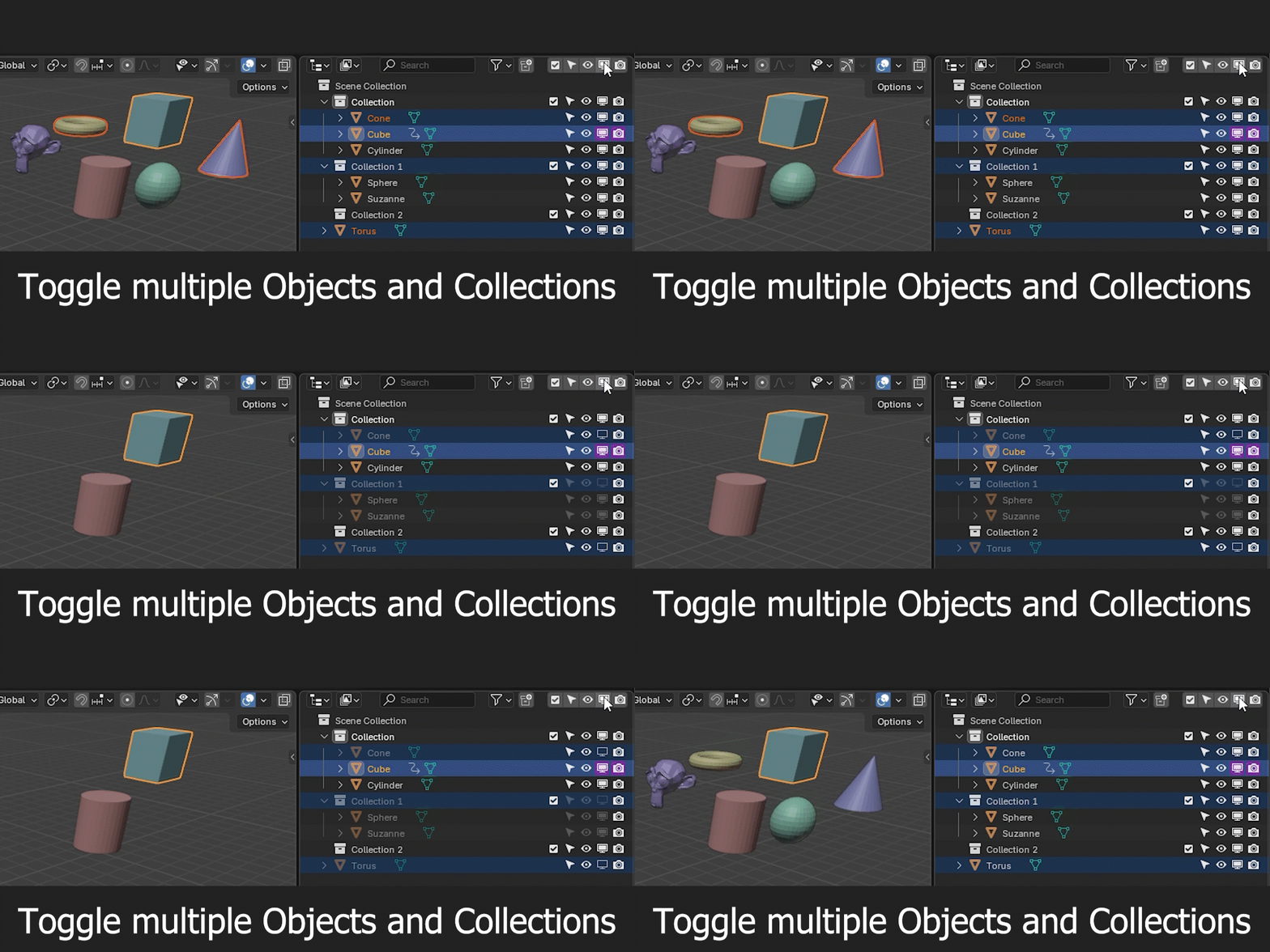
Multi-Toggle is a Blender add-on for changing visibility and selection states across multiple objects or collections at once. Its controls are available in both the 3D Viewport and the Outliner, so you can apply a state to a selection without clicking through every item.
Available toggles
- Exclude from View Layer, for collections
- Disable Selection
- Hide in Viewport
- Disable in Viewport
- Disable in Renders
The controls cover functions that do not have native Blender shortcuts. Multi-Toggle can also help when you want to reveal selected hidden objects: Blender's Alt + H unhides all hidden objects. The product listing notes that Disable in Viewport can improve playback performance, often more than Hide in Viewport.
If an object has a driver, the add-on will not overwrite its functions. Hidden or disabled objects can only be re-enabled while they remain visible in the Outliner. Expand their collections with the plus and minus icons to reach them.
Compatibility and setup
The listing gives a Blender version range of 3.0 to 5.0 and identifies the license as GPL. In the Outliner, open Filter and enable Restriction Toggles to sync them with Multi-Toggle's buttons. Check the Superhive product listing for current version and download details.