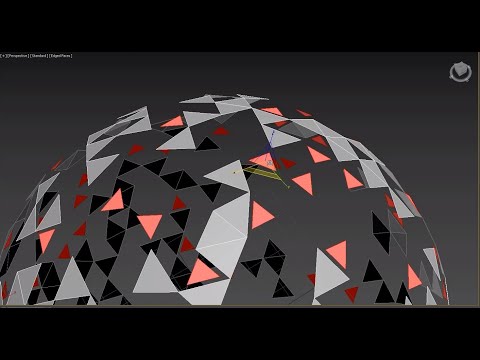
Overlapping Objects is a 3ds Max script for detecting overlapping geometry faces and polygons, as well as shape segments; ScriptSpot lists 3ds Max 2018 or later as the required version. The ScriptSpot listing names support for Edit Poly and Edit Mesh modifiers, Editable Poly, Editable Mesh, and Shapes.
Run options and checks
The [All] checkbox compares segments across all shapes in the scene or the selected shapes. The package also includes an installer and MacroScript for its two scripts: normal execution runs on selected objects, while Alt execution opens the UI. Overlapping Selected Objects.ms checks self-overlap on selected objects. In the UI, right-clicking Self Segment [Select] selects overlapping splines.
Performance and reliability
The developer warns that the script is slow, not highly optimized, may throw errors, and may freeze 3ds Max. Save your work before running it. A ScriptSpot commenter on August 26, 2022 reported that overlapping geometry did not work for them; the listing does not say whether that issue was resolved. Check the result on a saved scene before relying on it.
Compatibility and download
ScriptSpot lists version 1.0, 3ds Max 2018 or later, and an update date of August 5, 2022. The catalog lists the script as free. Confirm current availability and terms on obaida's Gumroad page before downloading.