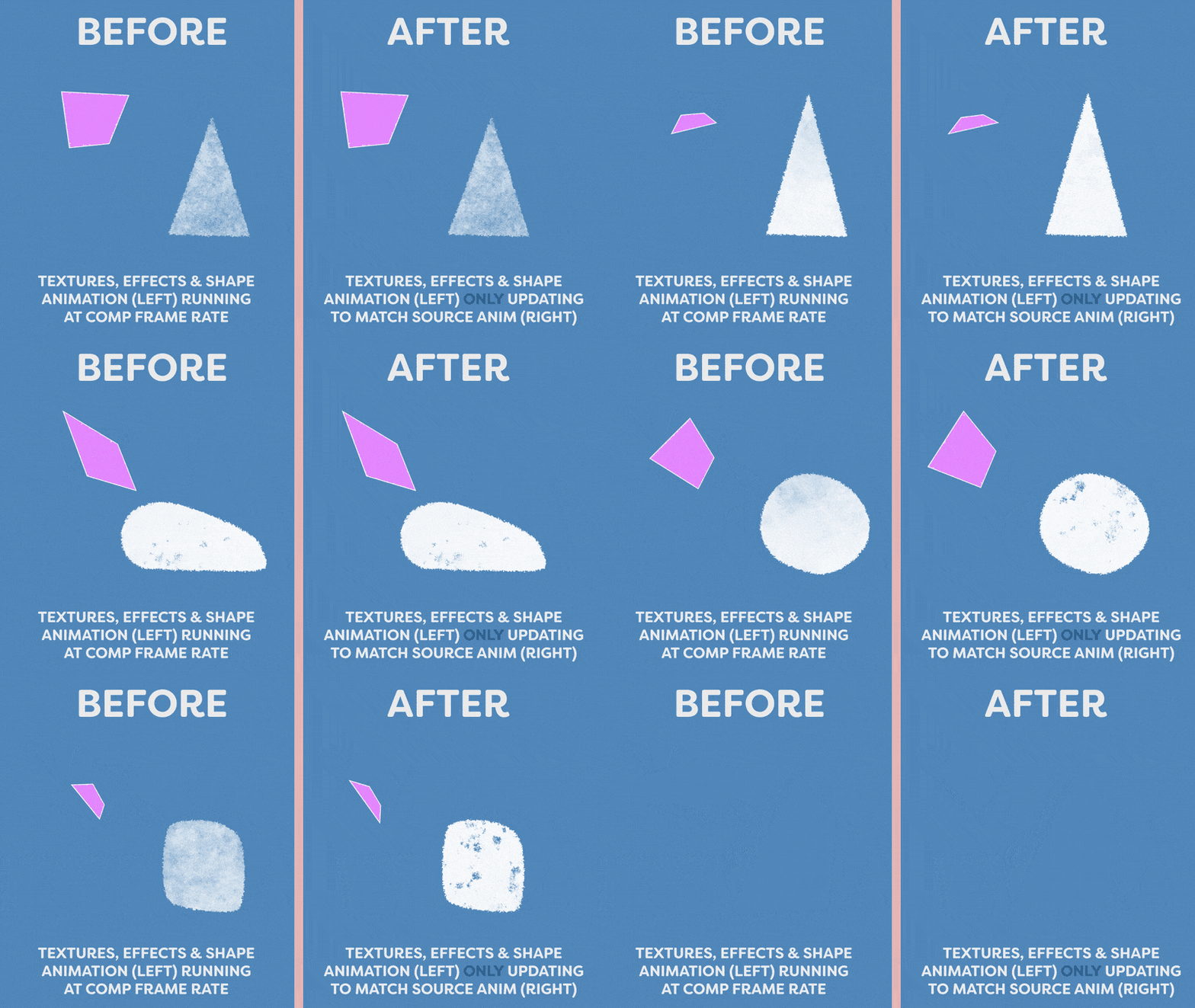
Paint Link by a + a plugins connects After Effects and Photoshop for frame-by-frame animation. Draw on project frames with Photoshop brushes, then see those changes sync to After Effects for a live preview without rendering.
How the workflow works
With one click, Paint Link links an After Effects project to a new PSD. It automatically syncs files to individual timeline keyframes, avoiding manual file management. You can adjust the onion skin for the project, and share project files with collaborators for team workflows.
Set up the Photoshop connection
Before using Paint Link, adjust these Photoshop settings:
- In Color Settings, turn off “Ask When Opening” and “Ask When Pasting” under Profile Mismatches.
- Under Missing Profiles, turn off “Ask When Opening.”
- On Mac, open Photoshop > Settings > Plugins; on Windows, open Photoshop > Edit > Preferences > Plugins. Enable Remote Connections and set the password to “aescripts.”
See the developer’s Paint Link page for its current setup instructions and trial.
Paint Link compatibility
The developer’s compatibility table lists After Effects 2022 through 2027 and Photoshop 2022 through 2025. Its version 1.0.9 history, dated August 26, 2026, says the Photoshop panel was updated for compatibility with Photoshop 27.9.1. If you use 27.9.1, confirm with the seller that the complete plugin is compatible; the table lists Photoshop by year and ends at 2025.