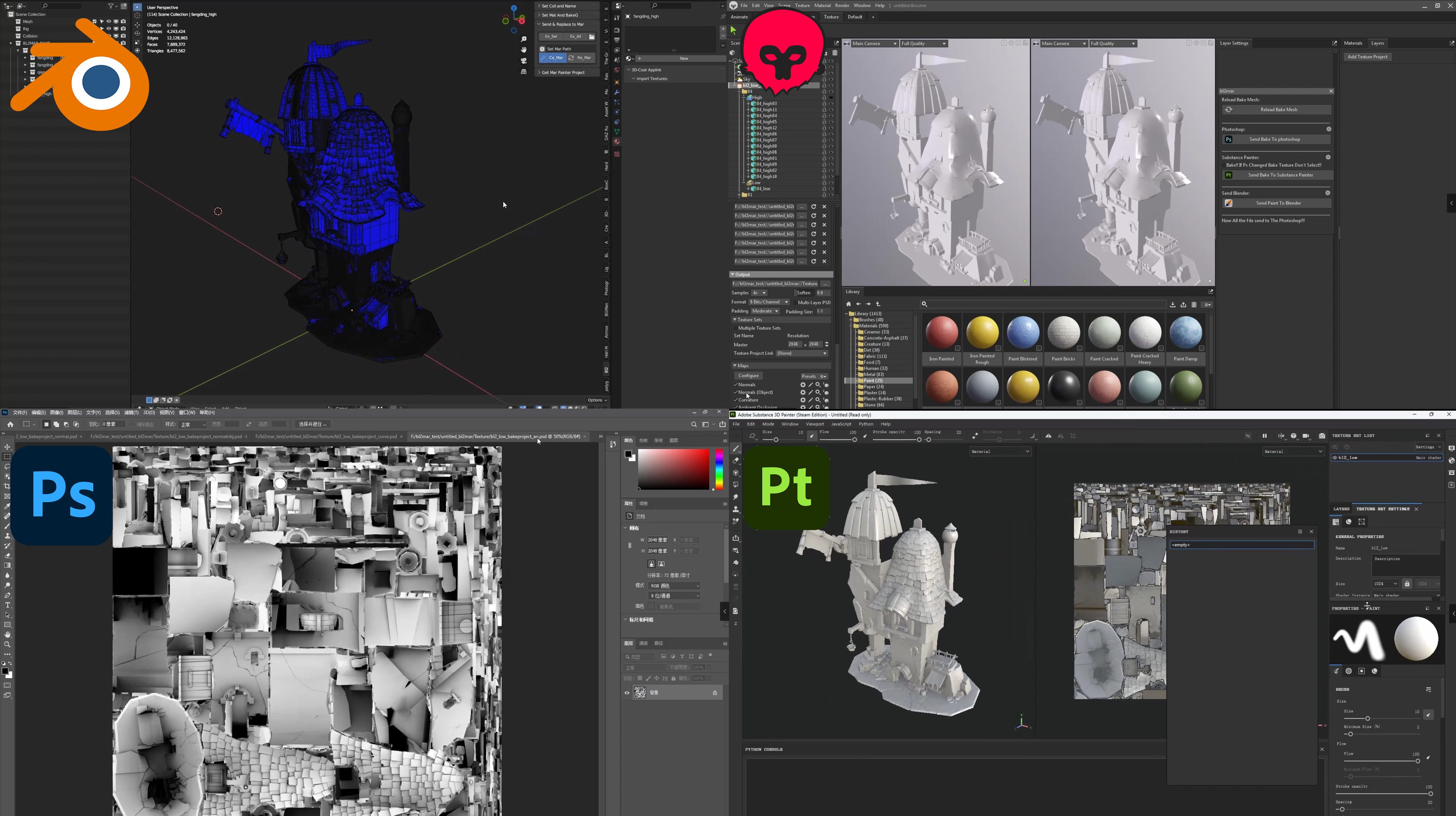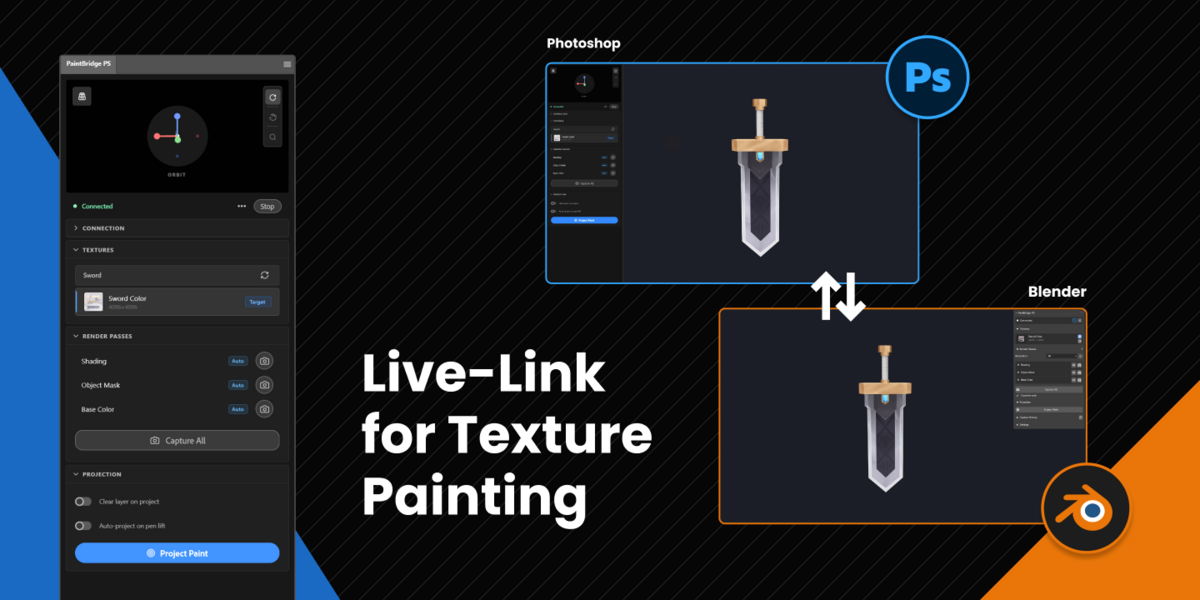
PaintBridge PS connects Blender with Photoshop for a capture, paint and project texturing workflow. It sends images directly between the applications over a local WebSocket connection, using memory-to-memory transfer instead of temporary files. Projection is ROI-based, so it sends changed pixels rather than transferring the full texture each time.
How the workflow works
- Capture the Blender scene manually or automatically. Captures can be sent to Photoshop as PSD layers.
- Paint in Photoshop with its brush tools. With the UXP app, the gizmo also lets you orbit, pan, zoom and snap the camera to an axis from Photoshop.
- Project the edits back into Blender. PaintBridge handles sRGB and Linear color conversion during capture and projection.
The connection is local, so Blender and Photoshop must run on the same computer. PaintBridge does not update the model in a live viewport as you paint; the developer recommends keeping Blender open on a second monitor.
Capture passes and texture controls
Multi-pass capture sends ten passes to Photoshop as separate layers:
- Base Color: flat material colors
- Object Mask: an automated layer mask
- Normals: surface direction
- Depth: distance from the camera
- Ambient Occlusion: contact shadows
- Shading: light and shadow
- Color ID: a material ID map for masking
- Vertex Color: an attribute or vertex paint
- Viewport: the current viewport
- Wireframe: the mesh wireframe
You can preview passes in Blender before capture and browse material texture slots to choose a paint target and projection mask. PaintBridge PS also supports UDIM strokes that cross tile borders and mirror projection across X, Y or Z through the object's local origin. The capture history stores viewport state for up to 30 entries. The listing also describes configurable transfers from 512 pixels up to 8K and image depth from 8-bit through 32-bit float.
Requirements and alternatives
The product listing shows Blender 4.0 through 5.2. Its FAQ excludes Blender 5.1.0 because of an offscreen-rendering issue and says other Blender 5.x versions are supported after the bug was fixed. See Blender issue #156370 for details.
For Photoshop, the developer recommends the UXP app with Photoshop 2023 version 24.4 or later. A legacy JSX fallback is available for Photoshop CS6 and newer, with reduced features. The product FAQ says the UXP route includes camera control, auto-capture and silhouette masking. The PaintBridge documentation has setup instructions.
For flat UV editing, you can open a texture from the panel, edit it in Photoshop and save with Ctrl+S; Blender then picks up the change. For projection painting, the intended sequence remains capture, paint and project rather than direct brush strokes on the model.