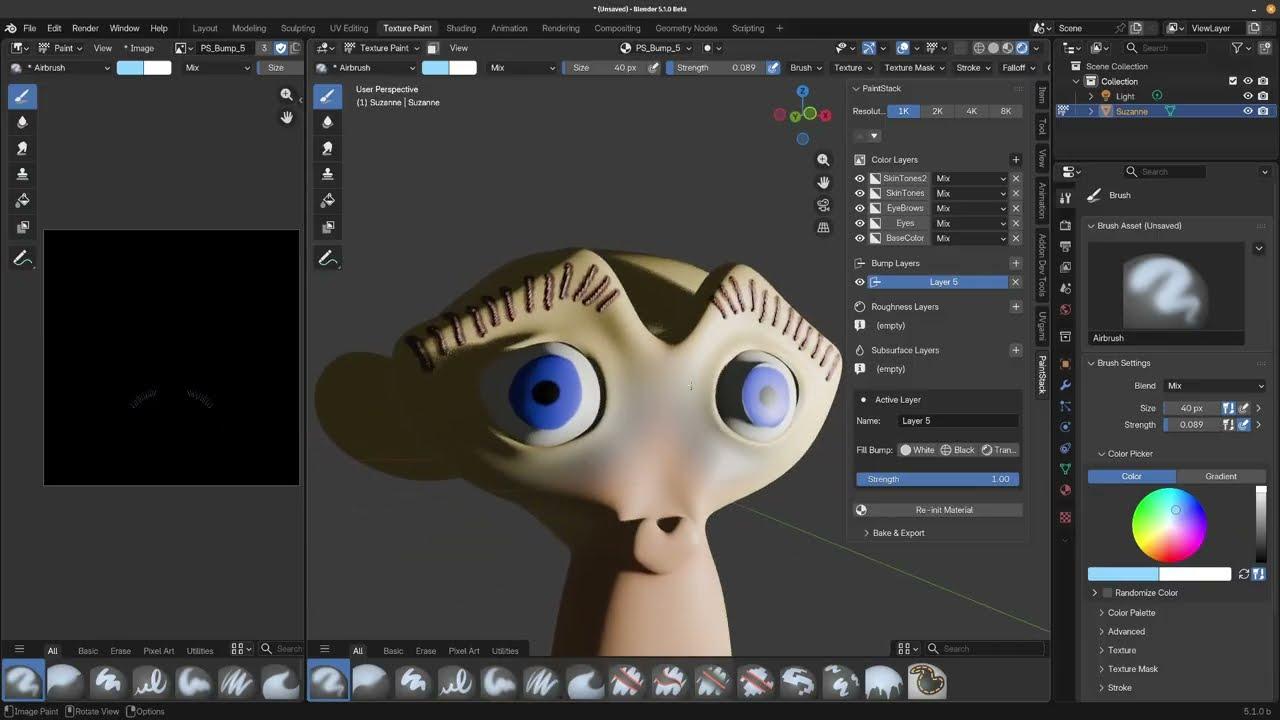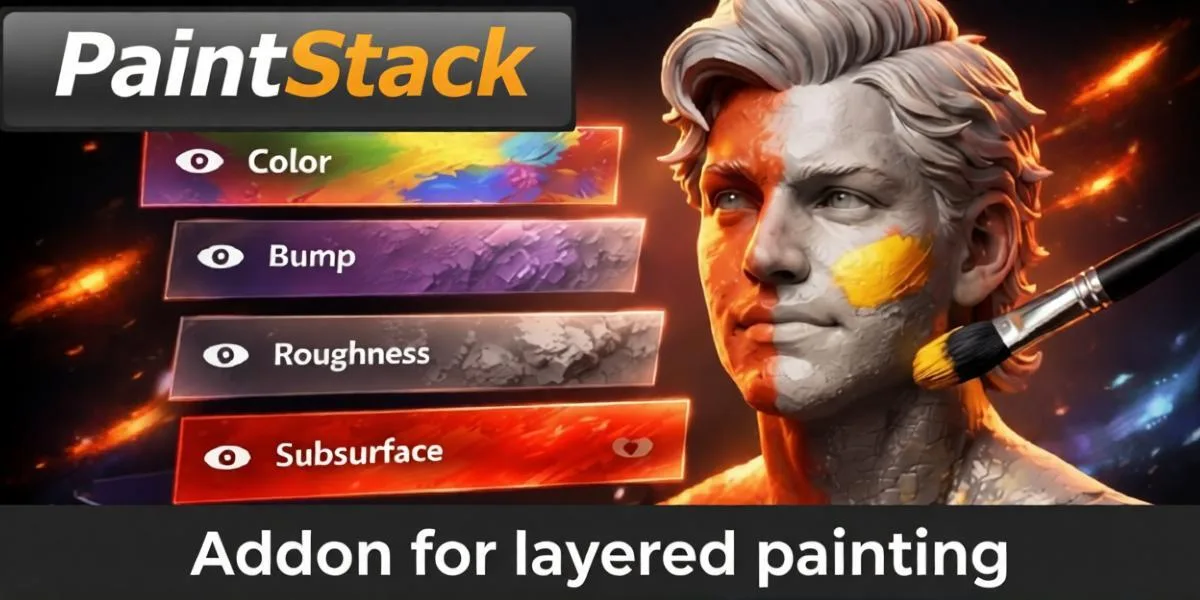
PaintStack is a Blender add-on for layer-based texture painting in Texture Paint mode. It lets you paint and composite color, transparent, bump, roughness, and subsurface layers in the viewport, then export maps from the visible stack. Each layer type connects to the Principled BSDF, so you can see the material while you work. The product listing states PaintStack is licensed under the GPL.
Set up a PaintStack material
Start with a mesh object that has a UV map, then switch to Texture Paint mode. Open the N-panel, select the PaintStack tab, and click “Initialize PaintStack Material.” PaintStack creates and manages the node-based material for the object.
Select a layer to make it active. PaintStack selects its texture node in the shader editor and sets Blender’s paint canvas to that layer’s image. A colored viewport banner identifies the layer type and target currently being edited.
Paint with layers, masks, and blend modes
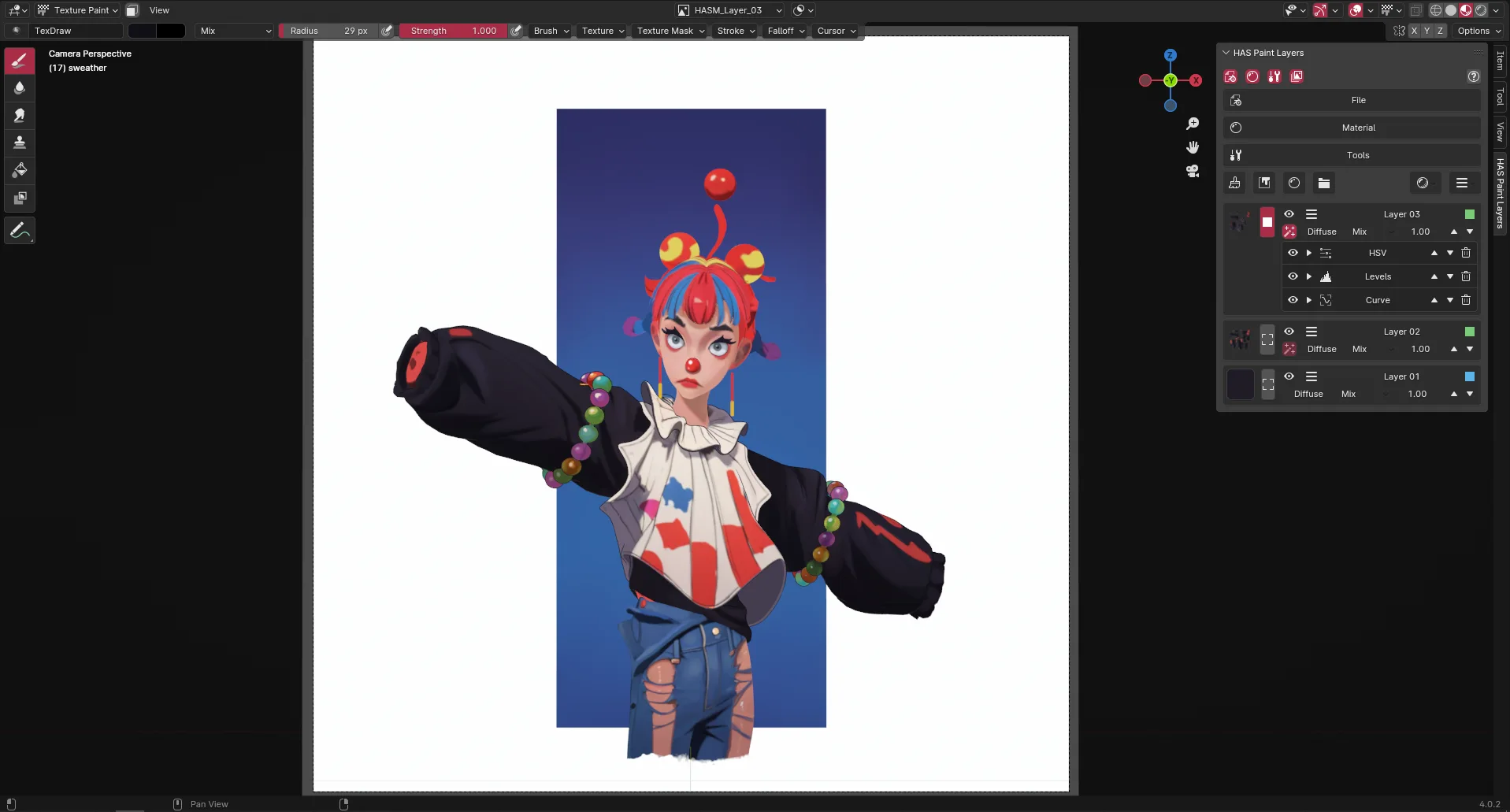
Layers can use Mix, Multiply, Screen, Overlay, Soft Light, or Add blending, with opacity controls that update in the viewport. You can reorder layers, hide them, and adjust their opacity. The active layer is highlighted in the panel and node editor.
A masked layer contains a color image and a grayscale mask. Use the edit-target controls to switch between them; the brush changes to grayscale mode when you paint the mask. Transparent layers use a single RGBA image with Paint and Erase modes. Bump layers store height information for normal-map generation, while roughness and subsurface layers paint to their matching material channels.
Save layers and export maps
New layers can use 1K, 2K, 4K, or 8K resolution, and layers in one material can have different resolutions. Changing the setting later does not resize existing layers. PaintStack packs layer images into the .blend file, so they do not need separate external image files. When you reopen a saved project, it rebuilds the node tree from the saved layer data.
For export, choose an output resolution and directory. PaintStack composites the visible layers into albedo, normal, height, roughness, and subsurface maps. Its documentation says the bake uses direct pixel compositing with NumPy and applies layer blend modes and opacity. The result should closely match the layer stack, but may differ from a full procedural material bake through Cycles or Eevee. For complex procedural materials that need production-grade baking, the documentation recommends Blender’s native bake system or a dedicated baking add-on.
Blender version and compatibility
The product listing identifies PaintStack as a Blender add-on and lists Blender 5.1. The setup documentation says it is verified to work only in Blender 5.1 and that older versions will not be supported. Compatibility with later Blender releases is unconfirmed, so check the current listing before installing on another Blender version.