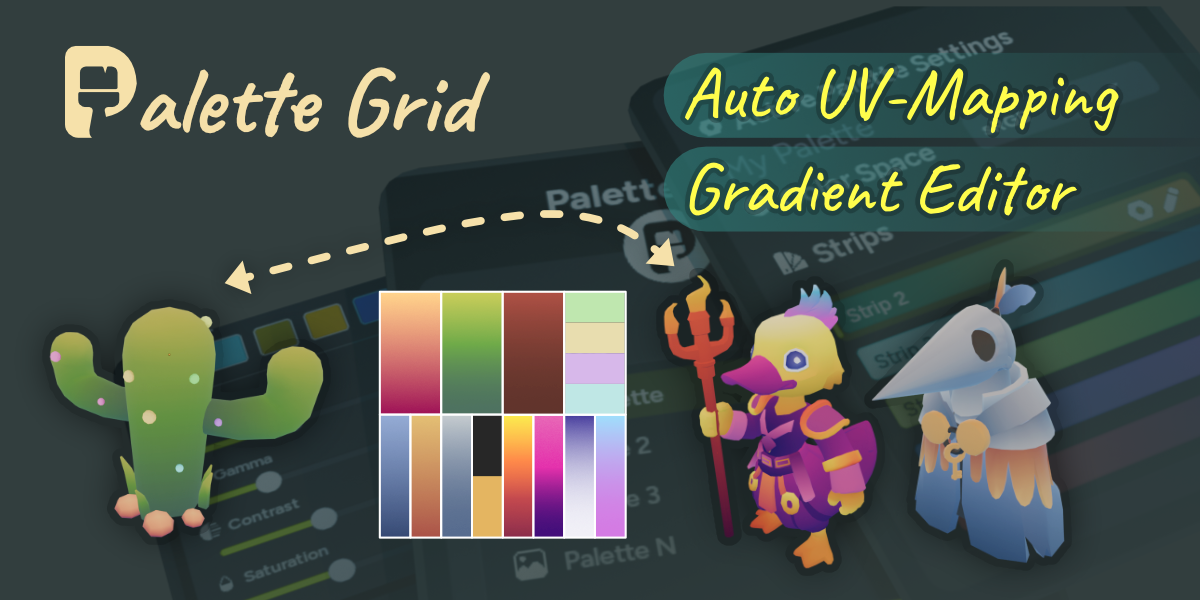
Palettegrid is a Blender add-on by SavedPixel for making stylized materials with palette textures. It creates flat-color and gradient strips in one texture, then provides tools to place those colors on mesh faces through UVs. Palette creation, editing and placement happen inside Blender.
Create and edit palette textures
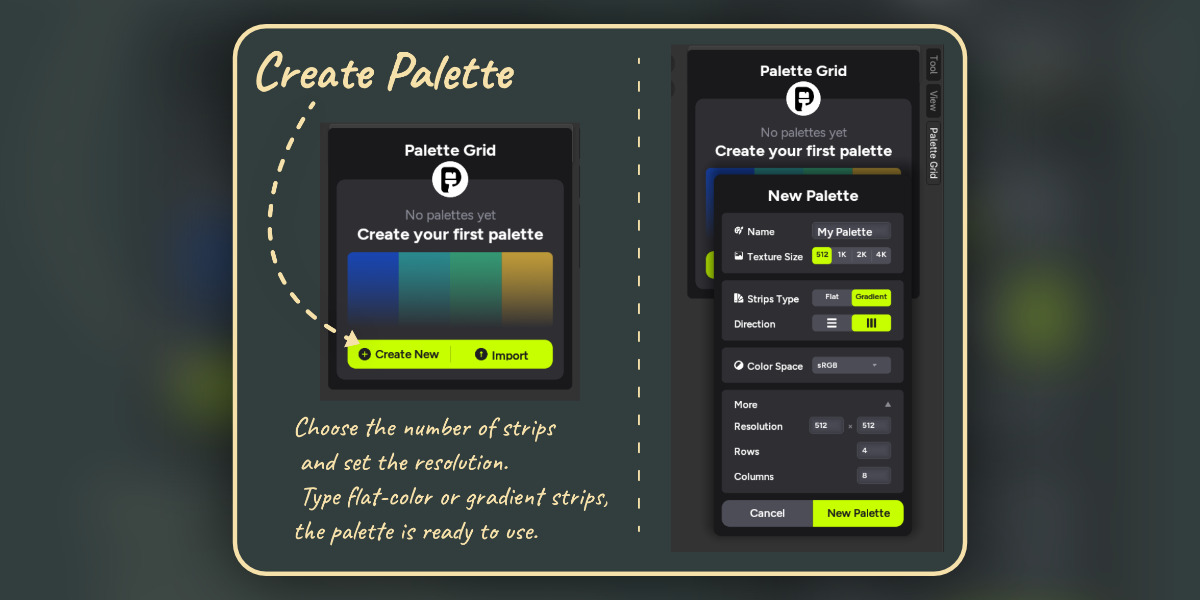
Choose flat-color or gradient strips, set the layout direction and number of rows or columns, then select a preset or custom texture resolution. The gradient editor lets you add, move and remove color stops, set stop positions, and choose colors with hex input or the color picker. Hue, gamma, contrast and saturation adjustments can be reset without changing the original strip colors.
You can keep multiple palettes in a .blend file; the documentation says Palettegrid saves them there automatically. It also supports importing palette data from JSON and exporting palette data for use in other files or sharing with teammates.
Place colors on a mesh
For UV Snap, select faces in Edit Mode, choose a palette strip and apply the snap. Palettegrid positions the UVs on that strip and can create UVs when the mesh has none. The product documentation says the operation can be applied across hundreds of faces at once.
Project From View places UVs on a gradient strip based on the current viewport angle. Its documented options include projection mode, direction, margin and merging objects. This is useful when the desired gradient follows a particular view of the model.
Use radial and path gradients
Radial Snap places a distance-based gradient around the 3D cursor, which you position at the gradient's center. Gradient Path maps a strip along a path drawn on the model. It supports detailed paths as well as simpler lines, and shape detection can regularize rough lines or circles before you apply them. These modes cover placements that would otherwise require manual UV alignment, especially on curved or flowing forms.
Export and compatibility
The add-on runs inside Blender. Its documentation describes the palette texture as a standard PNG, so you can export the model and palette image for use in engines such as Unity, Unreal or Godot. Check the Palettegrid documentation for its workflow details and the product listing for current compatibility information.
The documentation says Blender 4.2 or newer. The marketplace product details list versions 4.2–5.2, while its FAQ lists 4.2–5.1. Confirm support for your Blender version on the current listing before installing.