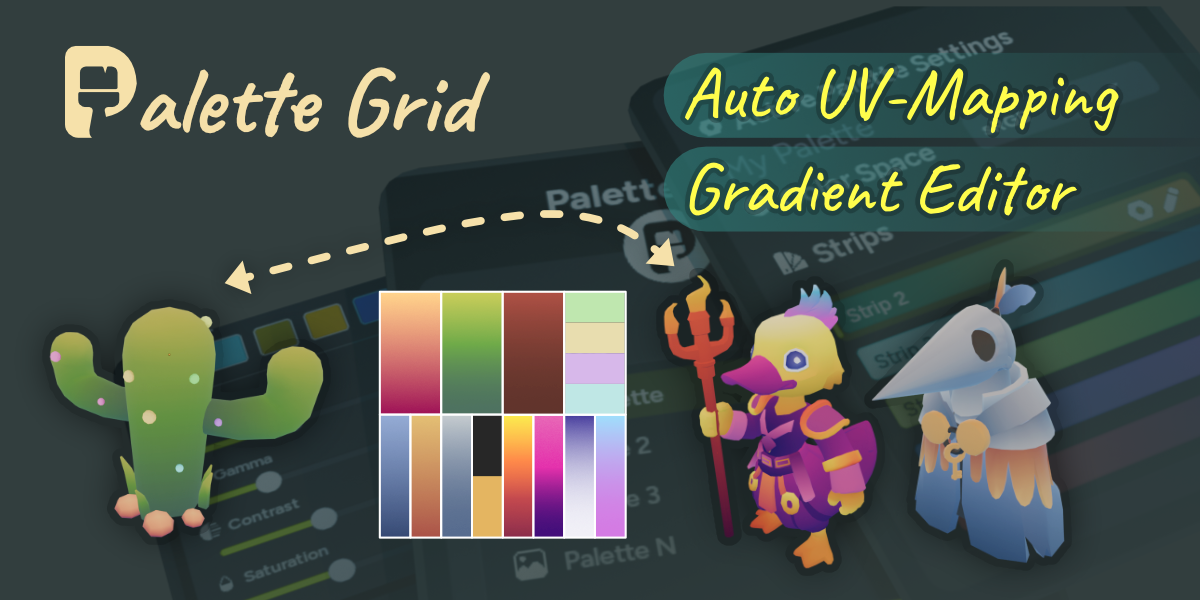
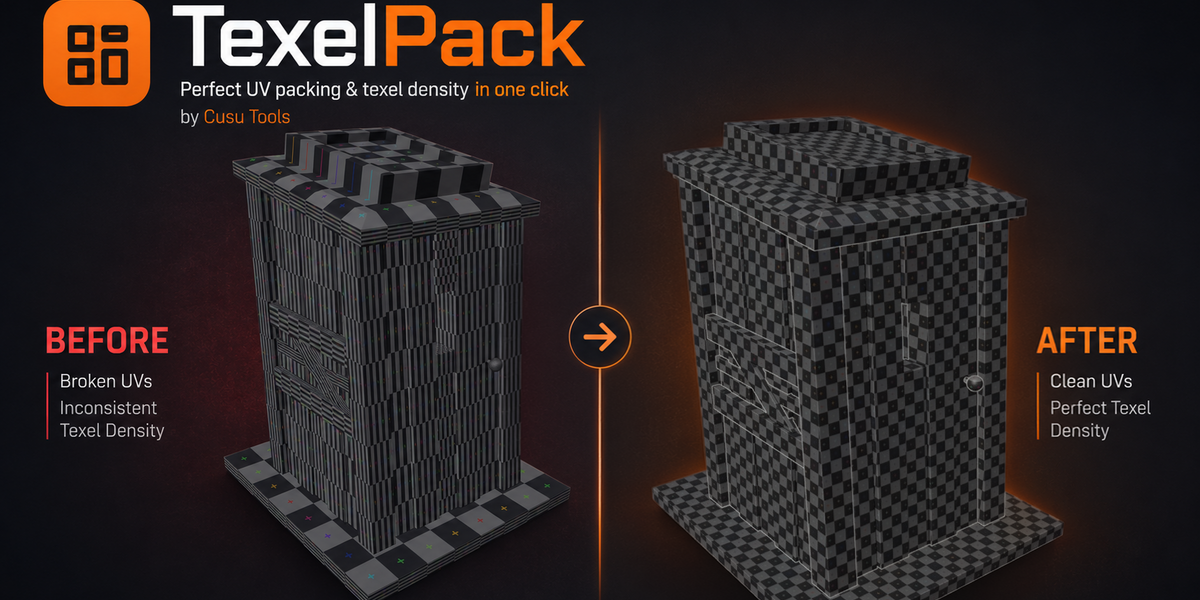
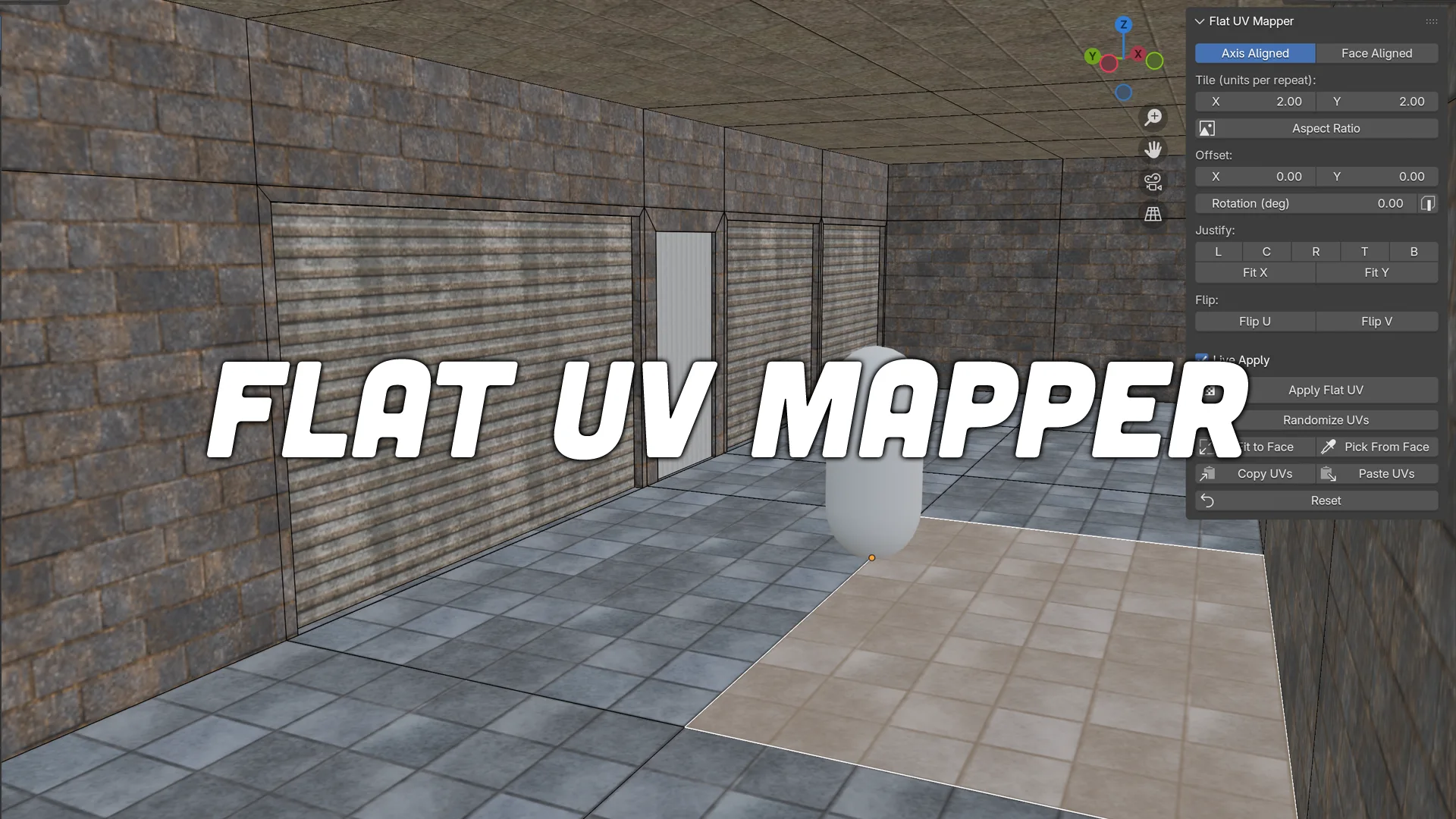
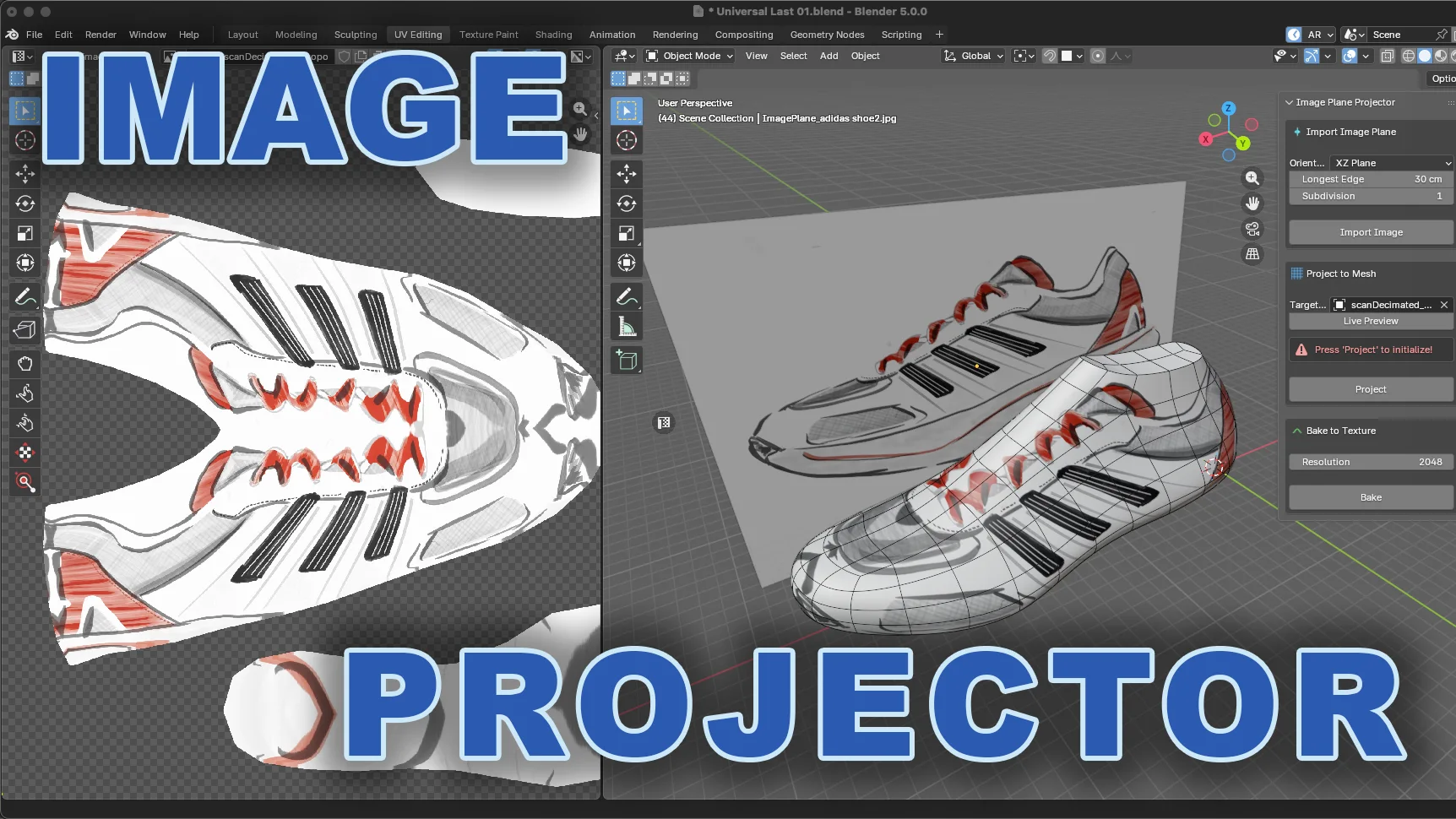
MV Low Poly Painter is a Blender add-on for assigning colours and gradients to selected mesh faces through a UV atlas. It places the chosen colour in the atlas and moves the selected faces’ UVs to the matching block, so you can manage low-poly colours without positioning each face by hand.
The atlas holds multiple colour blocks in one image. That gives a low-poly project a shared palette that you can label, save and reuse.
Set up a mesh and assign colours
- Select a mesh object, open the 3D Viewport sidebar with N, and go to the MVPainter tab.
- Click New to create a painter setup and choose an atlas size. Setup options can create the UV image and prepare the material and mesh data.
- Create a palette and add colour slots. In Edit Mode, select the faces to paint and click the assign control beside a colour slot.
- Save the library when you are ready to reuse it.
The add-on handles the atlas placement when you assign a slot: it puts the colour in the UV image and moves the selected faces’ UVs to the corresponding region. The product documentation describes the setup and face-painting steps in more detail.
Organize palettes and share them across meshes
A library can contain multiple palettes. You can create, rename, reorder and switch between them, then add labels to group colour slots. Saved libraries can be loaded for reuse in other Blender files.
Shared profiles let multiple mesh objects use the same palette data and UV atlas image. Create a profile from an active object, then assign that profile to other meshes that should share the library.
Use gradients and import palettes
The separate Gradient Library stores gradients in its own atlas region. You can create and label gradients, then assign selected mesh data to them. The documentation marks this library as beta, so treat it as experimental.
For colour palettes, the documentation describes importing from a Color Hunt URL or a .hex file containing valid six-digit hex values. The product listing also describes extracting colours from images and downloading online palettes.
Compatibility and license
The listing states support for Blender 3.6 through 5.1 and names Cycles and Eevee as supported render engines. It lists the add-on under the GPL license. Check the listing and documentation for current details before installing.