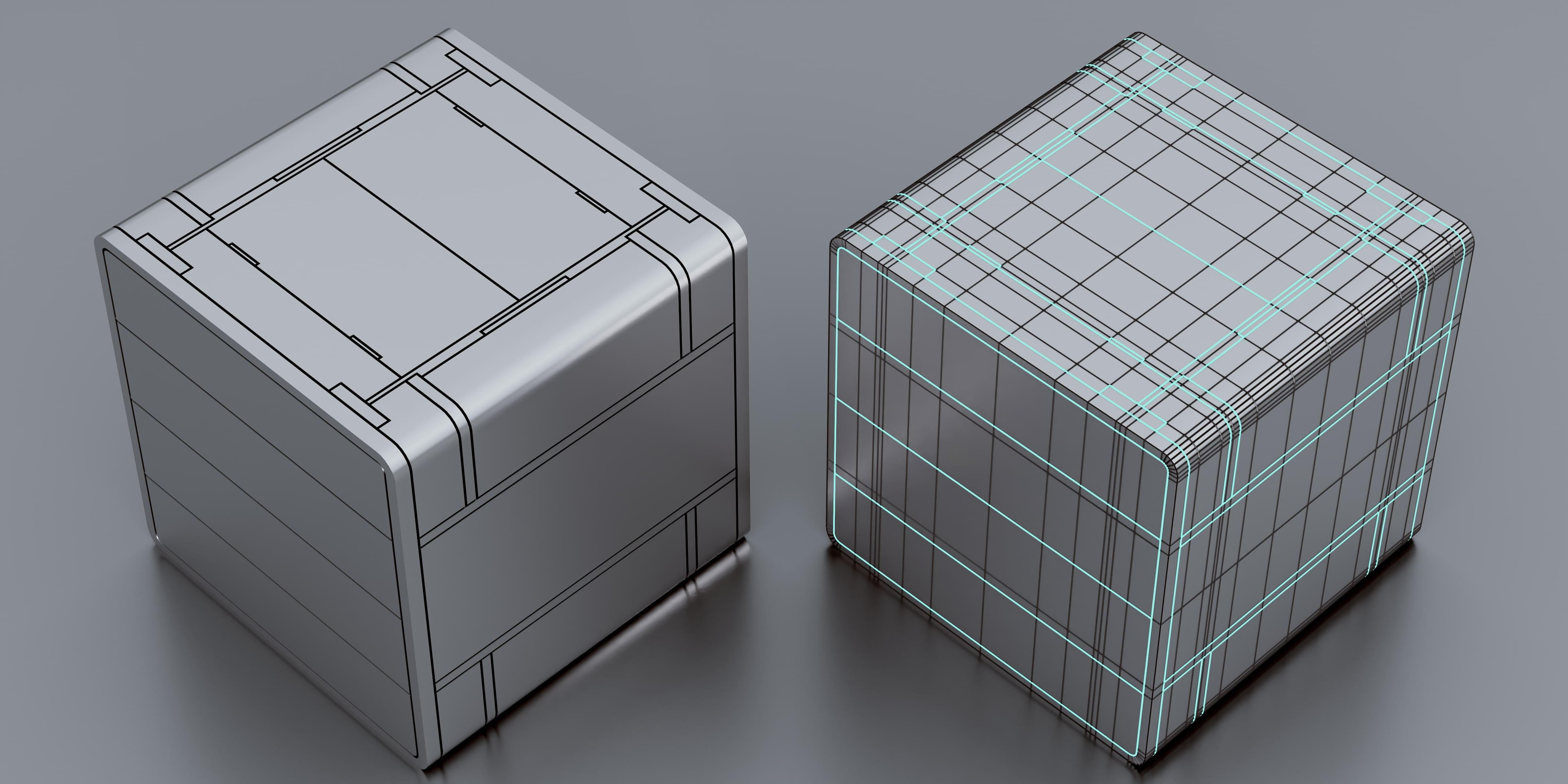
Panel Cutter is a Blender add-on that creates panel cut details from edges marked sharp in Edit Mode. Blender Guppy describes it as a focused tool for adding detail to simple or complex geometry, including sci-fi models.
How Panel Cutter creates detail
Mark the edges you want to use as sharp in Edit Mode, then run the add-on to create panel cut details from them. You can randomize panel heights to vary the result. A vertex group marks the generated panel geometry, making it easier to select.
The main controls are in a simple operator or redo panel. The redo panel contains only the functions needed to create different effects and workflows.
Choose how to handle the geometry
By default, Panel Cutter creates the resulting geometry as a separate object. You can also merge it into the original mesh.
Panel details can also be baked as normal details for a specific area or across the whole model.
Where to find the operator
The listing says you can open Panel Cutter with Shift+T in the 3D Viewport and change that shortcut in the add-on preferences. It also identifies the operator in Blender's W specials menu in both Object Mode and Edit Mode.
Compatibility and license
Superhive lists Blender version compatibility from 3.6 to 5.3, marks the add-on as Blender Extension Compatible, and identifies its license as GPL. Compatibility details can change, so check the Panel Cutter listing and Blender Guppy's add-on documentation before installing.
When it fits
Panel Cutter fits a modeling workflow where panel details should follow chosen sharp edges. The developer's listing also links to an official tutorial playlist marked as a work in progress.