Pathix-Roads Generator is a Blender add-on for building editable road networks from points. Place a point, extend another from it, then move points to reshape the network as you work. The creator presents it for quick blockouts of cities, game environments and large scenes.
Start with a point-based road layout
To begin, open Blender’s N-panel, choose Pathix and press Start. The add-on generates a road grid. Switch to Edit Mode and move or extrude vertices to shape it; each edge becomes a road. The point-based workflow lets you revise the network without redrawing curves or rebuilding the layout after every change.
Adjust road paths and intersections
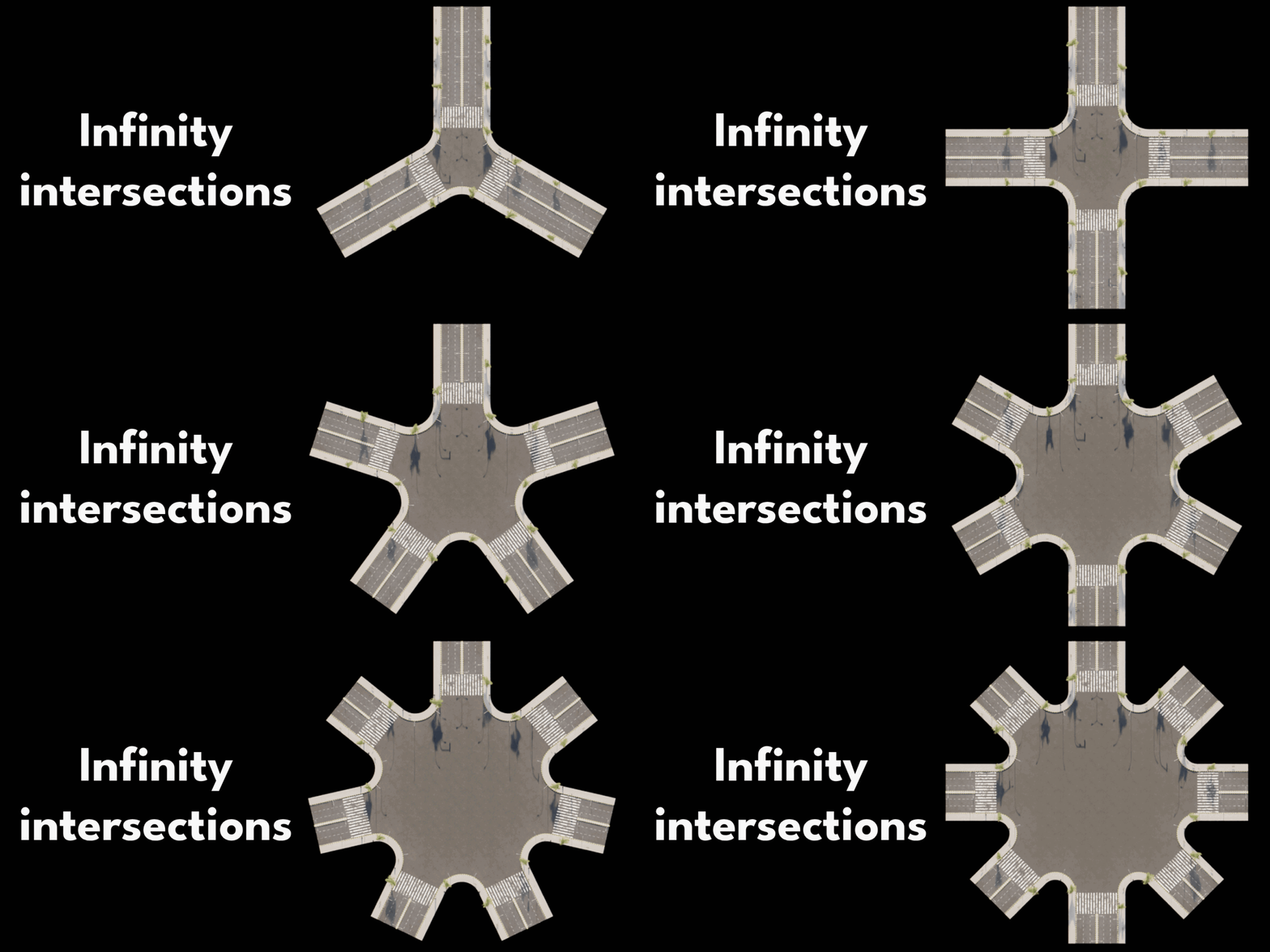
Choose single or double paths and set a path count from one to seven. Version 1.1.0 adds per-road lane width and count controls. The product listing gives a road width range of 2 to 5 metres and notes support for intersections. In the Road tab, you can also change the asphalt material, adjust road wetness, and remove the middle island or traffic lights.
Configure sidewalks and elements
The Sidewalk tab controls sidewalk width, material and elements. The listing names seven sidewalk materials and five bench types. Its documentation describes trees, benches, lights and trash, with controls for spacing and X and Y offsets; benches have a type setting, lights have a power setting, and elements can be removed. Version 1.1.0 also adds custom elements and scale control.
Audience and compatibility
Pathix is aimed at game developers, architectural visualization artists and urban environment artists. The creator also lists beginners and professionals. The Superhive listing records Blender 4.5 to 5.0 compatibility, Cycles as the render engine used, and a GPL license.
See the Pathix product listing for product details and the Pathix documentation for setup steps and control descriptions.